I installed downloader V2 and cannot get toolbox to load. Have uninstalled several times and redone.I followed tutorial but no luck.
Do you have an active vpn with ad blocker or such? If so try turning them off and see of you can get to the site.
Turned vpn off. Tried code and url. Says webpage not available. Anyplace i can get old downloader back?
Dont give up on the new one just yet. Delete the one thats on there now. Clear all your cache. Unplug for 30 sec. and have another try. That worked for me.
That got it. Thanks Reece and Miki
Trying to download the Virtualizer App from the toolbox on my FIre TV. It refuses to install it. And here’s the message:
The webpage at https://builds.app-virtualizer.com/virtualizer.apk could not be loaded because: net:ERR_CONNECTION_REFUSED
What does this mean and how can I get around it? This Fire TV is on Fire OS 7.7.08 and I installed NetGuard to prevent Amazon from updating it.
Most of these problems are due to recent Downloader update.
Try the following.
- Deactivate VPN or any ad blockers temporarily and see if that fixes the problem.
- Reboot streaming device and router.
- Uninstall Downloader app and then reinstall.
Awesome Buddy, that fixed it. Well done !!
Toolbox links are pointing to wrong APK.
Trying to download APKs from toolbox but some links are pointing to the wrong APK. EX: Fast Task Killer goes to Launcher Manager On Firestick.
Which App exactly please.
I just downloaded the fast task killer apk without any issue. It did not point to anything to do with Firestick.
I have a number of Onn 4K plus boxes at home and when Surfshark needs to be updated, it never seems to update when I click on the “update” box that appears in the top right corner in Surfshark. I have always in the past gone to the Troypoint Downloader app and re-install Surfshark from there, which updates the version to the latest version without changing any settings within the app. If I download the latest version from the Play Store, I have to reconfigure all settings in Surfshark, whereas when I download from the Troypoint Tool Kit, it recognizes the installed version and asks if I would like to update the app.
I went to do so today and I can’t see the Surfshark app download anywhere in the toolbox. Is this an oversight, or has it been removed permanently? I see the new format, but the Surfshark app download button is nowhere to be found. Was it purposely removed?
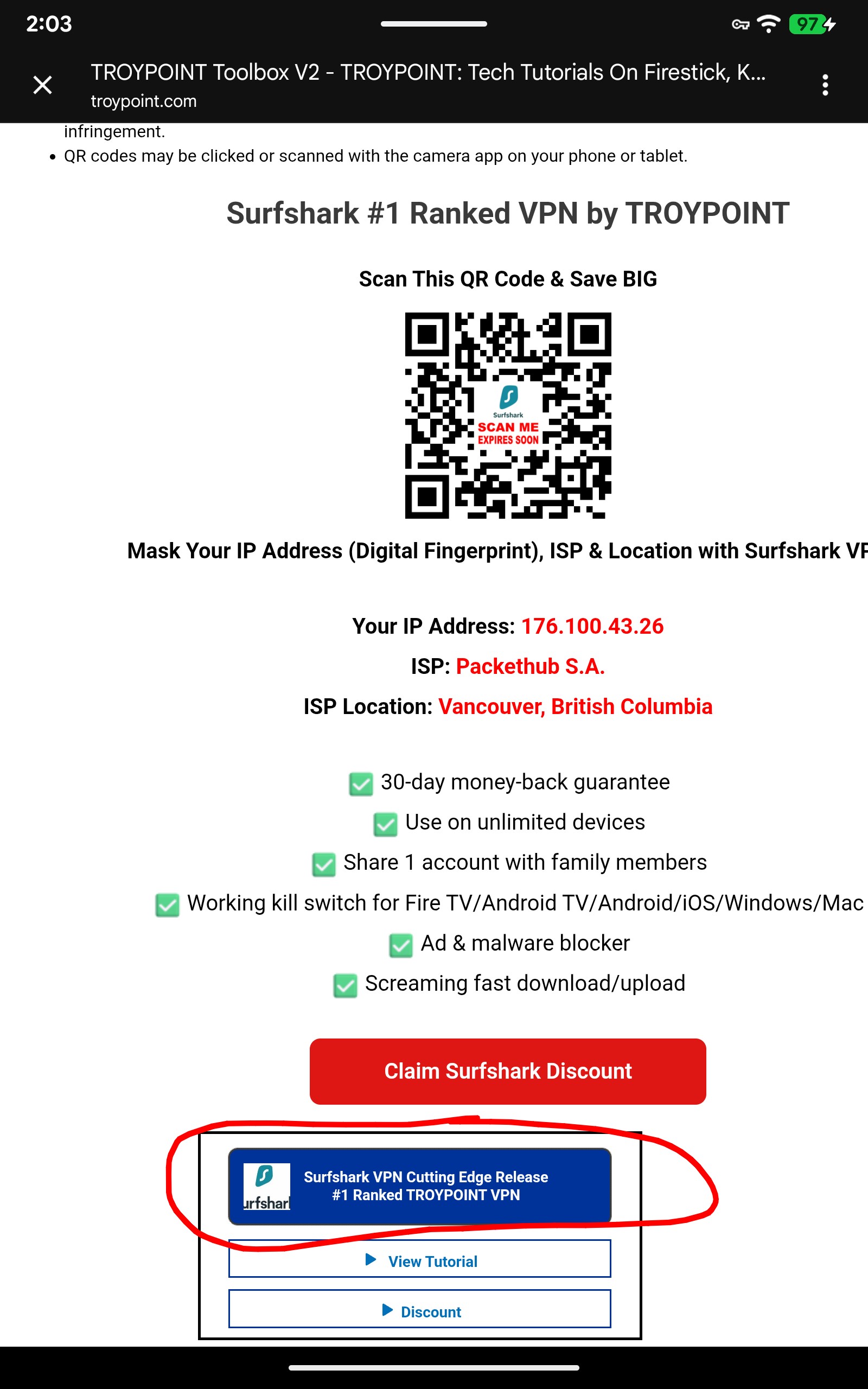
I didn’t realize that would link me to the app. Duh! Thanks!
Hey it’s all good. We’re here to help no matter what your issue.
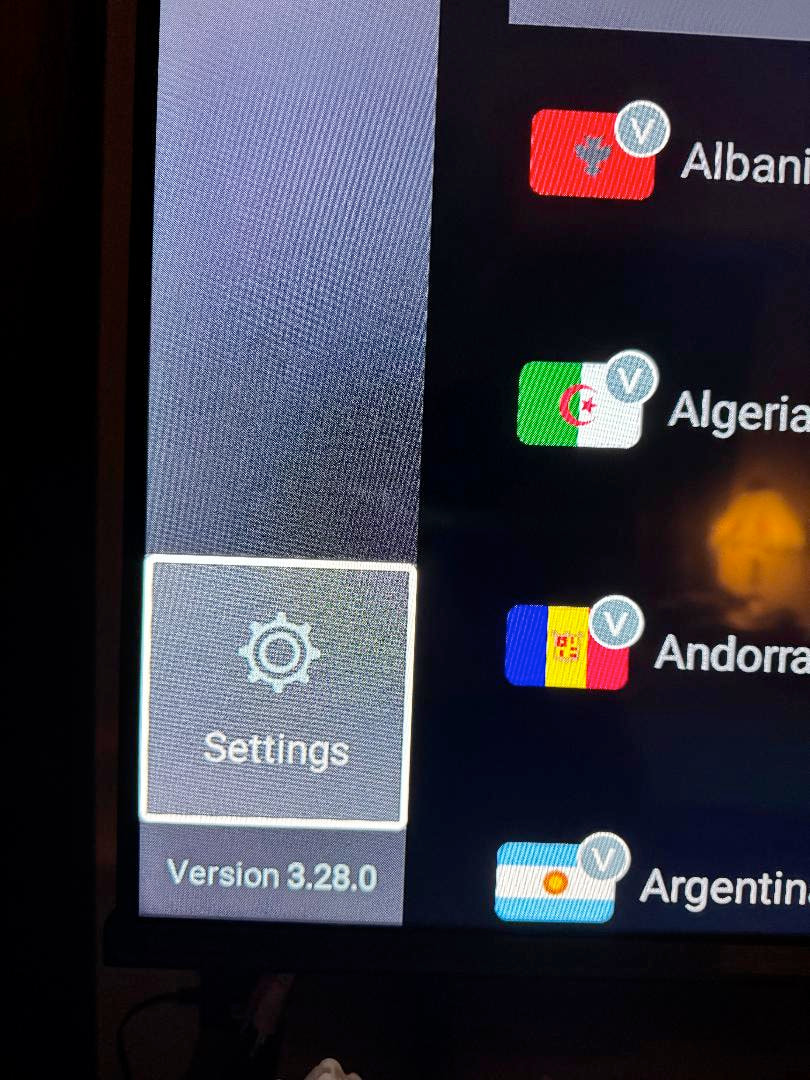
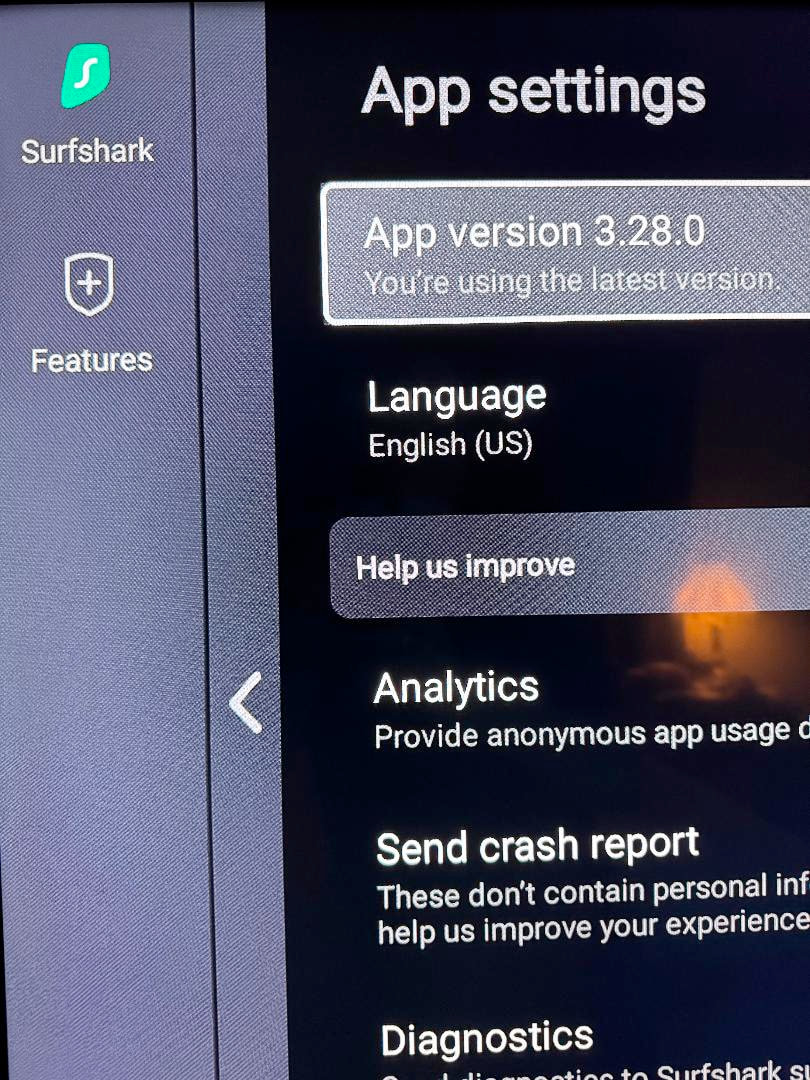
@JerryJ It’s interesting you posted this. On my Onn, Surfshark said it needed to update way on the far right above where it says “connected”. It’s in PINK letters. So I clicked on the PINK LETTERS and it took me to the next screen and “UPDATE NOW”. It FLAT OUT WOULD NOT UPDATE. I tried over and over, then I tried to install Mouse Toggle and could not get it to work.
By this time, after several tries, I WAS HAVING DARK DARK THOUGHTS.
Then I said to myself, "self, let’s just go to the Troypoint Toolbox and click on the latest version of Surfshark in the Toolbox for our update.
Voila, it asked me if I wanted to update, “F yeah” I said to myself, I clicked away and then, my dark dark thoughts all faded away and serenity set in. I felt like @itzme likely feels after ingesting adult consumables.
Thanks TP Toolbox.

8 Likes