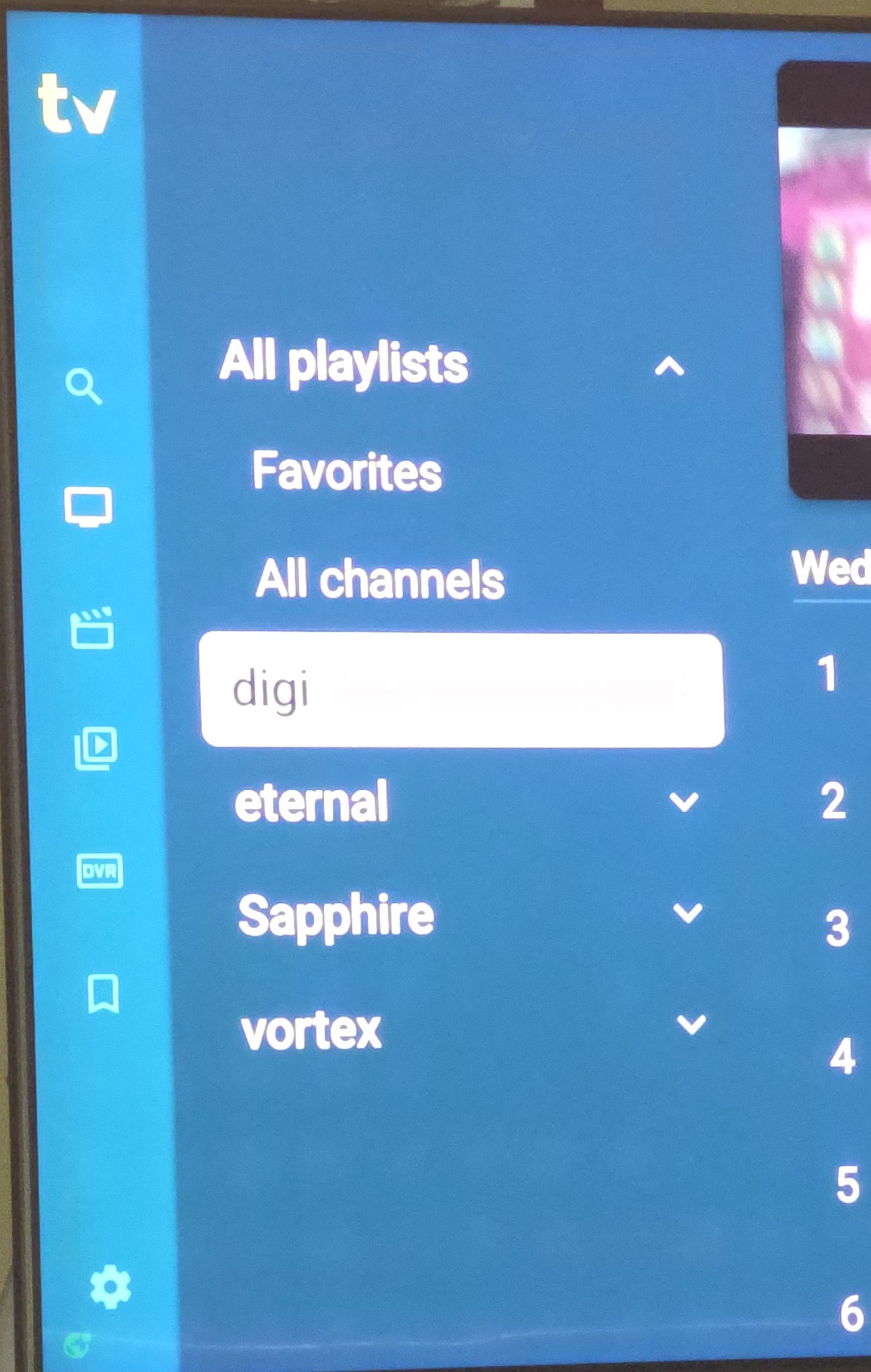
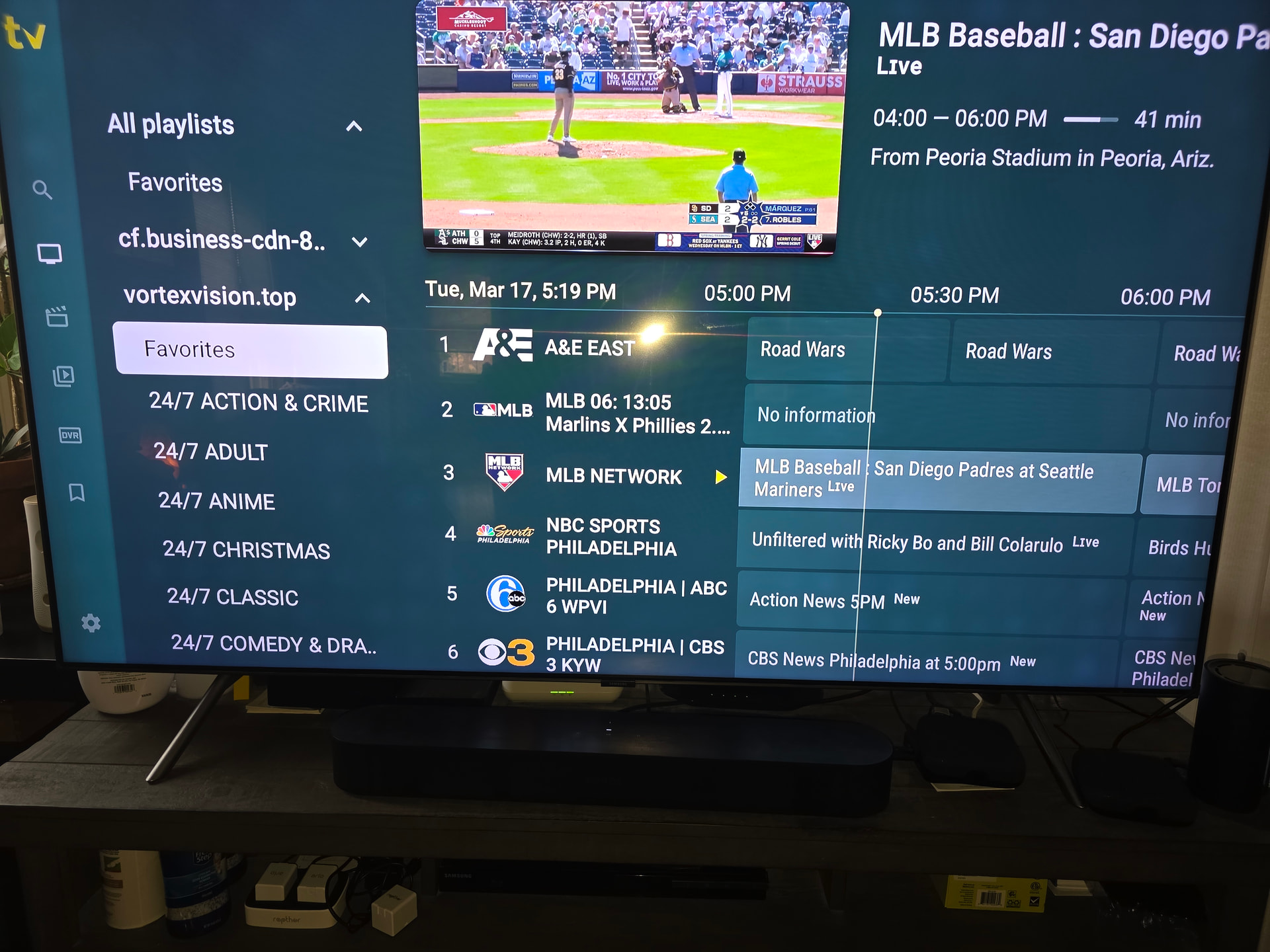
I am using the paid version of Tivimate and I have one ONN box misbehaving, TiviMate will only show 2 playlistis in the All playlists menu. I have uninstalled and reinstalled, cleared the cache, toggle them on and off etc. I’ve never seen this before. I setup a ton of these boxes with IPTV services and they all show up. It doesn’t matter how many services I add, it always shows two. If I turn those 2 off, it shows nothing under all playlists even though there are other playlists enabled. I even sent this to TVmate and they basically sent me the manual. I said thanks, but that didnt solve the issue. In the pictures below both boxes have more than 2 services, but one will only show those 2.
1 Like
Try resetting it and put everthing in again if you have the pay version and the latest 5.2 or it sounds like it could be your box. Did you try unplugging the box and plugging it back in?
You may want to try using another DNS like 8.8.8.8 or 1.1.1.1 I had a playlist that did that and switched from my ISPs DNS to an anonymous one 8.8.8.8 and the list loaded and played just fine after the switch.
3 Likes
Yeah, powered off, even uninstalled tivimate and reinstalled.
1 Like
Did you try a different DNS?
Not yet, but I will.
3 Likes
Can you switch DNS using an android tv box?
1 Like
It depends on your box as the settings should be there, but can be challenging to find in some. I have Nord VPN and it allows me to use any private DNS I want. I would do an online search for your device and specify changing DNS in your search.
Hi @JayB  Try TDUK DNS SWITCHER Go to YouTube and open search and type: tduk dns switcher or open from this url: https://youtu.be/tkqP2-4F7qw?si=CbWS-SRqM6zOKzMU
This should take you to the DNS SWITCHER explanation and tutorial video by Techdoctoruk
I have it installed - from Google play store - on my ONN 4k android tv box and it works great 
I hope this is what you were looking for  Good luck!
2 Likes
Thank you
2 Likes