When i connect to a location with Surfshark VPN it changes my IP address but when i go back to it it shows my actual IP address. Am i protected from my ISP provider.
read all you can on here about the settings esp troypoint website and on surfshark website you will find your answer i am sure.
1 Like
I’m having the same issue. Spent 3 hrs with SS and tried everything. no borders does not show on shield. dns change crashed my router (Nighthawk Mesh) Had to reset and start over. could have been me though. I’ll have to wait till they get a fix.not smart enough to troubleshoot stuff like that. Have had SS for 3-4 yrs and never had a problem till 3-4 days ago. what is next best vpn . Thanks
You can verify that the ip address when surfshark is on, is truly in fact your real ip and not the server that you believed connected to prior.
Use either analiti speed test app which will show your ip when speed testing - and it will label if you’re behind a proxy connection.
Alternatively, you can go to whatismyip.com on a browser on the device and see what ip is recognized.
…just to make sure shark isn’t confused.
When reading some topics in Troypoint Insider I am getting this above notification showing my TRUE IP address on my mobile android phone instead of the Surfshark IP address that is supposed to hide my true IP location. I don’t know why this is happening now because the Surfshark CREATED IP address always was shown/reported correctly before. Any ideas or help?
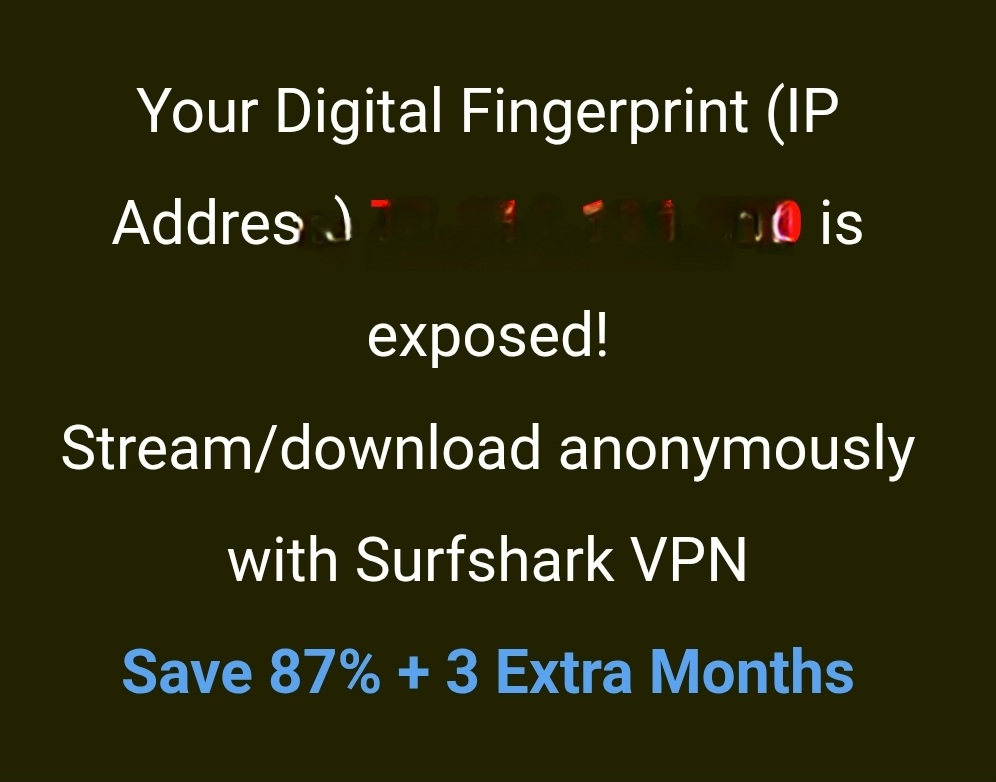
Hello @Patachou Many times this is a caching issue. Same you will see in Analiti.
After connecting to VPN try clearing browser cache and then it should start showing your VPN IP Address. Same in Analiti where many times it shows the IP Address but then says over “Name of your Internet Provider” and the reason for this is it’s remembering past tests with VPN off. For Analiti you can go into Settings/Apps/Manager Installed Apps/ and clear cache and it won’t show anymore.
4 Likes
Thanks Troy. Working now! Thanks for taking the time to explain everything for me. Helped so much! 


2 Likes