Same. VPN actually improves mine. 
Oh no - 
Resist, resist - we must not turn this into, yet, another vpn vs no vpn hijack.
In keeping with the thread theme - I got premature with my recent surf shark praise. Very recently, I’ve been having some blacklisted IP issues out of their Chicago servers.
You still have the proton VPN anomaly going with your speeds (yes, I’m still jelly) - but shark has steadily been fixing their speeds issues that were a problem last year.
After changing server locations this morning, speeds for me on shark continue to improve.
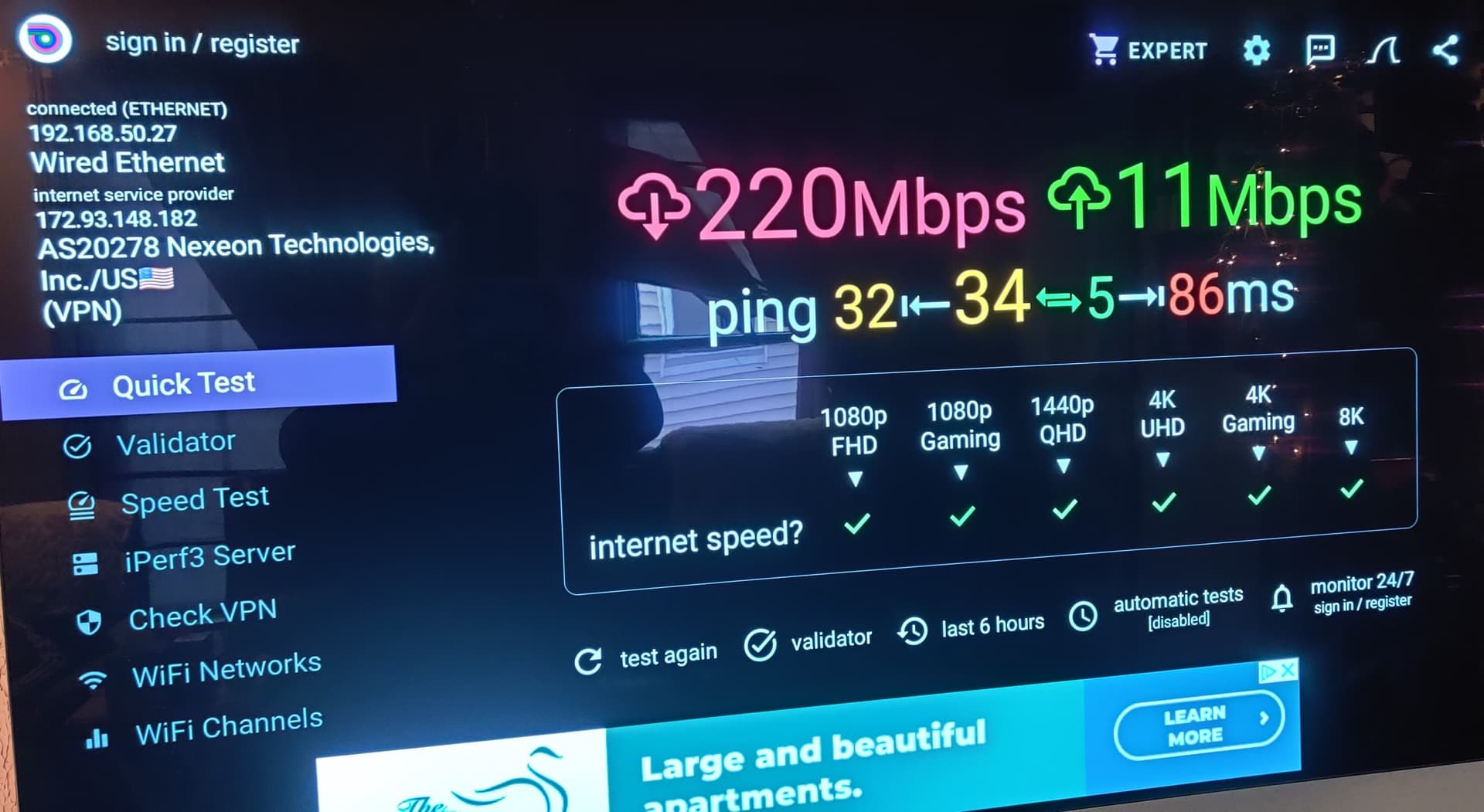
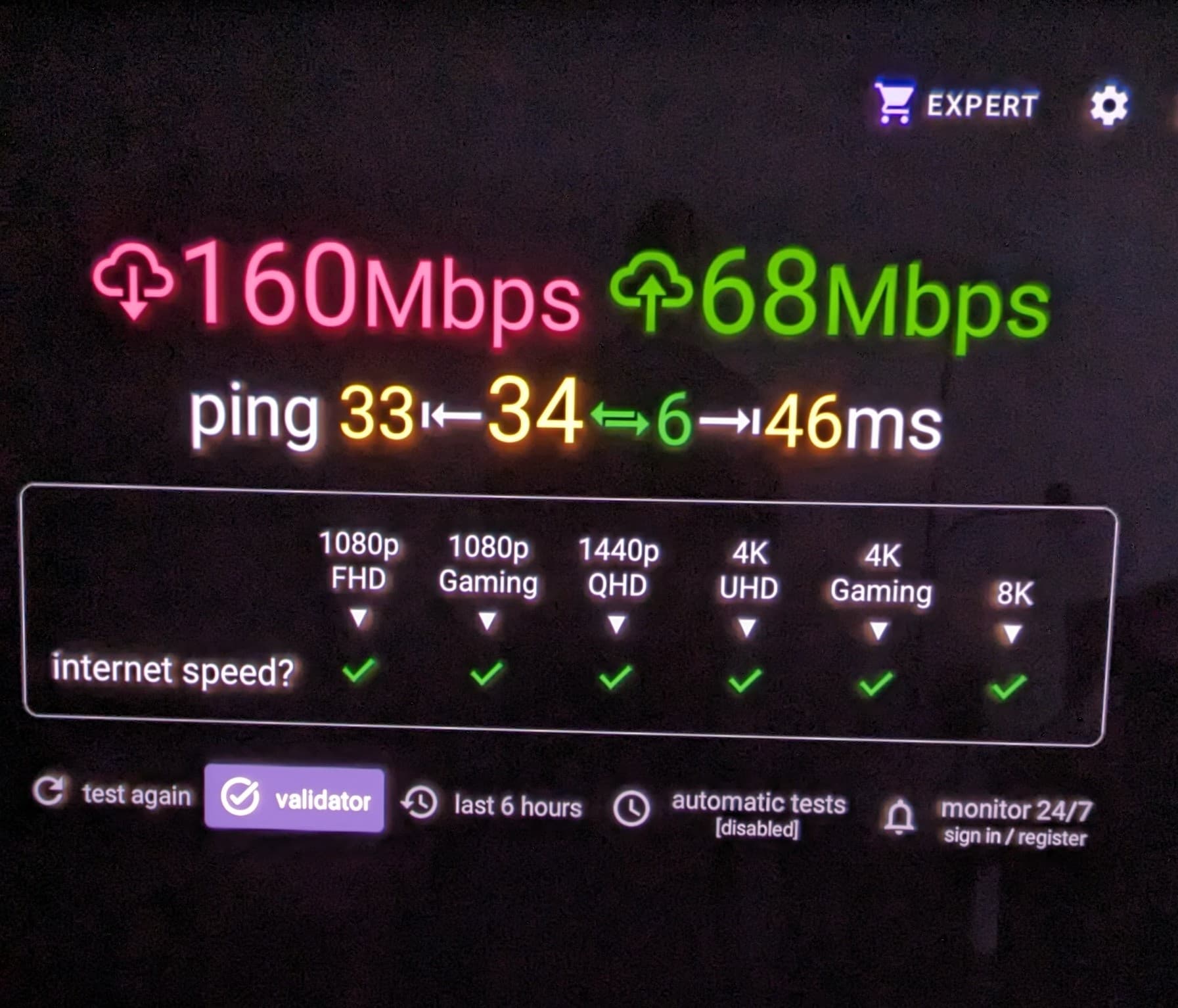
Why do some people get much better upload speeds than others. I have had Comcast and now Spectrum and have never gotten better than mid-teens for an upload speed. However, I get tremendous download speeds.
A lot has to do with your ISP and infrastructure. Usually fiber is much faster upload than copper. Your ISP can also determine what upload they allow or “throttle”.
It’s not a big deal, but every now and then I need to upload a large file.
I have never gotten better than maybe an 18-upload speed.
Hey @Powerfader I’m not sure of your situation but what about calling your ISP and asking if they can improve your upload speeds. Tell them you’re trying to send a large family vid and it takes forever. See what thay have to say.
Much of that has to do with American ISPs and what they perceive their customer base generally prioritize for usable bandwidth.
American providers feel that unless you’re a business customer, that you generally won’t really care about high upstream speeds as opposed to downstream. That’s why for dsl and cable, speeds are typically asymmetrical.
Business T1 and T3 lines symmetrical in two way speeds. Some fiber customers offer larger upstream allowances but still asymmetric.
Most of the planet and their broadband providers generally bundle higher upstream or symmetric speed packages with no data caps. Just as with the metric system used globally, the US likes to be operate backwards.
For those of us that may run servers, ftp, and hosting - the low upload speeds blow. If you try griping to Spectrum about it, they’ll just tell you to upgrade to their 1G (960mbps)/20mbps package for a higher cost.
Dang I just turned off SS and my download went through the roof 300+ and when it’s on the download goes down to 69. I’ve tried different locations to no avail. Suggestions?
Interesting as I have just the opposite and have spectrum. If I turn off SS my download speed is super good with upload in the thirties. Turn it on and the download is in the 60’s. I’ve tried different locations but haven’t found one to bring it up yet.
Speed test trying different VPN protocols. Wireguard gives me the best speeds. I get about 370 with no vpn, 185-220 with SS on.
Version 3.5.0 - just came out.
I’ve tried all of that and still lousy speed while on. Got a message overnight that spectrum was down at my address so now I’ll check things again. Thanks for your response!
Using Netherlands location and its been fine.
Wire guard doesn’t work for me in my locations when using surf shark
I continue my mantra, VPN’s make little to no difference in the overall IPTV scheme of things.
HERE’S WHY - I’ve been thru MY Top 5: Express, Surfshark, Proton, Nord, Mullvad and they all resulted in no performance difference with the exception slight speed differentials here & there. Ex: if one channel is acting up (buffering) one or the other VPN’s didn’t miraculously render the stream viewable in my case.
When it doubt, I tend to lean/blame the IP provider and less on the VPN as a miracle drug. FWIW.
Surfshark 3.5 upgrade has improved my speeds and it locks onto an IP address quicker.
I have never had speed issues with my VPN. I just use it for a touch of anonymity and especially when on open and unsecured public WiFi in restaurants, bars, etc. An added layer against identity theft. I just leave it on all the time and bypass or white list for my local network for the printer etc. and my Bank.
Thinking about upgrading my Surfshark to 3.5 . Anybody seeing improvements ?

Just experienced my first instance of the SS killswitch not working as reported first by a few others here. Monitor dot notified me first by flashing red, checked SS and sure enough it was NOT connected yet stream was still rolling.
Yeah there’s a big disagreement with that dot, kind of like the what comes first the chicken or the egg.