Thanks,Dave.
This was extremely helpful. Thank you for taking the time to respond. You literally saved the day with a simple answer. Much appreciated.
I must be blind in one eye and can’t see out the other. I would like to finish the install but I can’t install Torrentio. Unlike the guide, which I have watched several times, I don’t have a Torrentio app preloaded in the STRMR. If I try to install, it is asking me for the install url and I have not been able to find it. Several other posts said it would be in Stremio, but I can’t find the URL there.
Any help would be great.
Thanks
Kirk
https://torrentio.strem.fun/configure
Finish the config and then down the bottom under install you will see copy link.
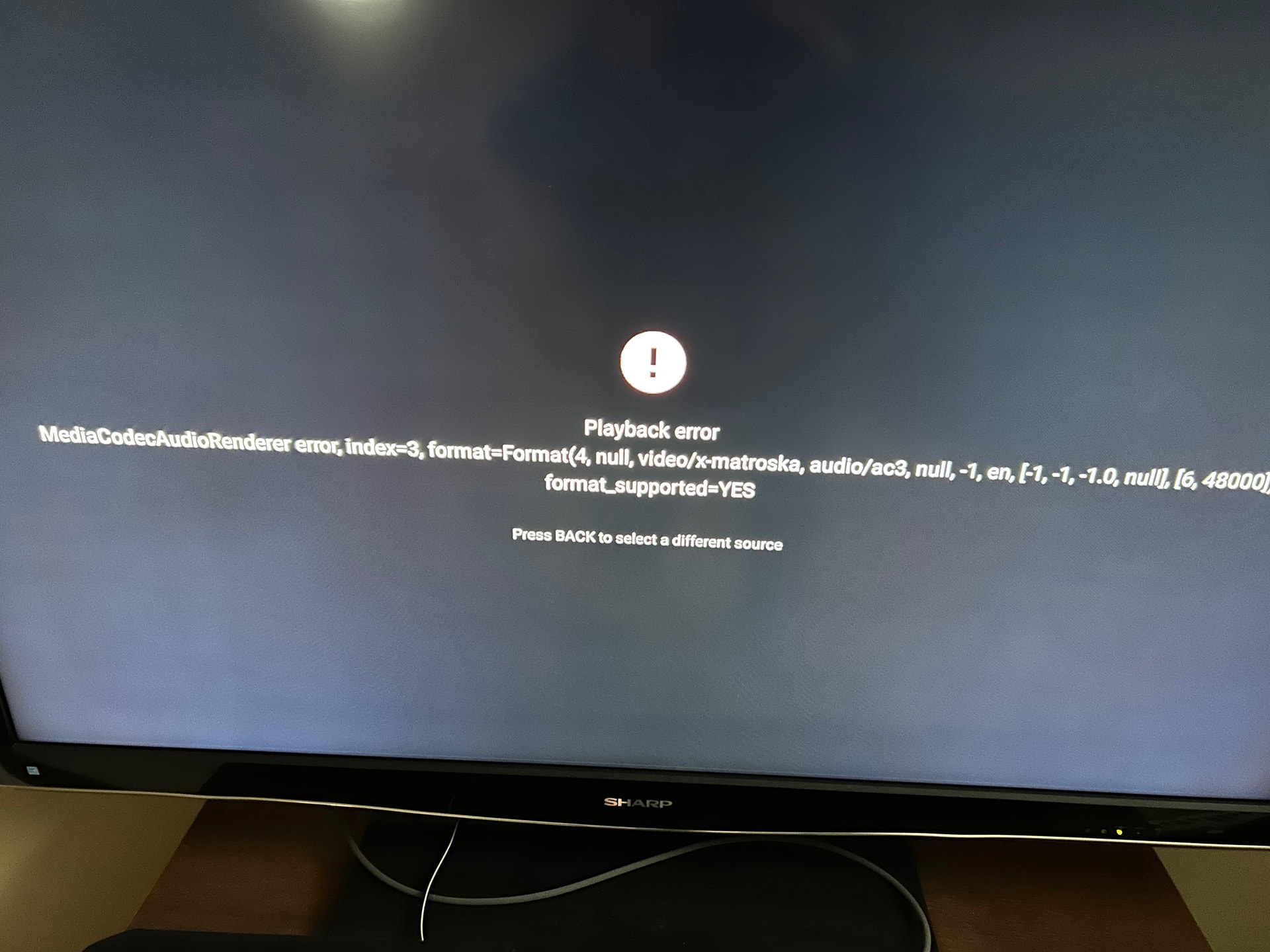
You need to try finding another source to try or another player to use.
Thanks Mike, will try VLC external player in the setting
I tried VLC full edition and didn’t have much luck with it. Perhaps download the Just Video Player from Troy’s toolbox  as well for another choice to use.
Yes will try as VLC did not work, when I clicked play it opened VLC player outside STRMR
Ok downloaded Just Video Player and deleted VLC player, cleared the cache and force stop app, reloaded and went into setting for players, VLC still shows up, no way to get this off the list so Just Video play can replace it. AM9 sometimes drive me crazy
Sorry I can’t help. Vlc should have been removed if you deleted it and it APK.
Hey no problem, funny thing I have this on 2 other certified boxes and they both look different when loading them up compared to the one on my Ugoos AM9 box, I will keep at it and see If I can get some help from there telegram community
I get the same thing on my AM8, but I usually pick a different link and it will play.
Miki, I agree with you 100%. I have found the app to be very good in terms of finding and playing TV shows & Movies. However, having to search for the show/movie every time you launch it is annoying. Hopefully, the developer will add a Library function to it shortly. For me right now, this is working better than Stremio.


I followed your tutorial even subscribe to torbox but when I got to the point where you’re supposed to add scrapers my app didn’t have that tab there’s no way to add scrapers so I’ve got a boat anchor any ideas what I can do to fix it

1 Like
The devs removed that integrated scraper feature for legal / compliance reasons. You now add scrapers as addons, the same way you would in Stremio and other popular apps.
Go to the Addons section of the app (or in the STRMR Web Dashboard), and paste in your install URL (.json code) for Duck Streams, Torrentio, etc…
Ex:
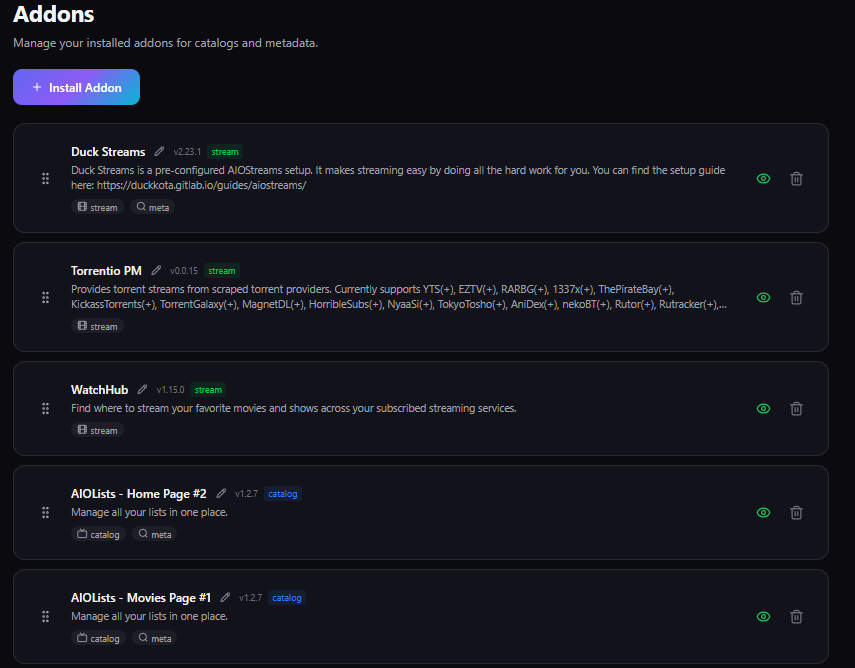
You can copy / paste the addon URLs from Stremio (if you have them), or can configure them new through the following links:
Thank you I knew somebody in here would be able to help me I had high hopes for that app to be my next go to.