Let me explain where I am at and see where I need to go with this installation. I am using an ONN Pro 4K plus box. I’ve loaded SurfShark and Stremio using Troys video. Stremio is running fine, but I need assistance with these points.
Is there an app that will show my VPN is connected or disconnected that will display on the TV screen as a quick check?
I have the following addons installed.
Cinemeta v3.0.14
AIOMetadata v2.16.2
Torrentio | PM v0.0.15
Comet | PM v2.0.0
Meteor | PM v1.0.0
WebStreamrMBG v0.70.1
Streailerc v1.5.0
SubSense v2.4.1
opensubtitles PRO v0.1.0
Debridio - Scraper PM v2.0.0
From the Home screen, Series, and Movie selections appear and will play without trouble.
What do I need to do to add live sports and TV to my box? Any suggestions for tutorials etc. to accomplish this task? Not sure of my options.
If you use Downloader and you have Troy’s page loaded in your favorites, use that and scroll way down. I recall there are two apps you can use that will show icons on your screen (green VPN on and red VPN off) off the top of my head I want to say the code is 253951 but I can’t swear to it. I have one on all my tv’s. The other thing to do if you are using SurfShark turn on that kill switch. It won’t let you do anything if the VPN isn’t on.
I use the VPN Monitor Dot that Miki referred to. It has a small blinking green dot in the upper right hand corner to let me know when my VPN is connected, red if it’s not. It has worked well for me.
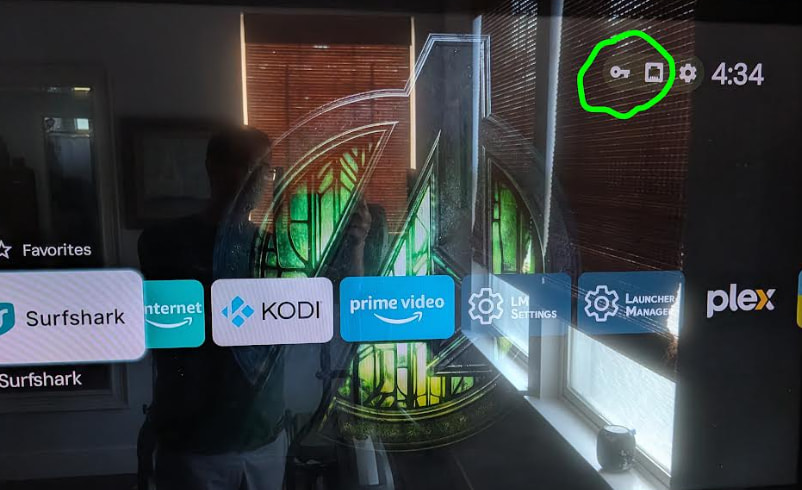
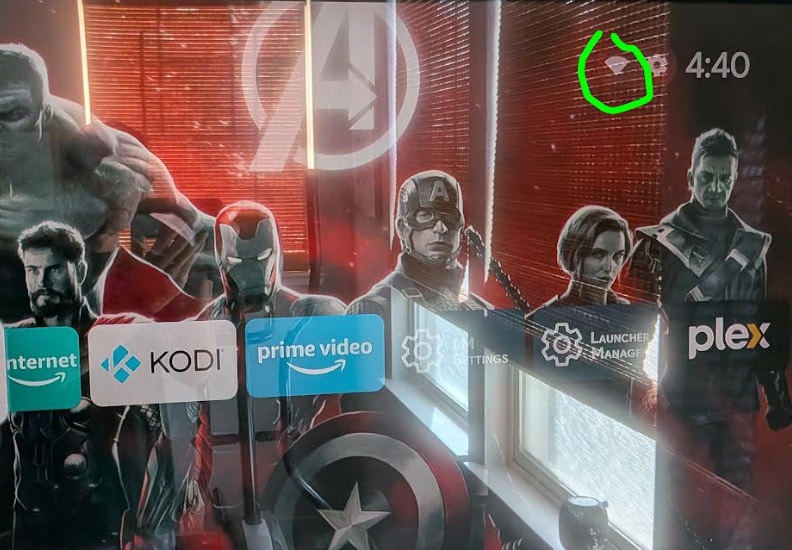
Here is another option. Install Projectivity Launcher. See first screenshot. The Key icon and Ethernet icon indicate VPN is turned on. Second screenshot shows the VPN is turned off (Wifi conected icon is turned on).
For this to show up properly, the VPN app needs to be running on the Streaming device. If using a VPN router you won’t be able tell if VPN is running.
A small point but if your TV overscans the VPN Monitor Dot may be offscreen and not visible. The Onn boxes don’t have a display zoom and if your TV doesn’t have adjustable overscan you can accomplish the same with ProjectIvy Launcher.
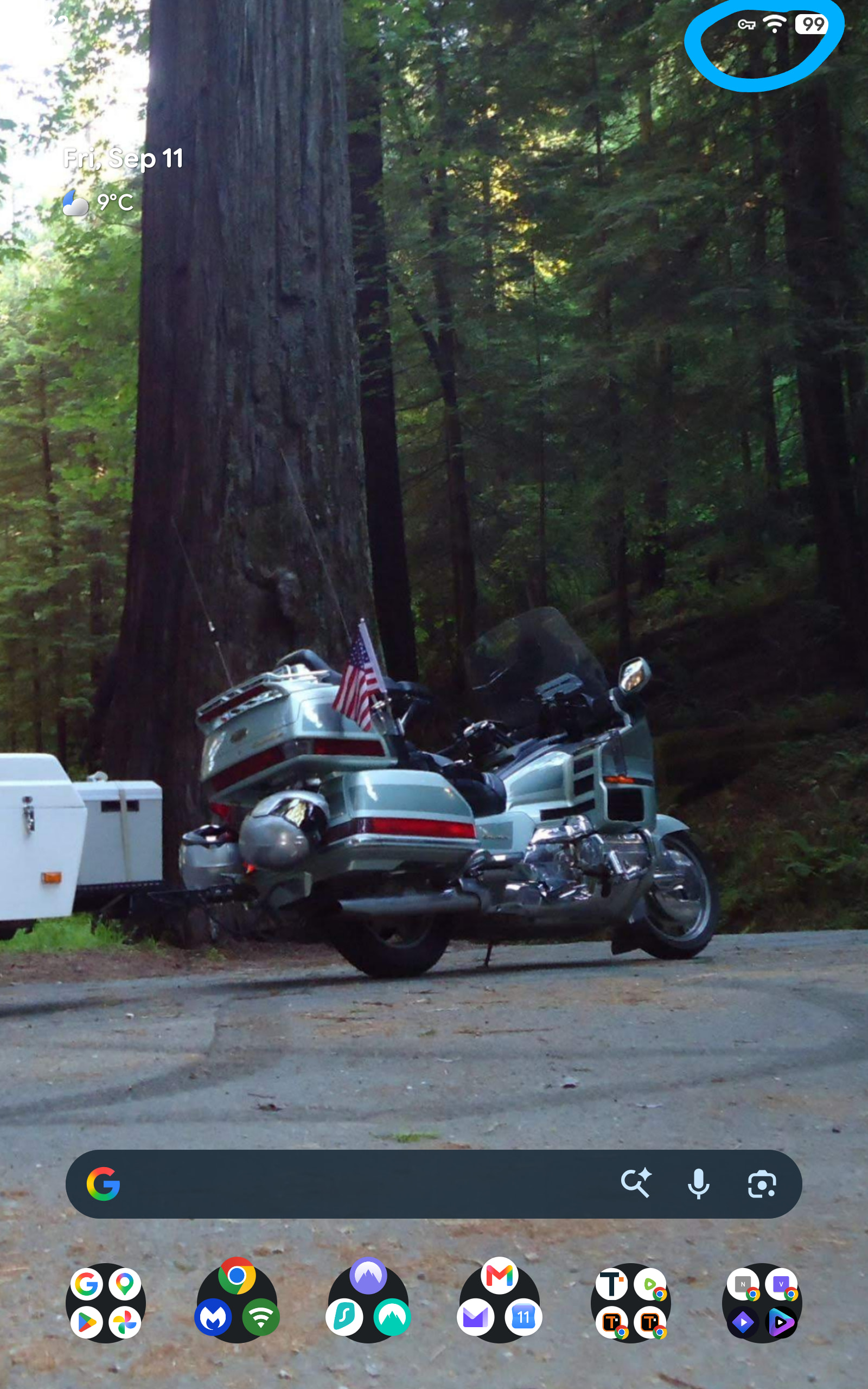
The key icon is on most mobile Android devices. In the settings the feature is called “always on” VPN. Should be under network & internet > VPN > gear icon > always on option and block connections without VPN. No projectivy here
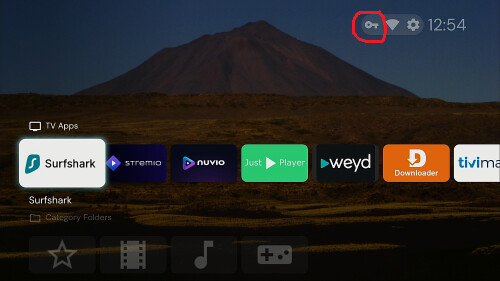
Don’t have any android mobile devices, Miki, my iphone briefly displays [VPN] where your key is but it disappears after a second. The Onn boxes don’t have the key either, hence the need for monitor dot.