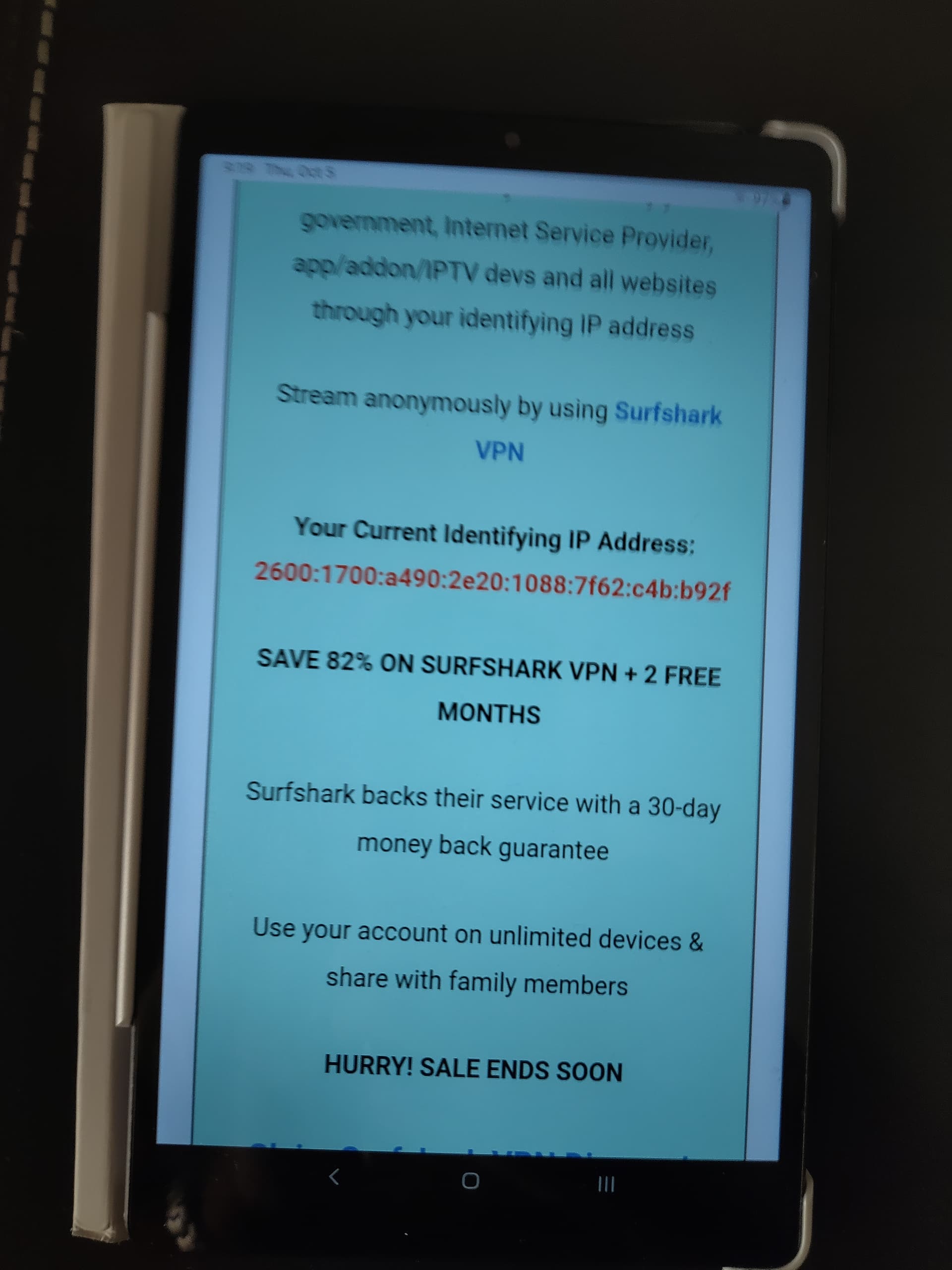
I’m trying to help a Patron who is logged in on both PC and Android tablet on the Insider. This person doesn’t see ads on PC but does see them on Android.
Are any of you having this same problem?
Please keep in mind that you MUST be logged in on your device so you don’t see ads as there is no way for the system to know that you are a Patron or Founding Member.
If you’re having this problem try clearing the cache in your browser or logout and then log back in.
Please let me know if there are any other problems like this out there. Patrons and Founding Members should not see any ads when logged into the TROYPOINT Insider.
Hey Troy while I don’t see any adds on my PC there are lots of Ads (Buyers Guide, Surfshark Banner etc…) on my iphone. I just logged out and back in on my phone and still seeing ads. It’s always been this way.
I am on a pixel tablet. I logged out of the insider at one time and went to get back in and at the top it asked me if I wanted to install the insider and I said yes. Now there’s a shortcut on my main page.
We don’t have an app. All that does is add a shortcut to your phone or tablet and then opens the Insider in a browser. You will see a prompt automatically appear on your mobile device to do this.
You can open the shortcut and (if you choose) can open in browser. A couple of reasons I like doing that is I can then use the back button to go back to a page I was on when researching a post’s issue. I usually have 2 TP pages running at the same time. I use one to find a link I wish pass on to someone and the other to post my findings to the poster.
This helps me stay organized and not lose or forget who and where I want to post a reply…if that makes any sense. lol
Yup, very similar to what I do, I also have a shortcut for the Troypoint site for quickly finding info to post for helping ppl. So I have a shortcut for Chrome, troypointinsider, and Troypoint in a group shortcut on my shortcut bar on my tablet.
Here’s an link on how to add extensions on Android Mobile. Basically, you just need to download a browser that will allow extensions, i.e., Firefox, Kiwi, and a couple of others. Then you can add extensions such as Ad Blocker, Ad Guard, etc…
Btw, I did test this on my Samsung s8 using Firefox and Kiwi and all ads were blocked effectively. Didn’t try DDG or any others.
I rarely use my phone to do stuff on Insider or any other site…eyes are whacked, and fingers are fat! lol
I do 99.9% of correspondence on my laptop. Therefore, just about any browser, including Chrome, will allow for extensions. However, I can appreciate the folks who like using their phones to stay in the know and those ads really do take up a bunch of real estate on a cell phone.
I no longer use my phone either. I have a pixel tablet with chrome and can do all the extension stuff I want. Just got this for Christmas and it blows a phone away. So far I love it, and learning more every day.
I tried downloading adguard. Either because of Chrome or because of my device it wouldn’t download it says it’s an unvalid app. Besides I don’t want to change my browser.
I worked with it a little bit more and I was able to get add guard to download. On a couple of sites where I got a lot of advertisements it seemed to stop them except for Troy’s site. I’m still getting all the advertisers off of Troy site adguard didn’t affect it