So am looking at. $50 used VPN capable router ASUS RT-AX58U. It can upgrade the internal firmware to allow VPN activation on the router.
Having VPN on the router solves the problem of trying to run several piece of software on your IPTV box.
Is this the most inexpensive platform router to do this with? Need something that can handle tunneling (is that the term?) so can connect some devices to VPN and others to bypass the VPN.
Plus it’s nice to have a router that can attach a USB drive and do SMB2 on it.
Asus routers are good for your use case! I know another inexpensive company focusing specifically on VPN compatible routers is GL-iNet, but your $50 deal sounds hard to beat.
IIRC, I think that I have the RT-AX58U. I believe that it’s also known as the RT-AX3000. (I do remember for sure that the router’s admin page shows the RT-AX3000 instead of what the box said that it came in.)
It works great as a VPN router both with WG & OVPN. I don’t split tunnel anything, so that I cannot vouch for that.
I use a TP Link BE9300/Archer BE550 and I’d go with the Asus all day every day. My device has the features you are looking for but the detailed tweak type configuration options are lacking and setup documentation is brutally bad. Every time someone shows a screenshot of an Asus web interface I want to slap myself silly for buying this TP Link.
for 50 it is worth a shot, I bought a GL.Inet GL6000 on the amazon deals for 113 it should be here today. I am going to attempt to install it behind the xfinity gateway to run all the TV boxes on, not sure if I can do 2 different wifi sources, one from the xfinity and one from the new router, but I will find out, I am not tech savvy on a lot of this stuff it is a learn or not learn as I go deal.
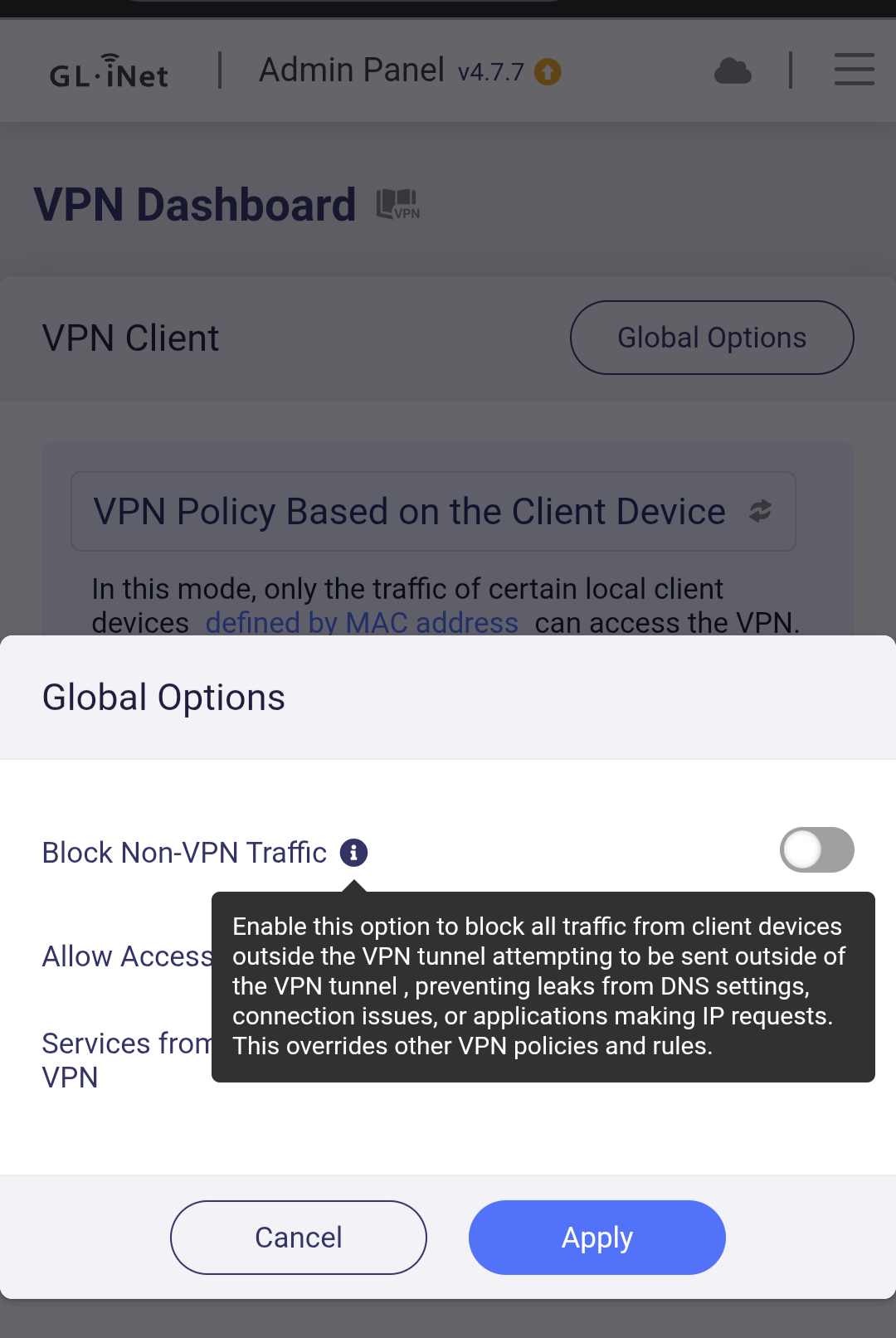
The one major issue I have with running a VPN installed on your router, is you never know if your VPN is active, because there is no kill switch to activate on your router (That I know of).
VPN’s that are used through their app do offer a kill switch option. Does anyone know of an option for your router to use a kill switch if your VPN disconnects?
We use ProtonVPN, usually using a WG server, installed on the ASUS router. While there’s no ‘kill switch’, the few times in which the server is down, the internet gets disconnected. Nothing works on the LAN. In those events (very few times, I’ll add) all that was required was for me to access the admin page and then change the VPN server.
Is there a setting on your router, which tells it not to “reconnect” if the VPN server goes down? Mine connects to my provider’s server when something happens to the VPN server.
The indicator is that our house is disconnected from the WAN when a VPN server goes dark. It’s almost like the router is unplugged if you’re not in sight of it to see a power light.
A lot of them can function as servers, so with a USB hard drive, you can self-host your own little streaming library, for example. There’s plenty of other uses as well, a USB slot on the router often makes it much easier to install custom firmware on it.
I opted for a firewalla firewall appliance and put my Linksys behind. I run Surfshark on the FW and can easily enable vpn security by device. Been using this for several years and it works great. Fyi
I have almost the same router. Setup of the vpn is easy once you get the hang of it .Yes you can specify what apps run through it and what apps don’t. I run my main tv through Atlanta VPN and my secondary tv through Boston VPN . I use an app called ip address to verify my VPN is working. The asus app gives you options to turn off vpn’s on the fly and move devices from 1 vpn or the other. It’s working perfectly for me