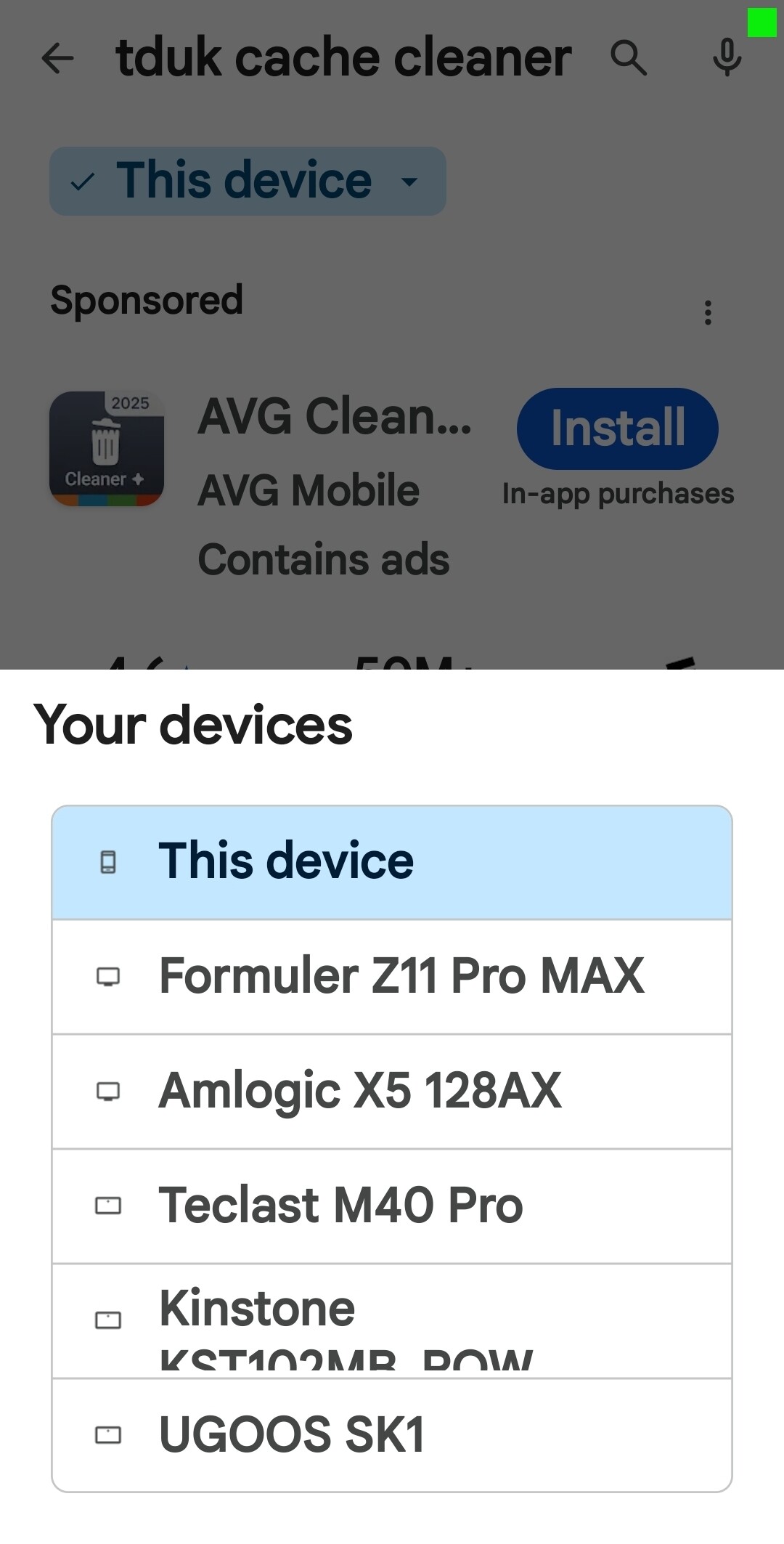
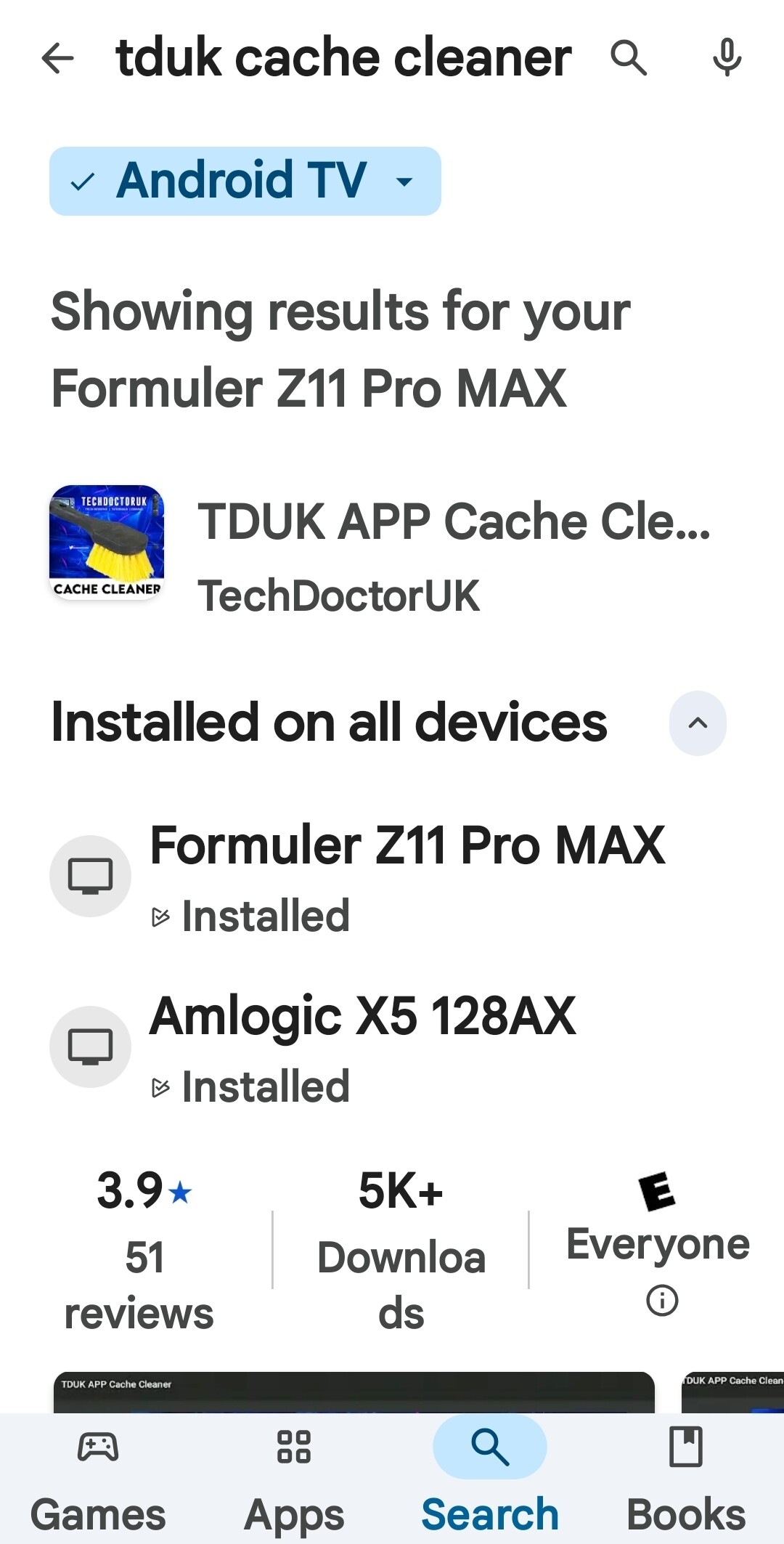
I’ve been setting up a friend’s Onn 4k Plus box, and I want to install the TDUK APP Killer and Cache Cleaner. Everything is fine in my friend’s Google Pay settings, and when I go to purchase the apps I click BUY and another screen pops up which shows her devices….her phone and the Onn box, except the Onn box is grayed out and I can’t select it. So she can’t buy them or install either. Is there something I’m missing with the Onn box in the settings? I don’t have this box so I’m just guessing. I have them on my other devices and I had no problems buying or installing.
2 Likes
I had the same problem on my SK1 so I copied it off my Formuler Z11 Pro Max and sent the copy to my UGOOS SK1 and installed it that way. It’s been working perfectly for over a year.
Used ES File explorer to copy and send to SK1
3 Likes
But you already had it purchased on your Formular device? I have to purchase it first and I can’t even do that, much less install the apps.
3 Likes
Right, I was able to purchase on my phone for my Z11. I see what you’re saying, unfortunately Google play store has got problems with recognizing devices. If I didn’t have the Z11 which Google recognized, I would have had no way to buy the app either cause Google doesn’t recognize my SK1 as a compatible device even though it is. That’s just a rotten predicament for ya. 
3 Likes
How could you purchase the apps on your phone, since the apps aren’t compatible for phones? In the Playstore on my phone the apps aren’t even there at all.
1 Like