I know that the buttons on an ONN remote can be reprogrammed however I would like to know if it is possible to program a button to do a “last channel recall”. This would be handy (especially during the Olympics and all sports seasons) to switch back and forth between 2 channels that you want to watch without doing split screen. Thanks for any help with.
If you’re using Tivimate, it’s the right side ring push. is the previous channel
Yes, this is possible in Tivimate and is exactly how I programmed my remote buttons. In Tivimate, go into Settings > Remote Control > Player. Set the action for the ‘left’ button on the wheel to be “Turn on most recent channel”.
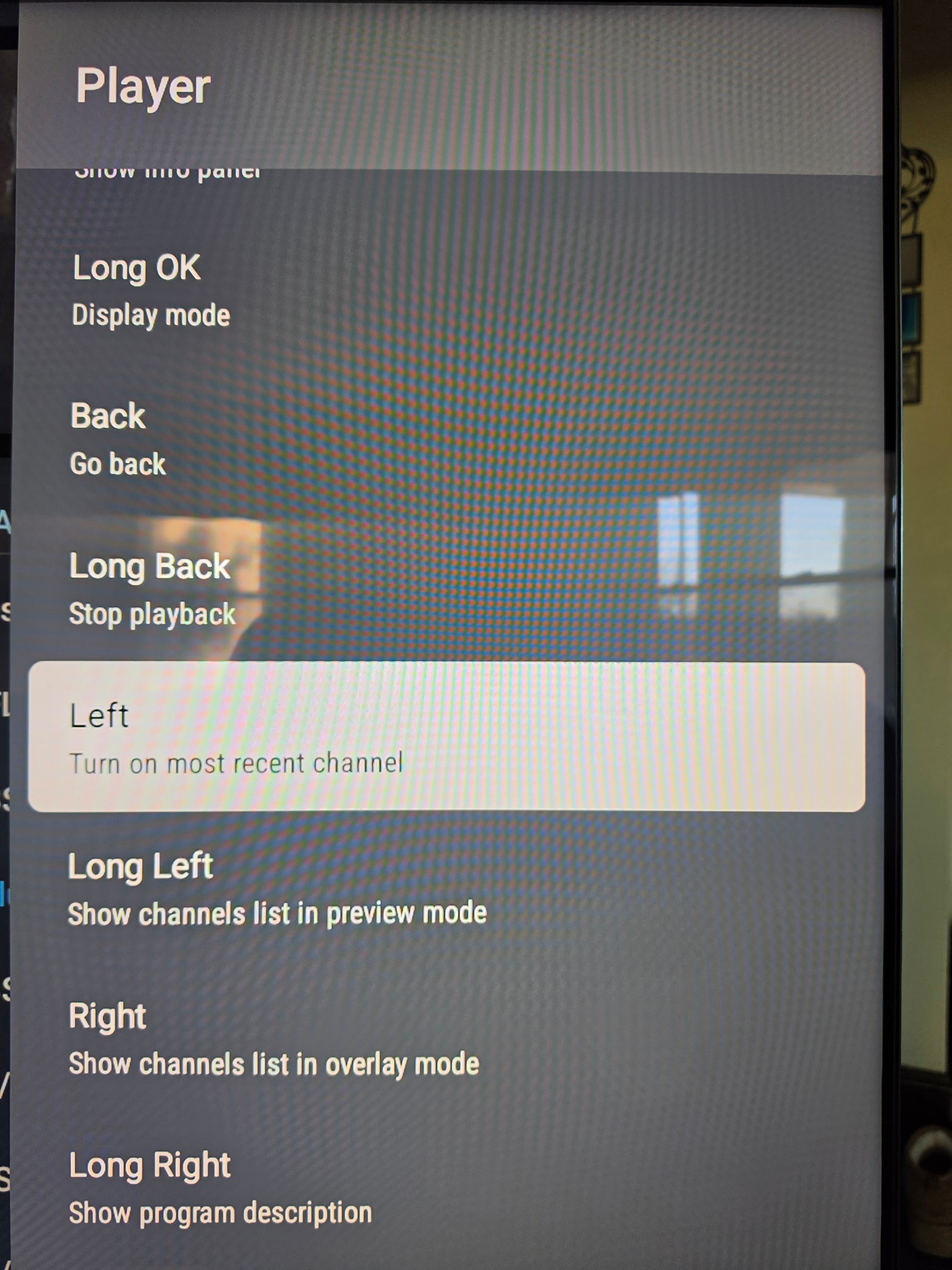
@wcr5jop1 , what iptv player are you using, Tivimate, just curious, cuz i ‘think’ the last channel function will be iptv specific…
Yes - that’s a screenshot from Tivimate. I just assumed that’s what the OP was using. I’m not sure if the same function exists with any of the other IPTV apps out there 
If you’re using YouTube TV just press and hold the center button to toggle back and forth.
Very odd as for years that I have used tivimate, when watching a stream in full screen, then clicking the return arrow and one left click to open my “All playlists” selecting another channel to watch from any of my IPTV subs loading it, and it’s full screen, I just click the right direction ring and I go back to my first channel, one more right click and I’m back to my second channel. Can only do it to bounce between two channels.
I re-programed my buttons within Tivimate, which is why they may look/behave different from yours. It’s all very personal, but for me, clicking the left button was an intuitive way to go back to the previous channel (so I programmed it that way).
My prior post was mostly to just show which action accomplishes this in case the OP wanted to re-map their remote. I wasn’t necessarily advocating for it being assigned to any particular button.
1 Like