hey guys not sure what i did but there was a round red apps and like round netflix and a few other ones on left hand side of home screen but not sure what happen to them and i can not seem to get them to show back up any ideas how to get them back
Have you restarted it?
1 Like
I have absolutely no clue what you are saying but do as Throttlejockey suggested and try rebooting your device.
2 Likes
Why not use a custom launcher?
i did unplug waited about 30sec no go did not come back i have searched here and on internet can not find any info on it, Powerfader it was a red round emblem with little white boxes inside on left hand side of home screen if you clicked on it it would take you to your apps
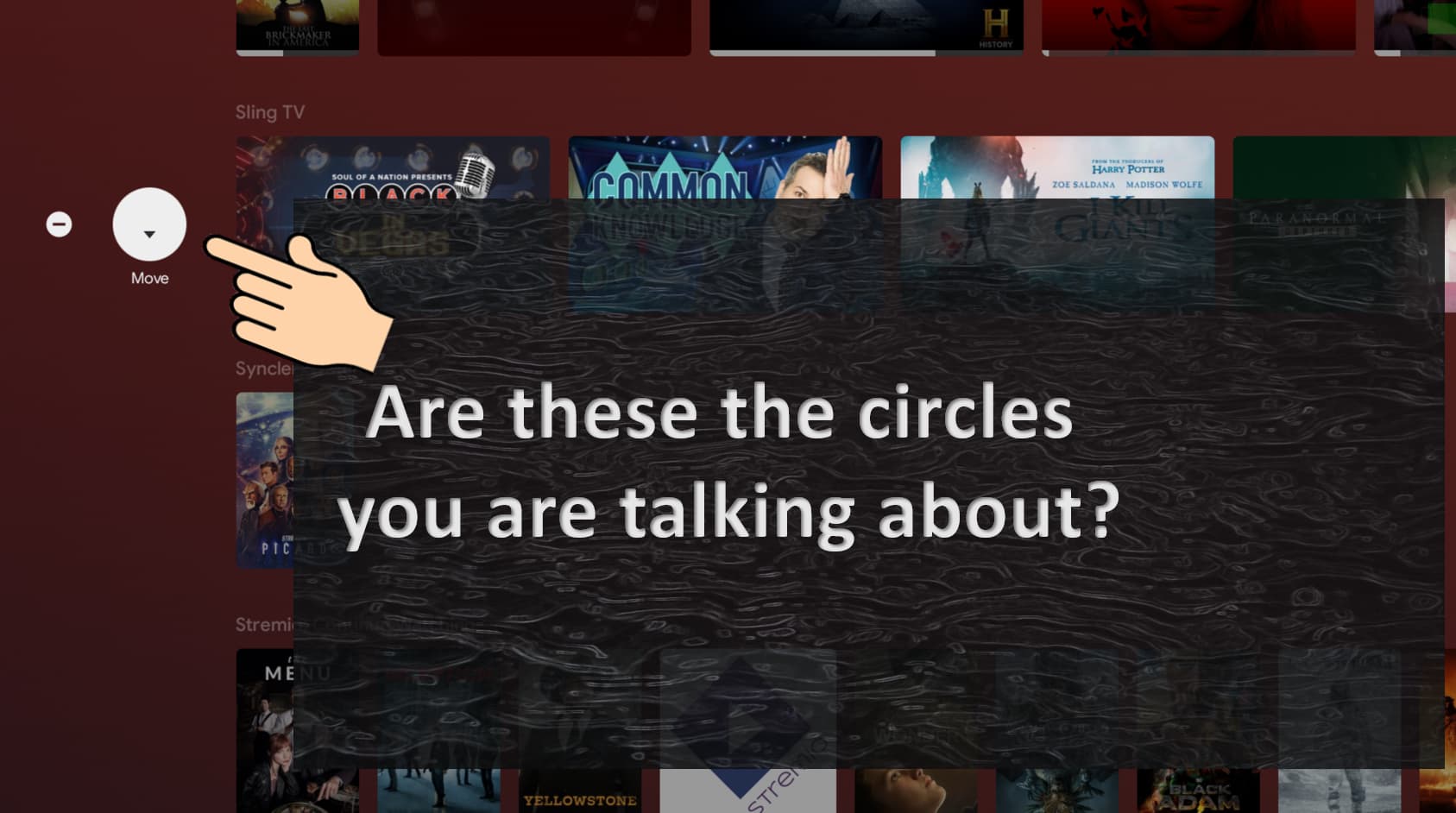
Are you talking about the two dots on the far left side when you click your left directional button? If so, the first one is for moving your rows up or down. The 2nd dot is to remove a row. If you scroll all the way down past the last row you will see a box for “Customize your Home Screen”. You can click on "Choose Channels to bring up a menu and then you can adjust what it is you wish to be displayed in your rows.
Btw, you can only use the left directional button to get to those 2 settings after your “Play Next” row.
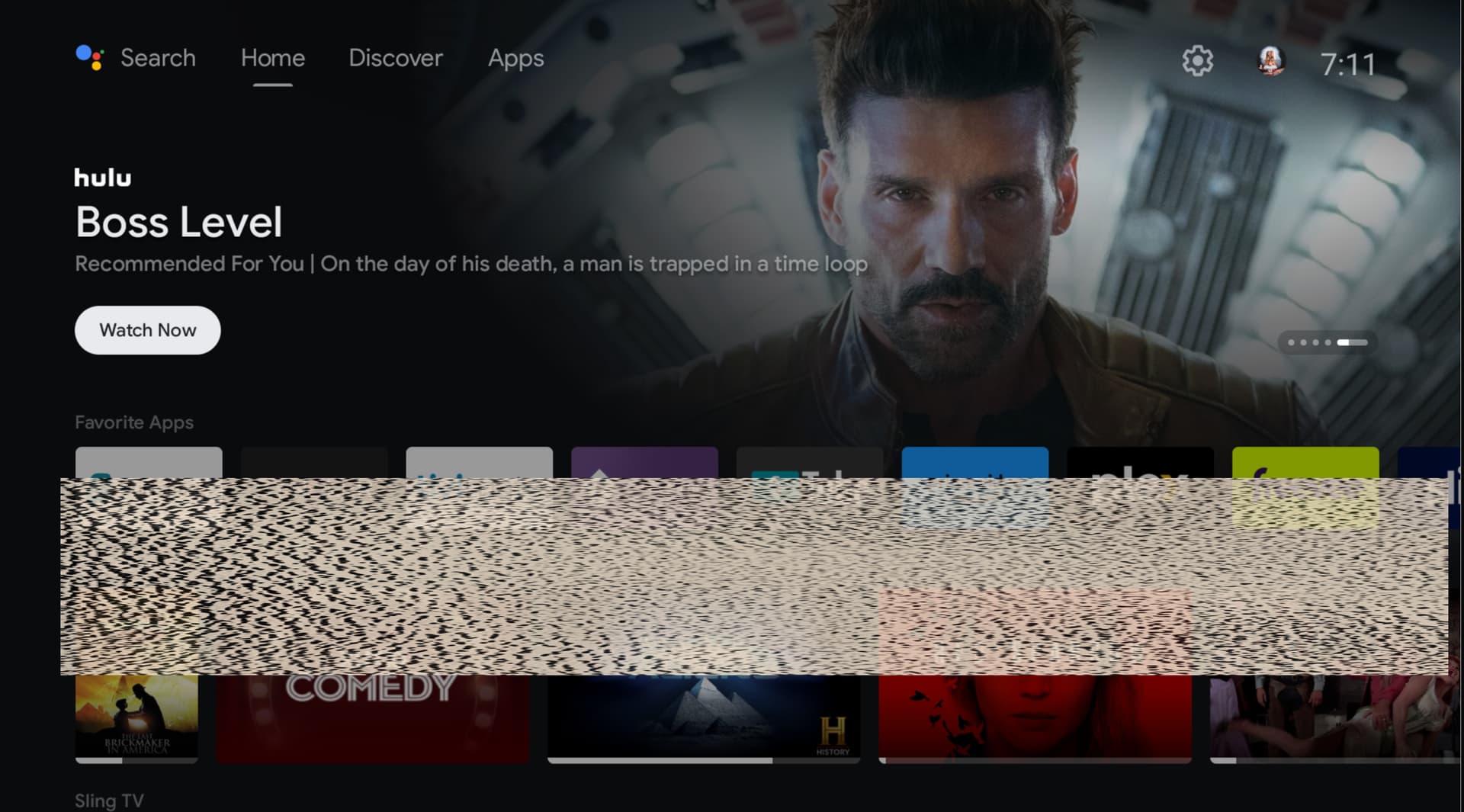
This is my home screen. Where are these red circles showing on your screen?
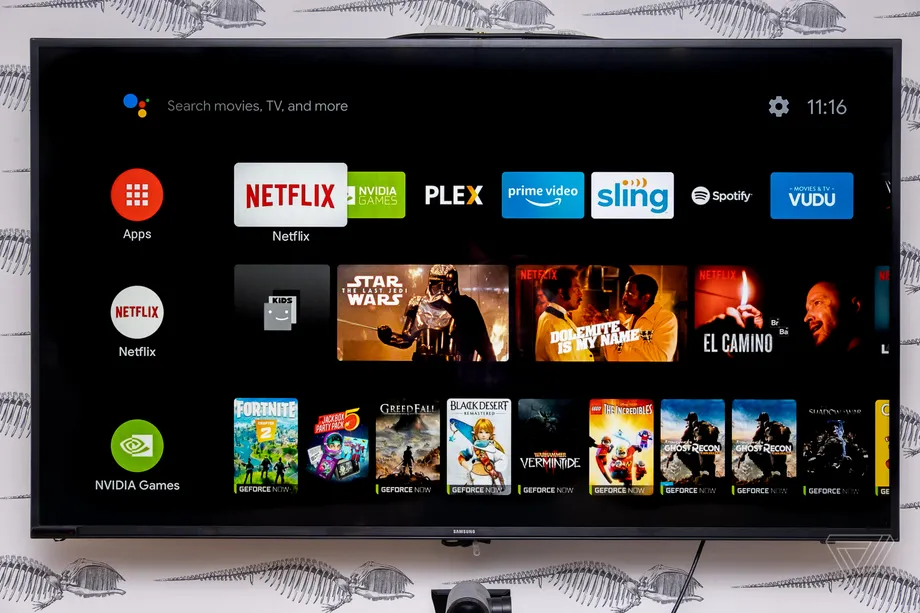
that picture i uploaded from a home screen on internet i use to have the red apps,netflix, nvidia games but i did something and they are gone
My version is v.9.1.1 (33.2.0.157) Check what version you are running. Maybe it did an auto update, because I believe that is an old home screen UI…maybe?
1st row is Favorites. The 2nd row (if enabled) is Play Next. At the very top of your screen on the left side will be your Google voice, keypad search, Home, Discover, and Apps.
1 Like
thanks Powderfader solved the mystery you are absolutely right
2 Likes
This topic was automatically closed after 7 days. New replies are no longer allowed.