Changed buffering from 5 to 100 and everything in between, no difference. Wired LAN at 250+ so speed should not be a factor either.
not sure where that video originates from but its possible the provider is chaining it from another source causing buffering that is out of your control and most likely theirs. Just a guess but ive seen it where they will basically piggyback on a feed and this is a result.
1 Like
I found a thread that one person fixed this by changing ports. No idea why that made a difference. but it worked for them.
1 Like
I haven’t seen that type of buffering banner in a long time…& don’t remember what service I was on the last time I saw it…guessing I was trial-ing iptv services. You can only do what you can do on your end, otherwise, you’re at the mercy of the servers you’re connected to. My brother called me up yesterday & asked how to stop the sudden buffering on his paid Hulu TV. subscription…everything was fine on his end, yet buffer freeze city. I told him to uninstall the Hulu app & reload it…don’t know what he’s done to date.
1 Like
Tried that too, and various protocols with my VPN, nothing works to fix it.
I’ve come to acknowledge that the problem must be that Im viewing a ‘Premium’ channel link that is not from the original source. As @TXRon suggested, the piggyback element may be in play here because someone has ‘taken’ this link and made it available for free. I get it! Im hoping to view a ‘Premium’ channel from a third party, and for free, so I should expect issues now and then lol. I just want to know technically what the deal is and how there is a ‘magical’ process that knows to screw with my ability to view the channel. 

That’s technology for you. More questions than answers. I looked through dozens of comments and none seemed to offer a real explanation. Just smoke and mirrors. TX’s response makes more sense than any others I read.
That error looks like the internet is losing connection. Enough to effect your servce but not so much to cripple you. Packet lose it looks like, if its not that its your provider.
1 Like
Internet is reliable, stable and fast. No issues at all with any device, software, apps or APKs. Its only an issue watching Live TV via links sourced from IPTVCat and other IPTV Playlists.
Its a issue with their service then, that error comes up 2 times. Internet issues or provider issues.
Pretty sure it is a ‘provider’ issue. But the question is: what IS the issue? There has to be a specific, technical explanation. As yet, Ive not found exactly what that is.
Thats because it could be a 100 different things… its on their end. Contact them and ask. The only thing you will see is that error.
As stated before, Id guess its because my links are via a third party, so not ‘legit’ so to speak. Without sound like a knob, Id hazard a guess that many APKs harvest these links also, but the stream is constant and error free  .
.
Think I’ve exhausted this thread, thanks to everyone who posted a suggestion. Okay to close the thread down, this one has me beat 

Is anyone having a datasource error on their iptv service?
Lsredbird47
That can mean many things such as server down or just a poor connection. I prefer multiple services so when one goes down you can switch over and hopefully the other will be back up later. They often go down for updates etc. If it persist try contacting them and hopefully you get an answer.
2 Likes
I contacted my provider. They gave me new xtream codes to try. No luck. They thought it was my vpn configurations. I told them I didn’t change any if them. I even tried it with no vpn no luck. I even tried the m3u url They in March and that came up with the error to check username password and internet. They were all good. I’ve rebooted and restarted anything I could think no luck.
If you have any other ideas, I will try them.
Thanks for your response.Have a good day.
Lsredbird47
Do you have any other apps that are working via the internet on this box? Have you tested it with analiti or similar to verify connectivity? https://analiti.com/
I’m using a firestick 4k max 2nd generation. I’m using AmberBaby’s iptv service also in Tivimate.
My other iptv provider sent me an article from Surfshark and me to see if any of their ideas worked. I changed a few settings 1 at a time then tried to pull a some
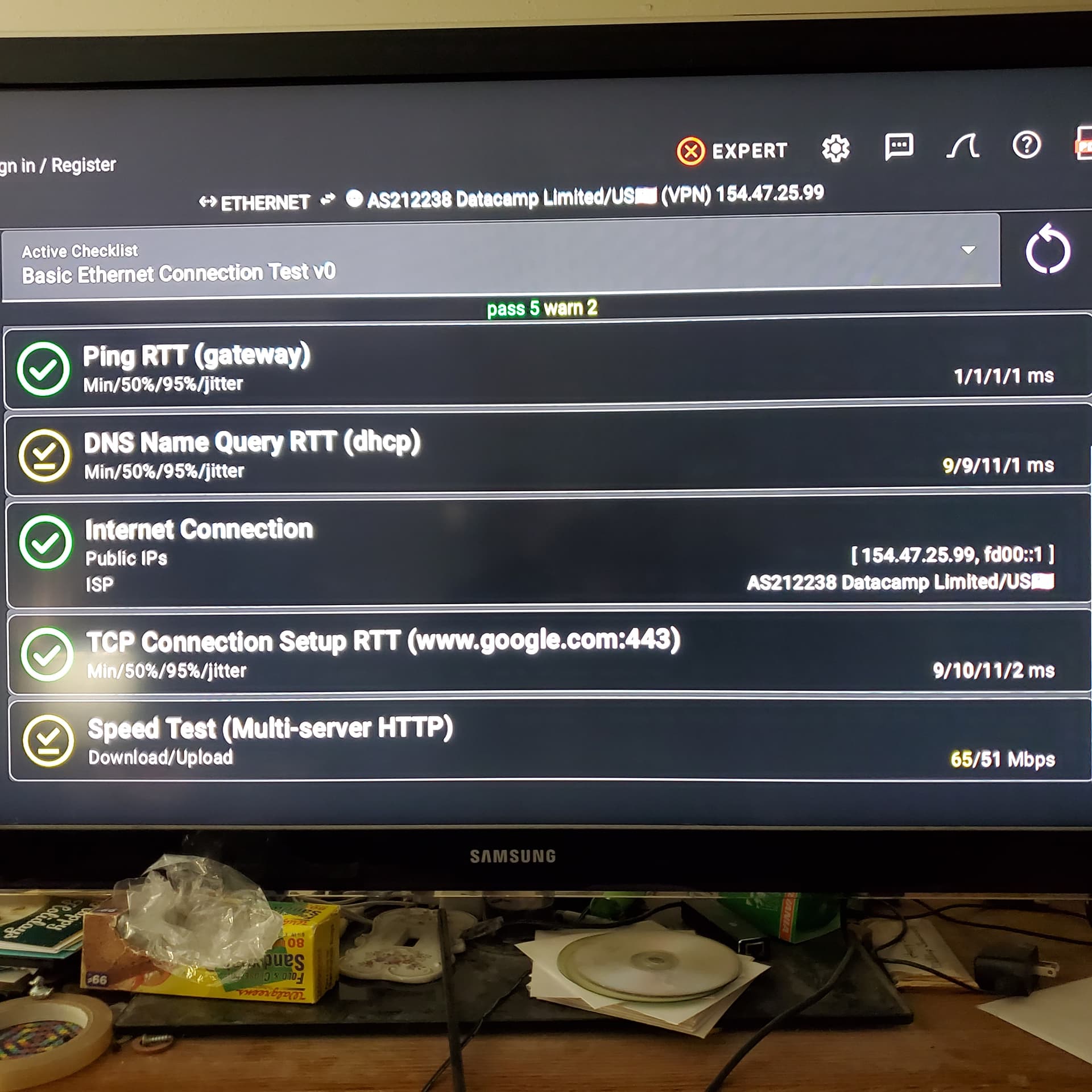
channels. I either got the datasource error or 403 error.
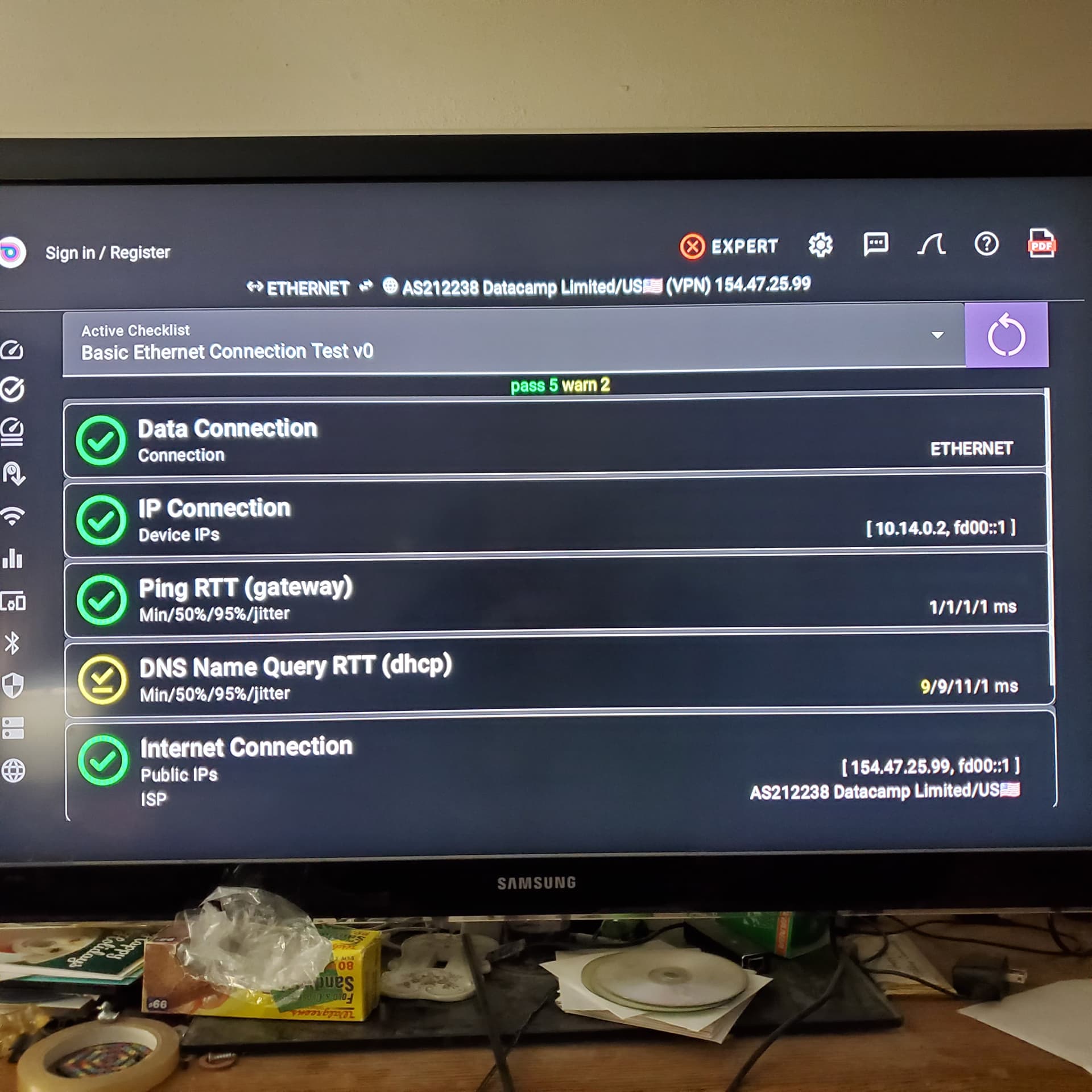
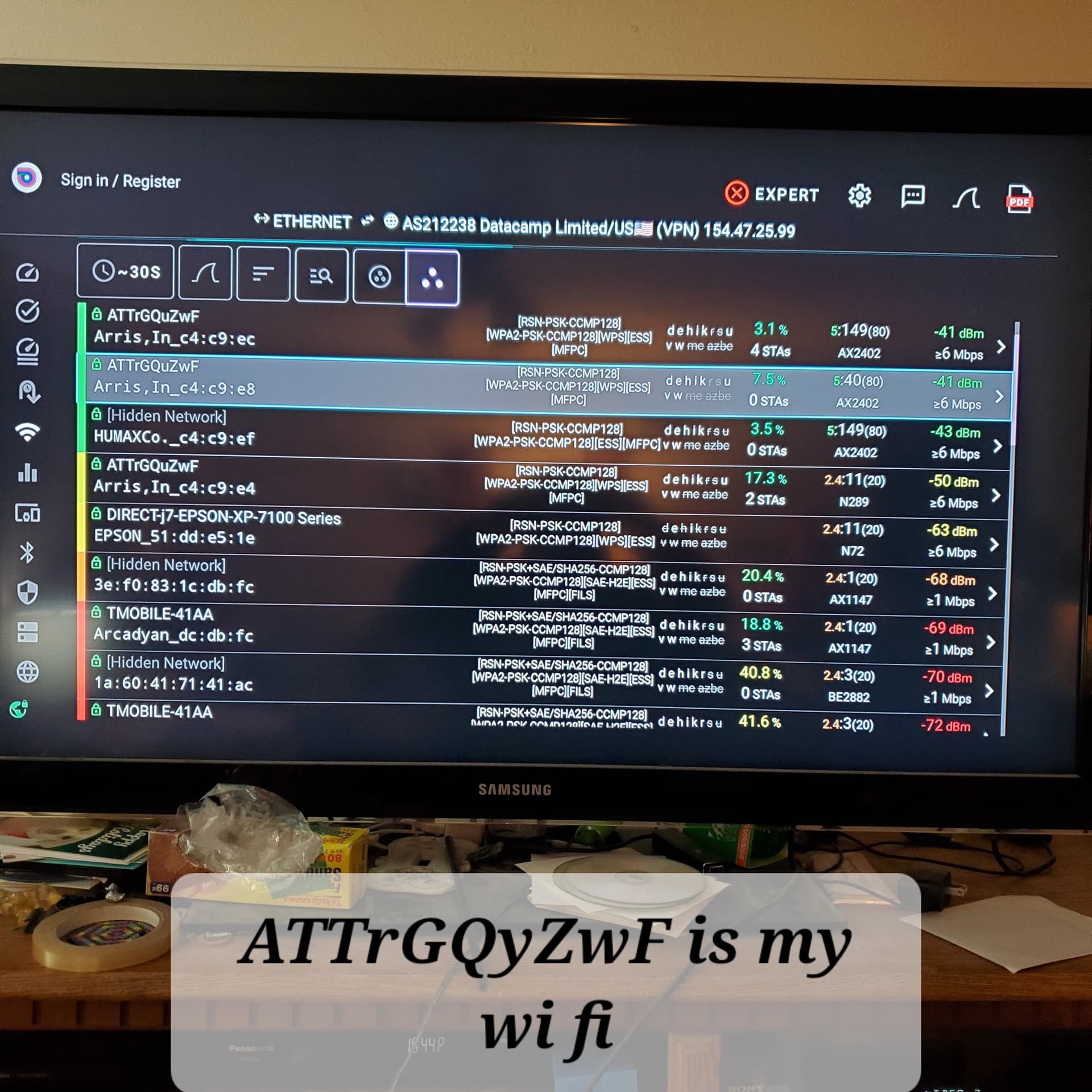
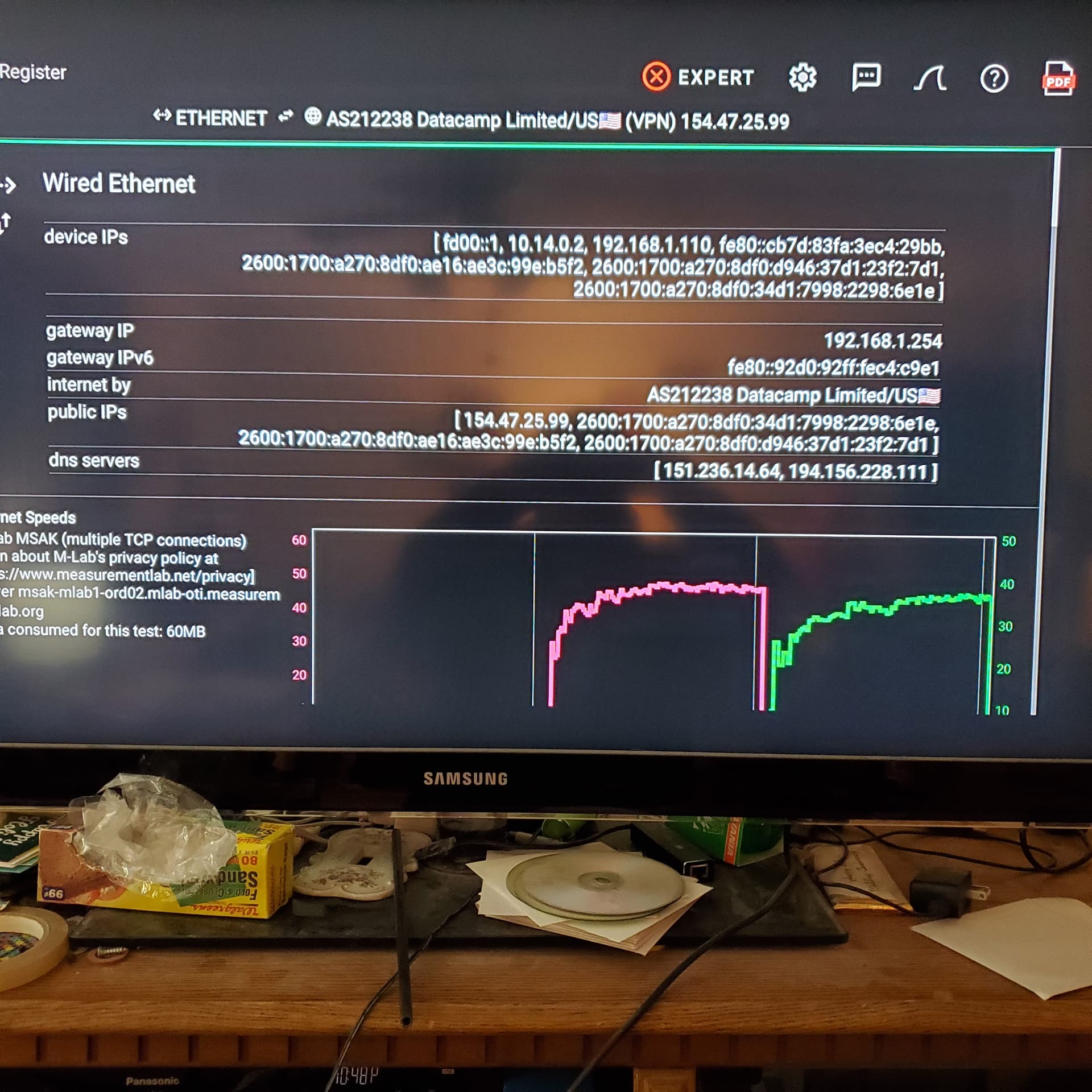
I sent those pictures from some tests I did on analiti. I only run speed tests so I don’t know what the tests are telling me. I don’t use wifi because I use an ethernet connection that is hooked up to the modem/router.
I hope some of this info helps you.
Thanks for your help.
Lsredbird47