I also just discovered that when I try to enable mouse services, it will not stay enabled and it also turns off the Projectivy enable. Then neither are enabled. I can go back and enable Projectivy. Way above me pay grade.
@RBooks370 I was trying to find an example of what the message that you are receiving but couldn’t find it, unfortunately. Are getting a notice saying that says “do you want to go ahead and enable”? I believe that the your TV shouldn’t have anything to do with loading an app on your ONN box.
As far as setting up the Mouse option, are doing this with TvQuickactions Pro? InTroy’s tutorial, at a bit of 35 minutes, he goes through using the TVQuckactions Pro to setup the mouse option.
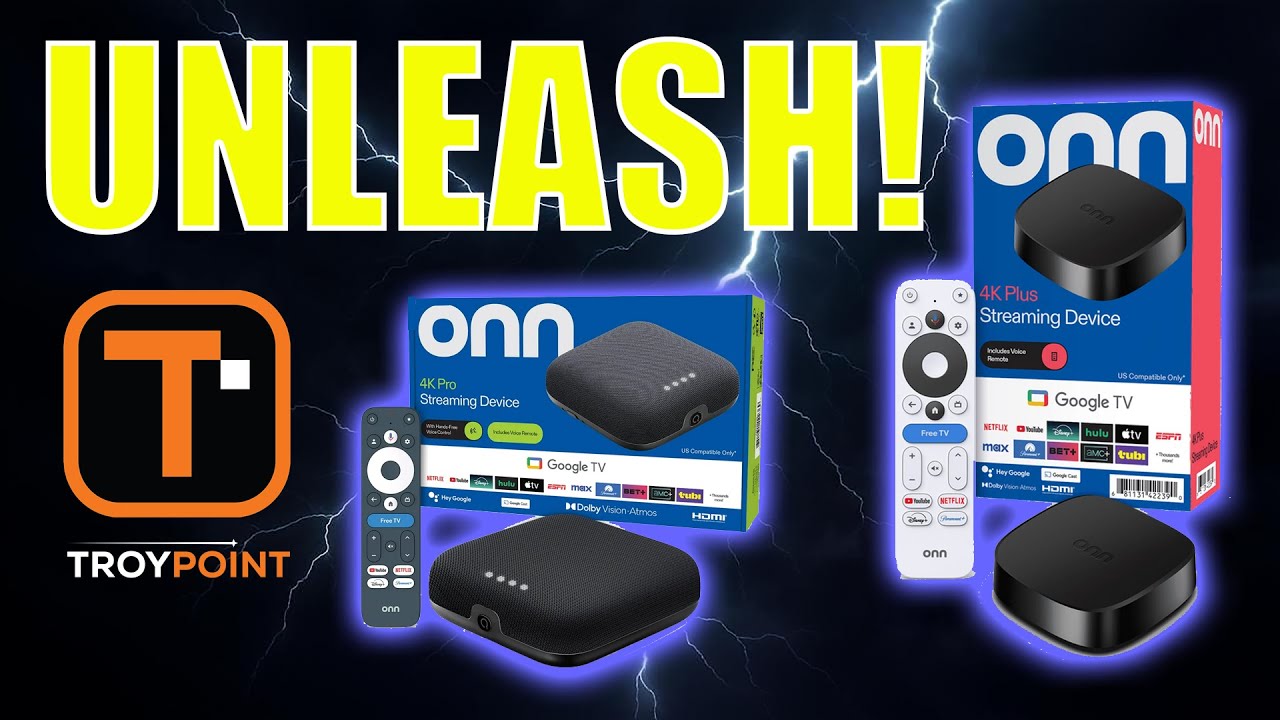
Thanks so much. I have to leave now but tomorrow I will pick up on this again. Maybe get some screen shots or photos of the messages as I proceed through it again. I also wondered what my tv had to do with downloading apps.
@RBooks370 , first Sir, let me Thank You for your Service  , second, Welcome to the Insider. you didn’t mention which video you were following but here is a link Walmart Onn 4K Pro Review & Tutorials . not a video but a good read. and there’s this First Impressions video 🥇 Walmart Onn 4K Pro Streaming Device First Impressions Video Now Available not a total set up video but again some good info
@TROYPOINT also has a channel on Rumble with several How-To and other info videos…
Thanks for your kind words! My military service was a long time ago, but I have pretty much been a professional volunteer most of my life. I will try to get back at this for a while today. Kind of frustrating for a novice like me when it doesn’t go like it should.
I really do appreciate all the efforts to help. Kind of gives me a second wind to keep trying.
Merry Christmas!
@RBooks370, you are welcome, and you’re also in a great place to learn from some of the best minds in the streaming arena, who love to help if you don’t understand something….
That’s kind of why I am here. I like to do things myself but when I try to download an app and get the message, “Not compatible with your TV” I have no idea where to start. Same with Onn Pro not letting me enable “Mouse services”. I assume maybe there is another setting that is preventing it but I would have no idea what that might be. I noticed also, when I try to enable Mouse Services and it goes back to disabled in seconds, but it also disables my Projectivy app as well. I can enable it again, but when I try to enable mouse services again, it just shuts it off again. Life goes on, but it is sure frustrating not to be able to do what you want to.
i bought a 4 port usb adapter and a mini keyboard w/dongle from ebay…works great plus i can plug external ssd drive and a usb drive with my fav content all into the hub and everything works using a file manager app…hope this helps
I am experiencing the same problem!
Hey I’m Mister_D100
I just recently purchased the Onn 4k Streaming Device and watched and followed the Troypoint video to the letter. I was able to download everything accept…the Sideload Launcher…very weird….I took a screenshot to show if that helps…
Ohh my TV is an LG 42” Plasma from 2008’ lol. Old yeah I know but it still works like new! Can somebody help me with this?