So, I purchased from my local Walmart a Onn 4K plus. First impression is that it is a usable device. I have been able to install most of the apps that I currently have on my Firesticks and Fire cubes. However, when I install Sports Fire it opens up but then wants to do and update. At that point it attempts the update but declares an error (there was a problem parsing the package). If you just use the first screen that appears where it ask you to enter the channel it works. But if you enter 4585605 in downloader it works like a champ. I apologize if this has been addressed before. I was following the directions that are presented when you google “TroyPoint Sports fire”.
That’s not the Onn that’s the problem, its Sportsfire (and its sister app, Streamfire). These apps are all turning to crap with every update!
Thanks Andrew.
Now I’m thinking that I will try Projectivy via the Play Store on my new Plus.
I’m kind of skittish regarding a 3rd party launcher after my 2023 ONN 4k was bricked by the Android upgrade. (No, the hardware reset didn’t work. The recovery screen shows for a very brief instant then immediately boots to “ONN” followed by “no signal detected” on the TV.)
It’s probably safer to use an app that’s been verified safe thru the Play Store.
Yes some people had problems updating and i did the same as you to get the new update.
Below is a copy of the text from Sportsfire on their Telegram page. Its a good source for information on updates and problems.
----------------------------Sportsfire---------------------------
We have launched Sportsfire 2.0.4. Please update the app now.
If you encounter any issues during installation, such as the download screen getting stuck, kindly uninstall the current Sportsfire version from your device and use the Downloader app to install the latest version manually by entering the download code “4585605” in search bar.
- We’ve temporarily removed some features including schedule designs from the app due to technical issues. Our team is actively working to bring them back in the next update. We apologize for the inconvenience and appreciate your patience.
Even if you can you can’t get it to work in the UK. During set-up it will notice you are not either in the USA or Puerto Rico even with a VPN up and running.
Maybe Troy can come up with a work around to get it working in the UK. I am on holiday in the USA in 10 days time and will pick up an ONN and try set it up while on hols in the hope it works when i get it back home.
Exactly why do you think it would know you’re not in the USA/ PR when you use a VPN. We set up so many in Canada. I’m sorry, I beg to differ. When using a hotspot USA vpn, you’re there for all intents and purposes and it absolutely lets you set up and register.
Also, yes, if you set it up while you’re in the USA then you don’t even need a VPN. You’re geographically where the OS expects you to be. Take it home and it will still work, with our without a VPN
Thanks for that, i’ll give it a go.
Thought I’d post my exerience installing & configuring an ONN 4K Plus
Available at Walmart for $29.88
I followed the Troypoint Supercharge video to set it up, thanks Troy for another excellent video:
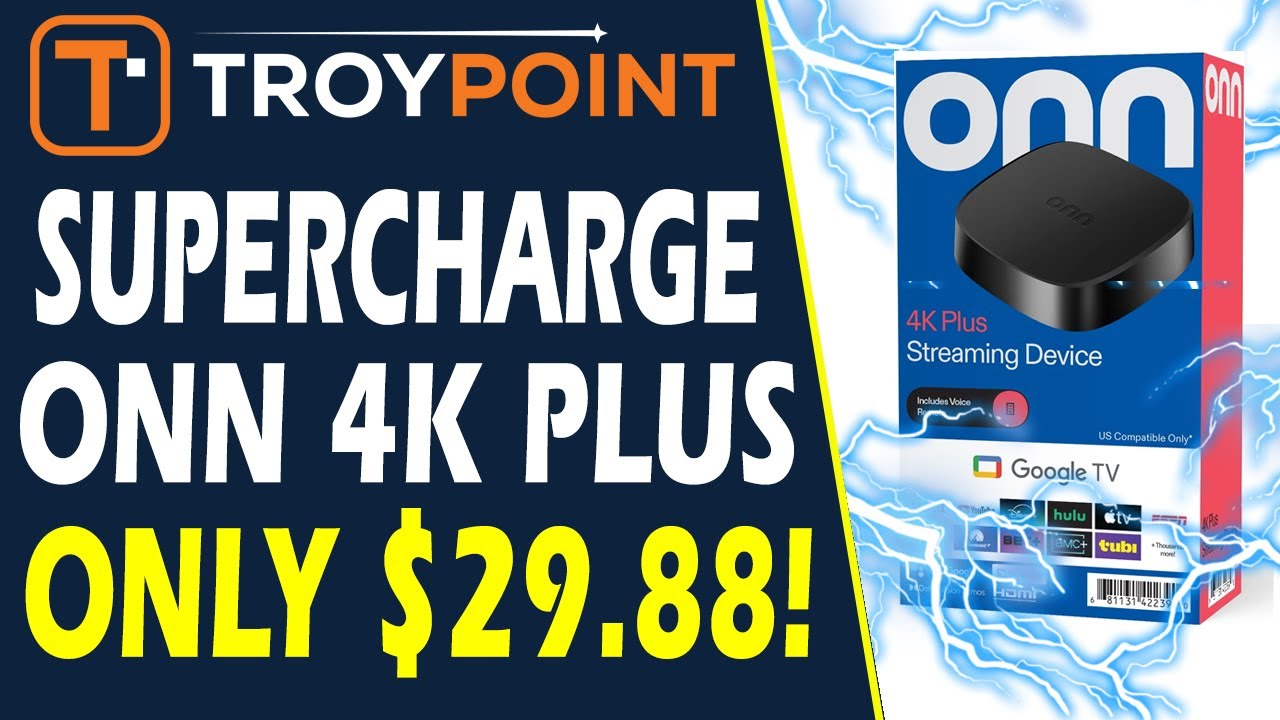
This video was made about 1 month prior to my install. After the ONN was connected to my network it downloaded & installed updates. Some steps shown in the video were not the same in my process, the updates did change some things.
Interestingly the remote just worked with my LG TV, I had to do nothing. Was not even prompted at all. Ditto for picture configuration. I did go into Settings and found where I can make adjustments but none were needed.
I followed Troy’s instructions to install & configure a custom launcher and an app that provides for remapping buttons on the remote as well as adding a mouse pointer to it:
tvQuickActions Pro $3.99 + tax google play store, lifetime license / unlimited android devices
Also bought TekDocUK’s DNS Switcher to block ads in streaming apps such as Cinema HD & BeeTV:
$1.99 + tax google play store, lifetime license / unlimited android devices
It works great, thanks TekDocUK!!!
Many apps are in the google play store, others you must go to other repos and sideload them.
Mostly I tried to install the same apps I use on my Fire TV Sticks (I have 3 sticks, a 4K, 4k Max and 4K Max
2nd Gen plus a 32" Fire TV), but some do not seem to be available for Google TV, or at least I was unable to find them so far. Not many in this category, DefSquid is one example. I’m looking for other utilities tha may be of use on this box.
Update: I found a work around for DefSquid. I found the correct URL to get it directly.
Open a browser on the ONN 4K Plus, enter the following URL and go there.
It will download & you can install it:
https://28907.co.uk/downloads/defsquid/DefSquid_v1.7.1.apk
My preferred player in MX Player Pro. The link for this in the Troypoint Toolbox repo is broken (at the time of my install), but I did find it in another repo & got Cinema HD working correctly.
The standard apps we use, Netflix, Prime Video, Hulu & Disney+ are all in the google play store, no problems getting them installed & logged in. These are actually options in the Google TV setup process, you just pick them & they get installed during the setup.
BeeTV: I used to use BeeTV with RealDebrid & it was a good app. I also used IPVanish VPN. Later I changed to Surfshark VPN, all was still well. Then RealDebrid announced it was shutting down service & I switched to Premiumize.
I got Premiumize to work with Cinema HD with no problems. Not so with BeeTV. It says it’s logged in but shows no Premiumize streams. It also doesn’t show MX Player as a player that can be selected, so I gave up on using it at the time.
With the ONN 4K Plus, I gave it another shot & installed it. No change, still can’t pick that player, still no premiumize links, I guess this one is a lost cause at this time.
Xfinity Stream (I can’t get my wife to totally give up on cable yet, so we still have Xfinity) is not supported for GoogleTV but I did find a wor around:
On my Windows PC I went to the APKMirror.com web site & searched for “Xfinity Stream (Fire TV / Android TV)” and found a page with multiple versions.
Xfinity Stream (Fire TV / Android TV) 8.9.0.0 (Android 7.0+) is the one I installed that works.
Download to PC
Copy APK to USB drive
Use OTG cable to connect USB drive to ONN 4K Plus - the ONN 4K is known to be fussy about this, known compatible OTG cable and USB drives:
Use a file app on the ONN 4K to navigate to the APK
Open & install it. Note that you can copy the file to the ONN but I didn’t bother, I just installed from the USB drive.
If you’re not adding anything else, there’s no need for a USB hub. Just plug the USB drive directly into the OTG cable.
com.xfinity.cloudtvr.tenfoot_8.9.0.0-80900000 works. When I start it, it tells me that I need to update the app but the version in the google store is not compatible with the ONN, so it doesn’t update. But the app actually does work.
Once I got everything installed & configured we started using various apps to watch shows. This has so far been with zero problems or issues. It’s actually worked better than my Fire TV Stick 4K Max Gen2, or any of my prior versions. We’ve experienced no buffering isssues at all. One thing we’ve dealt with for years on Fire TV Sticks in Cinema HD is if we’re watching a stream & pause it for very long, when we resume playing it will freeze up. We have to exit the app, come back in and restart the video, fast-forwarding back to where we left off.
This has not happened a single time with the ONN 4K Plus & we’ve been using it a lot for about 2 weeks now.
All in all it’s a solid little box, easy to use & perfoming quite well.
Walmart also sells an ONN remote for $12.84, so if you need a 2nd one (we do) they’re available:
The 2nd one does not pair as a remote. Go to Settings and then add an accessory. Place the new remote in pairing mode & it will be added & both remotes will work. The replacement lacks the Free TV button in the middle, but has everything else & the dimensions are exactly the same as the original.
My verdict at this time is that I really like this little streamer a lot.
Real Debrid have never announced the would be closing down.
Do you know which ethernet dongle and adapter Troy is using in his video . I can’t seem to find it.
So I don’t really know if this was intended for me but, he did put links in the review for the USB stick, the USB hub and the OTG cable. The links bring up the Amazon page for each.
Are these the items you are asking about?
Thank You
Hello,have you found a solution to this, I just heard about 1pix and downloaded it and the player, and it does not work,I have a 4k Pro and not sure when it updated but it is 14 now. I like trying different apps so I am looking for a work around, I had read someone on reddit mention using Kodi and I found it in there but it opens and then nothing.
I have it working now. I just needed to figure out how to navigate it.
I bought the 29.95 Onn 4K plus, I love mine, it is more stable then the MeCool pro 2 and faster as well.
I put a question in another post and should have gone to this. OnnPlus. I have 4 HDMI slots on my TCL. One is marked 4K earc 60hz. The others are 4K from 60hz to a20hz and 144Hz. Which one would be the best. Thanks
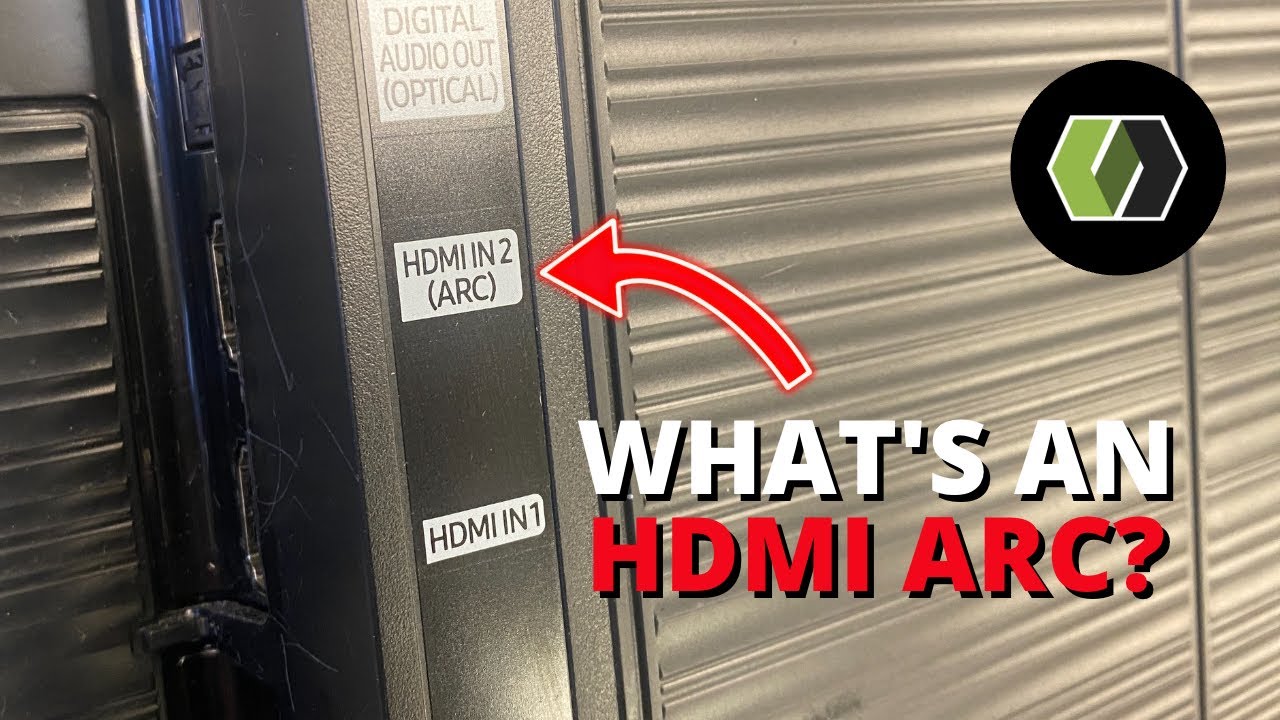
TLC HDMI
Answer to your question,from link below D - HDMI PORTS Highest quality audio/video connection. Connect cable box, Blu-ray player, gaming console, or other devices to your TV using HDMI cables.
I set my new Hisense TV to auto in the TV settings. And the take-away, from the TCL video, was that you should be able to use any of the HDMI ports for attaching your ONN box. And to turn on “Auto” so that the TV will operate at it’s optimum.
And just a suggestion, you can turn on Dolby Vision if you haven’t already. I have my Hisense set to auto for Dolby Vision.
Kind of found the answer myself. DUH! Thanks
Do I need to plug in a power supply into the ugreen usb c . It’s not working for me