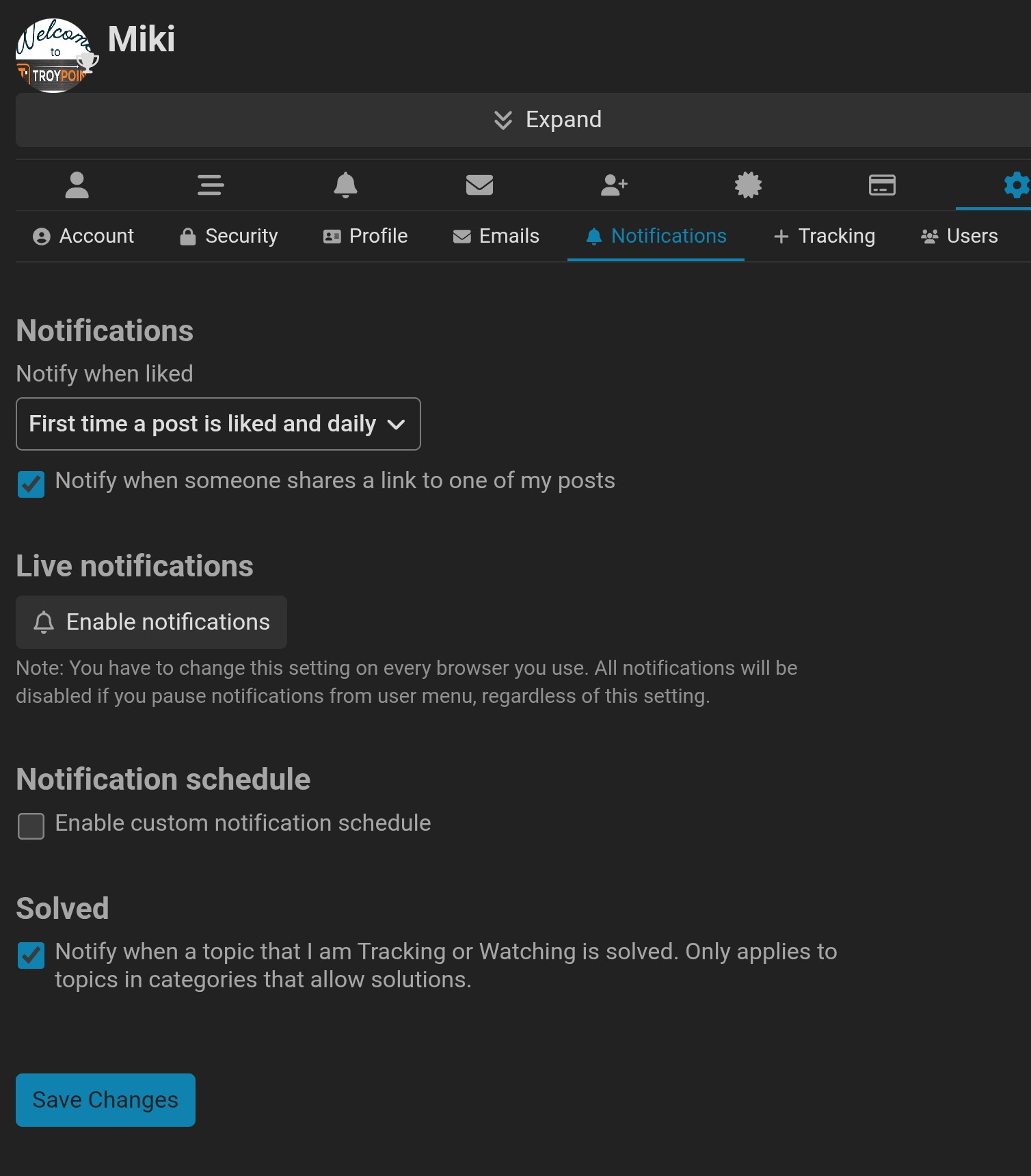
I recently switched from Android to an iPhone and since then I haven’t received a single pop-up notification from TroyPoint. I used to get them regularly on Android.
I’ve checked the app settings but can’t find where to enable notifications on iOS.
Does anyone know how to fix this or what settings I need to change? Any help would be greatly appreciated!
Uninstall and reinstall the TroyPoint app on your new iPhone to resolve the issue.
When transferring data from Android to iPhone, apps may retain the old device’s push notification token, causing alerts to be sent to the old device or not at all. Reinstalling the app forces it to generate a new device ID and sync a fresh push token with the server, ensuring notifications are delivered to the new iPhone.
If the issue persists after reinstalling, verify the following settings:
Go to Settings > Notifications and ensure Allow Notifications is toggled on for TroyPoint.
Ensure Show Previews is set to Always or When Unlocked.
Check that Do Not Disturb or Focus Mode is not silencing alerts.
Ensure Background App Refresh is enabled for the app in Settings > General > Background App Refresh.
Thanks I’ll go ahead and try uninstalling and reinstalling the TroyPoint app now. Really appreciate the detailed explanation and steps — that makes total sense about the notification token.
Wait there’s an IOS App for the Troypoint Insider? First I’ve ever heard of it.. Just searched the Apple App Store and I got Donuts. I access the Insider on a Chrome browser on my iphone. Have never gotten notifications on the iphone. Just the numbered red circle when someone replies to me but that’s in the chrome browser
Yeah, I also searched the App Store and there’s no official TroyPoint / Insider native iOS app — I get the same “Donuts” results. I access everything through Chrome on my iPhone (same as you).
On Android I used to get proper pop-up push notifications for new posts and articles. On iPhone I only get the red badge/number when someone replies, but no actual pop-up alerts at all. It’s annoying and making me want to go back to the android.
I don’t think the Troypoint Insider has popup notification functionality. I get tons of popup notifications for several apps I have but not the Insider
While the TROYPOINT Insider site itself doesn’t provide direct notifications, I usually receive a prompt to allow them when I click on specific articles, such as this one:
Please don’t be afraid to post questions or ask for help. There are no stupid questions just stupid answers. The insider is a community of HELPERS and it’s what we love to do and do well. Have a wonderful upcoming weekend and STREAM ON!!!