My Lemo TV is down. Also VOD. Anyone else?
Seems fine. Change your VPN location. This service is super sensitive to that for whatever reason.
Oh yes. Didn’t think about that  Will check it out when I get home tonight. Thanks AMD
It’s working now. I changed my Nord vpn from New York to Chicago. Thanks again 
It is wild, but my New York location doesnt work for this service either. If i want to update playlist or load EPG, I have to turn it to Detroit, Chicago, etc. Only this service, my others are fine.
Yes, same here. I have 3 other services and they all work fine from New York. Crazy…
Out of curiosity what VPN do you use? I experienced a whole bunch of issues this morning with Tivimate. I ended up clearing data and did a restore. As soon as the playlists and epgs load I will see if that cures the problem. I also experienced my SS vpn acting up. It was dropping out and when I went into settings to change a protocol, I couldn’t get into that setting to do so. I ended up force stop and cleared cache and did a reboot and I switched back to wireguard. I have my protocol set to auto, but it always is on wireguard. For some reason it switched to open vpn/tcp. I finally got that sorted and that is when I had the issues with Tivimate. TM wouldn’t play ANY channel from ANY playlist.
It seems my playlist have all updated and the epg us still in the updating process. It seems the epgs all updated properly. I had to disconnect my vpn to get any program to play. I am going to close down TM and reboot with my vpn and see what happens. Again with the vpn on I cannot load any channel. My vpn protocol is set for auto and is currently using wireguard. I tried every protocol and SS will not connect with any of them except wireguard and only sporadically. Again TM will play without my SS VPN on.
This has never happened before and the only thing different between yesterday and today is I installed and use the TDUK App Killer. I am going to uninstall that and see what happens.
Update. I cleared data from SS and rebooted and it still will not connect. Now I will uninstall the App Killer and see if that is the culprit.
I use Surfshark also. I always select Wireguard instead of Automatic. I feel like I have better luck that way. I cant check anything as my internet has been down since 3 yesterday due to high winds. I havent used the app killer yet. I wont get that until there is a whitelist option.
After clearing data and cache in SS it still wouldn’t connect via auto. I tried your advice and set my protocol to Wireguard and it did connect, but will not connect with any other protocol nor using auto. Only wireguard. Again when connected to SS TM will not load any channel. I uninstalled the App Killer and rebooted my Shield. The SS VPN still will not connect via auto. with any protocol, but it will connect with wireguard only if I manually select it and set it and my TM still will not load.
So that eliminated the App Killer as the culprit. Now I will uninstall SS and reinstall to see if that fixes the issue.
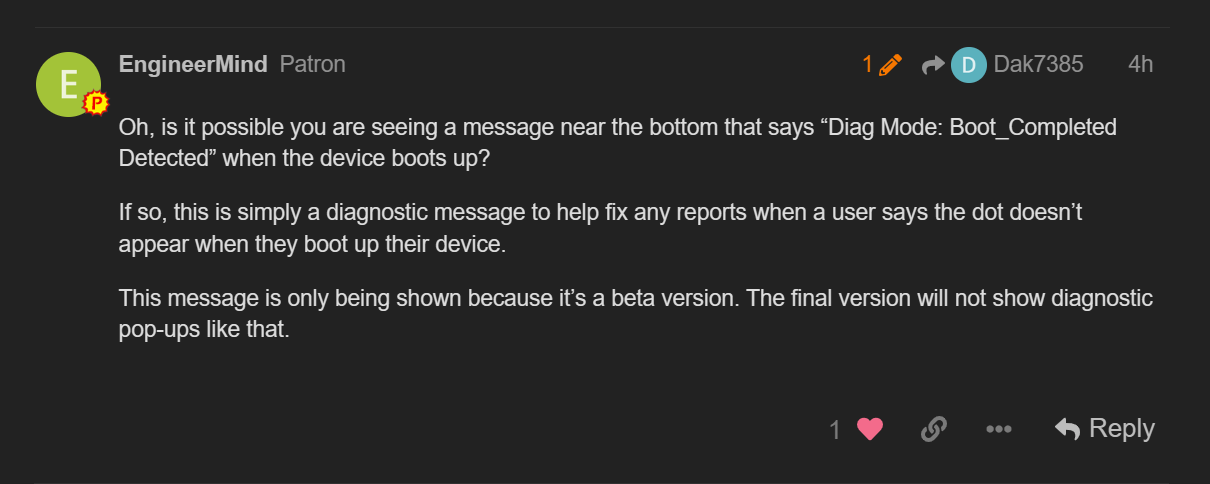
I noticed now when I reboot my Shield I am seeing a pop-up I don’t recall seeing before (dia mode boot completed detected) I don’t know where this came from?
Used the tduk app killer yesterday on the buzz x5 and I almost had a heart attack. When I exited the app it went total black screen so I hit the home button which brings me to wolf launcher and it did but all the apps were blank squares, I could move the cursor around but no matter what I clicked on nothing happened, tried wechip airmouse remote no luck either. Finally last hope after 10 minutes of pure panic I unplugged it from the wall power, waited 10 minutes, plugged it back in and thank God it all came back. Just uninstalled that app.

April 7 Update: Just sideloaded the updated version of app killer and with the new exclusion box checkmarked, it now works like a charm. Thumbs up to @TechDoctorUK, keep up the great work 
Yes I to have had problems with that powerful apk. You have to be carefull with it.
TDUK is white listing the Wolf app in the upcoming update along with a few other apps including 3-4 VPNs plus all the Safety Dot apps.
Btw, I just tested the TDUK app with my Wolf launcher. You need to exit the Wolf launcher properly prior to using the TDUK App Killer. Then you can re-enter the Wolf Launcher with no issues.
Sounds like you closed down with the Wolf Launcher still engaged. I always closed out Wolf Launcher and reverted back to my stock launcher when shutting down.
Anyway, when TDUK pushes out his update. That will solve your issue.
Lemo I believe has shut down overnight i have tried several different ip’s that were working previously got nothing when i click on a channel in tivimate it reboots my onn box.
Still fine here. Loading quickly and all channels up.
Ok lemo and wabbo are down their pages are gone (taps playing in the back ground) huge loss.
Mine is working fine.
yes I found an ip that works yet again but imo they are definately becoming fharder to come by but I guess that makes sense with them being hunted. It is crazy I will have one work yesterday won’t work today I guess it is just a mattewr of time.
I’m sure there will be some hide and seek with the legal action. What is interesting to me is that they keep streaming and haven’t just taken the money, cut off their subscribers and ran. It seems to indicate they have a plan moving forward. With the way legal cases drag out this could go on for years.
Was checking today and their billing page is still up and still shows account info etc. I didn’t need to pay so didn’t actually go through with it, but the site seems fully functional. So, it would appear they just lowered their profile. Still streaming fine also. It will be interesting to see how long they hang around.