Originally published at: Kodi 21.3 Omega Release - Features, Updates, & Install Links
Kodi has officially launched the stable version of Kodi 21.3 Omega and this article explains all the latest features and updates. Provided below is the changelog including features, fixes, and general update information. If you wish to install this version of Kodi 21.3, use our download guides provided below. The most popular Kodi device is…
English only please. Appreciate it and thank you. Btw we appreciate all the help that expert Kodi users, like you, provide. The insiders sure enjoy it. Have a nice day.
Thanks for catching that @JPM69 . Fixed.
From my research this is more for advanced users and requires the entering of codes to modify the programmed chunk sizes, and even then your changes are not a given that they’ll work. If you want to get that deep into it, or just want to learn what those settings do, then I suggest doing an online search and start reading.
Ok this is confusing for even a non Kodi user like me. Do you Mean Kodi20.5 Nexus and Kodi 21 Omega?
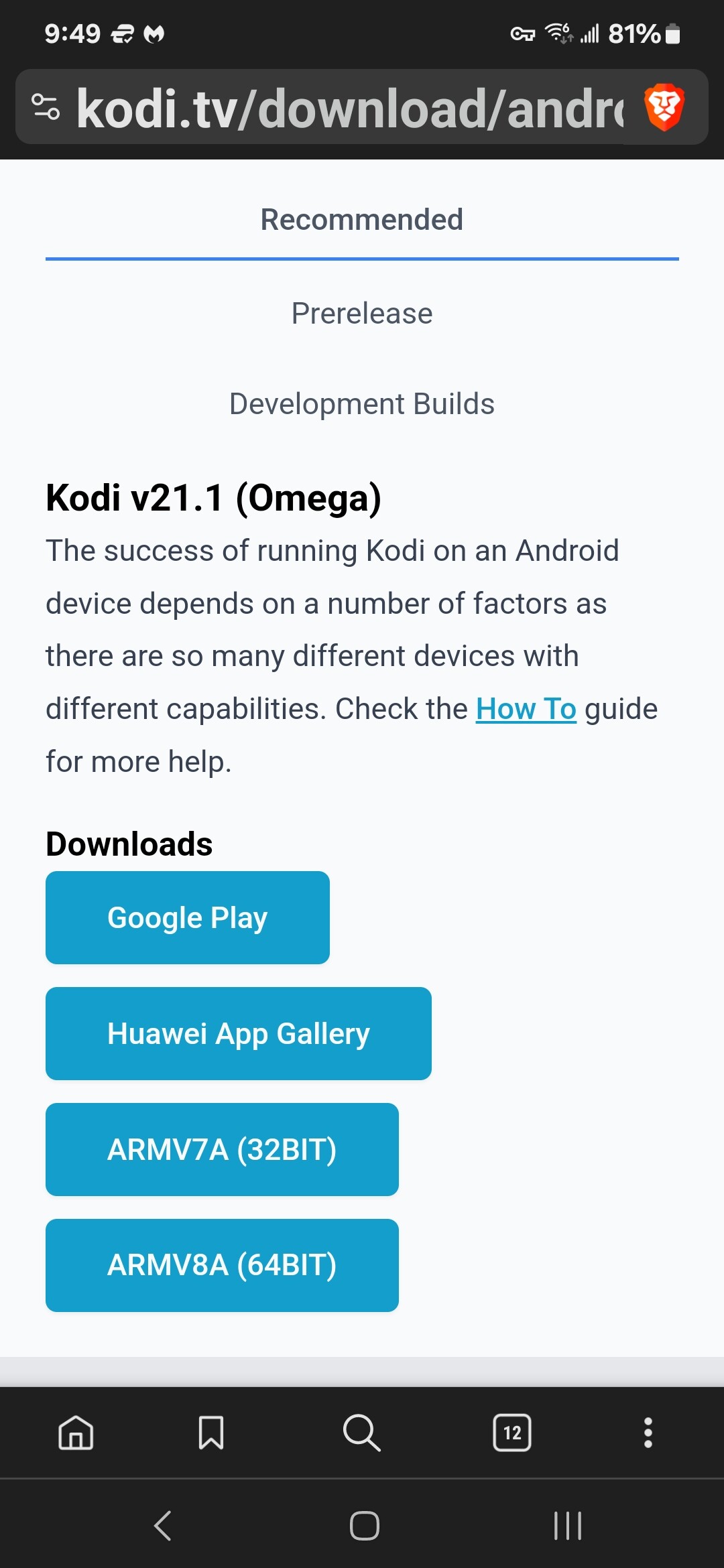
updated it today no problems all apps work fine 

1 Like
Hello sir (Troy),
Elementum Downloader code 444801 is not working for me and is giving me an error message “net::ERR_CONNECTION_REFUSED”. I’ve made sure all the directions to your other video have been followed to the T.
I’m running on an Amazon firestick 4K max and today is the first day using Kodi, downloader, etc…
Kodi seems to be up and running but I can’t watch live TV yet.
I also have the Surfshark VPN protection and is connected.
I’m hoping you could give me an idea as to why the Elementum zip file isn’t coming up with that code and if so, do you have another option/code to use?
Thank you!
Toss11
1 Like
I just tested that code on my Nvidia and it works.
Have you allowed for “Install Unknown Apps” on ths FS? Its in the developer options. Search on TP if you havent already.
I have not used a fs in a while but i remember you had to allow that for sideloading.
I have the same question. I have unknown apps enabled and it’s giving me the same error message 
Hello, I just tested and it’s working for me. Try disconnecting your VPN and try again.
I also have the same issue. I installed it yesterday with no problem. I tried to install it on a different fs and it gave me webpage not available in downloader. I turned off my vpn, cleared cache on kodi and downloader, allowed unknown sources, allowed media on kodi and downloader. I also restarted my fs. Nothing has worked so far today. If you have any info on what to do please let me know. Thank you.
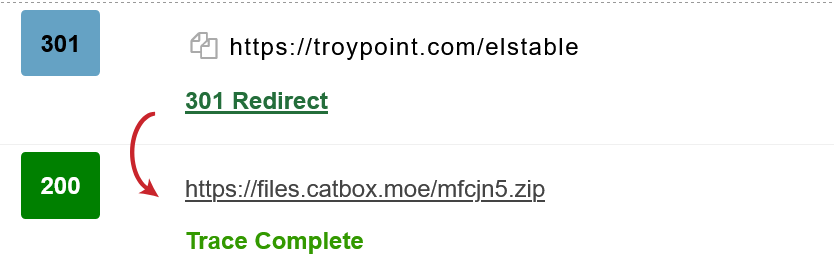
No, sorry that didn’t work. I found a solution though using this link
https://github.com/ElementumOrg/repository.elementumorg/releases/download/v0.0.2/repository.elementumorg-0.0.2.zip
I have been unsuccessful in loading the AIO skins in 21.1. I have tried on my Firestick 4K Max, my ONN 4KPRO and my Toshiba Fire TV (circa 2022.) Does anyone have the same problem and possibly a fix? If no fix, can someone suggest a build that allows for Trakt without forcing RealDebrid? Thanks in advance
Is this the problem you are having?