I tried this with Downloader but it says No app found to handle this file?
Where else can it be downloaded?
When you open XCIPTV look at the bottom right of the first screen, it says Settings. When you enter Settings you will see the icon to load M3U file. No password or user name required. Ignore and just enter
Looks like the PPV category showed up today for the UFC Fight night.
Yeah and a 1 month one connection is 15 bucks for 354 channels!
Has this stopped working already?
The Tv guide went out. Anyone knows how to get it back.

Using with xciptv. works great but adding/deleting favorites is driving me nuts. gotta be something simple that i am too stupid to get it.
same here
Hello, highlight channel then hold down on OK button of remote for a few seconds to get option to favorite channel.
I just installed this and the multi screen function now requires a subscription. Yes, too good to be true.
Great. How on earth can I get this??? I have installed Tivimate and about 4 other IPTV players but I have no idea how to get access to M3U IPTV. What URL should I use? Thank you.
I have Tivimate but what URL do I use to get M3U??? Thank you.
The video above shows all of that including the url.
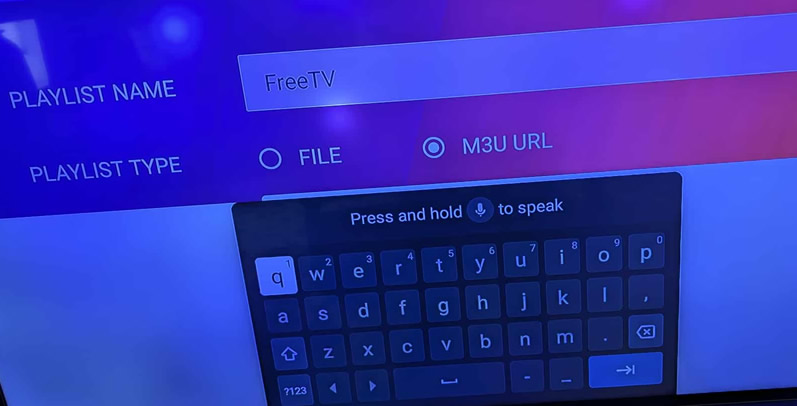
it is a m3 url
Is that all you put in. When I finished and selected add user,
it said “no internet”?
Of course I have internet, maybe I need to shut my VPN off?
Thank you for the quick reply.
Hey TXron,
Please explain what you mean by “those with a server” ?
Thanks !!!