Is this an upgrade to the Shield Pro for streaming?
Not sure what you mean by Upgrade. The BuzzTV P6 boxes are a line of boxes with some high grade specs. Canadian company. They have a built in IPTV app BuzzTV 6 and the Video that Troy put out is to display and explain all the new features and improvements for that App. It’s a HUGE IMPROVEMENT and very much appreciated. Absolutely love a Company that rolls out consistent updates and new features. Good to see a company that cares about it’s customers and devices.
Depends on what apps you use - don’t expect the official Netflix app to work.
What you get is, great hardware specs, android open source software and freedom to load apps you want
Much better than any Shield 
Thank you Troy. This update was wanted. Love the Buzz TV Box, it’s working perfectly after this update.

2 Likes
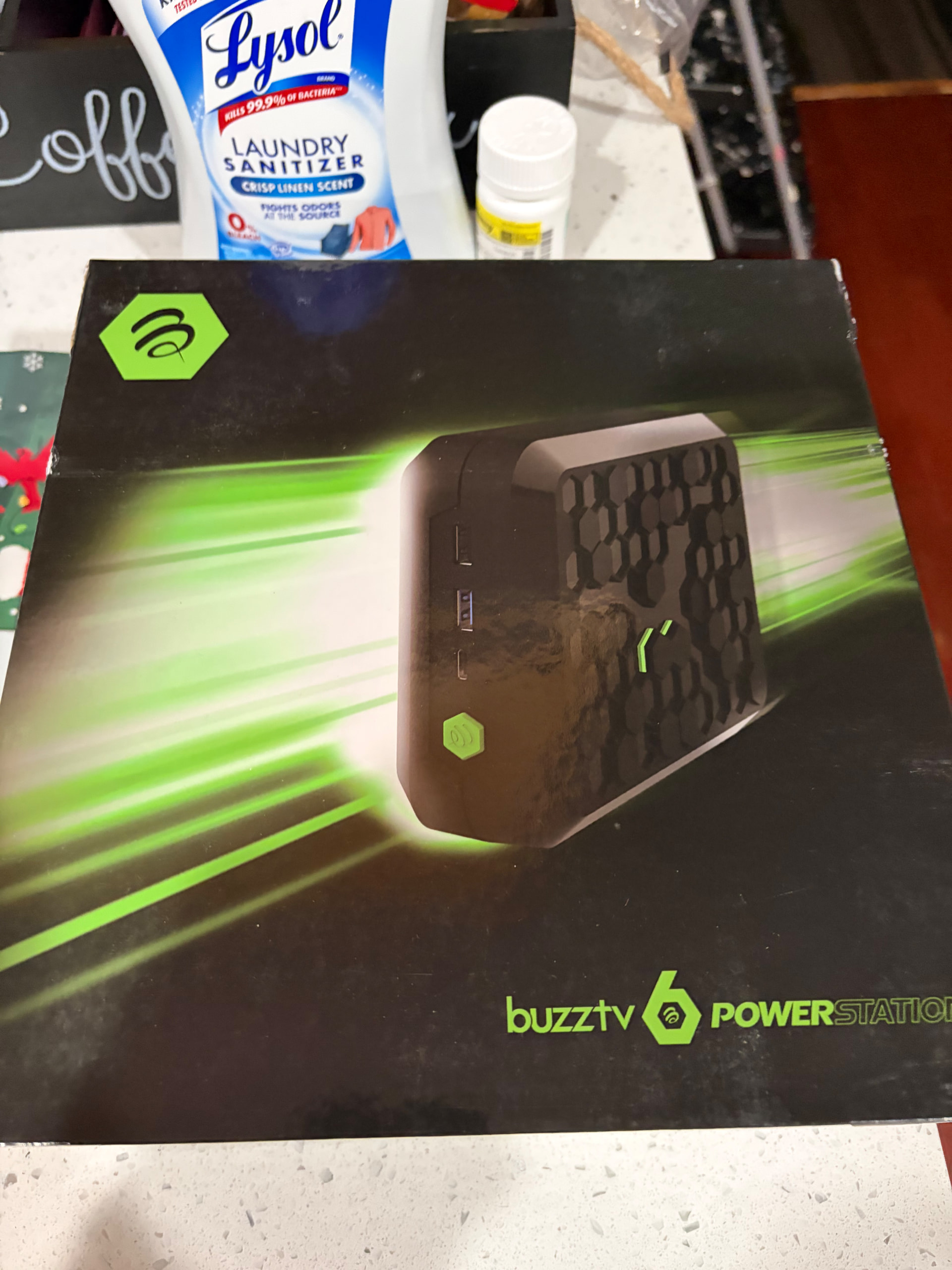
How that Lysol working with your laundry? 
Lmao! It’s working
My P6L also show a new update for the BuzzTV 6 app. Came out 2 days ago. This on top of the already released full update. From what it says this appears to be just some additional fixes.
Yes, I put in the Buzz TV 6 update yesterday. I played aound with it for an hour or 2 and this Buzz TV interface is really slick and nice to use.
Miki, you might have to rethink your use of Tivimate only. I also did more sample recordings with Buzz and will check them today.
I have been seriously Thinking about it, especially after watching Troy’s video 3 times. Now if I can find time. Learning all I can about Nuvio as I love it at the moment. Busy boy. 

Do your research if you are moving from a Shield Pro. If you are buying it for the IPTV side of things what I found may not matter to you. I bought the 8GB P6 expecting that all content that I played would look better than my Shield. I was wrong. I use all the popular streaming apps for Series and Movies and a lot of it is 1080p. For whatever reason (Upscaling ability, aisr-aipq algorithms, the chip itself?) the Buzz produced a noticeably inferior picture on screen than my Shield Pro, Ugoos AM9 (Troy reviewed that one and also remarked on its picture quality), Minix U8K Ultra and even my Google TV Streamer. I sold mine on eBay shortly after. As with most devices, software and hardware your actual use case matters and if it’s a lot of lower bitrate\non 4k content the devices I listed are excellent at it.
What makes this box worth the huge pricetag vs. say the ONN 4K if all it is used for is streaming services?
If you mainly use streaming services such as netflix, hulu, disney. etc, this isn’t the best box for you.
Well as a long time user of the Shield Pro and then getting the BuzzTV P6L Ultimate I respectfully disagree. With running 64 bit apps and getting 4K, HDR, and HDR10 and 10+ sources consistently, not to mention that My Samsung TV doesn’t do Dolby video just HDR and has auto upscaling, eliminating the need for my P6L to do that, I get Videos every bit as good as the 2019 Pro with upscaling enabled. FYI I sold my Shield Pro and don’t miss it.
Can anyone comment on the EPG view of the built in IPTV functionality? Does it look like the traditional Tivimate EPG or Smarters? Have a wife who does not like change and want to make sure prior to switching the IPTV appearance will not change.
TIA
The Buzz remote has a guide button that brings up a grid similar to Tivimate or Sparkle or others. The data to populate it comes from your IPTV supplier.
Anyone knows which service was the one on Troy’s video?
Troy: Question about clearing the cache on these new Buzz TV boxes. I have U5 Buzz TV box and one of the things I did not like was in order to clear the cache on this box you had to clear cache in each of the individual apps, where as the Shield Pro allows you to clear the main cache for all of the apps. Can you clear the cache for all apps in one place on these new Buzz Boxes? Please advise and my Thanx