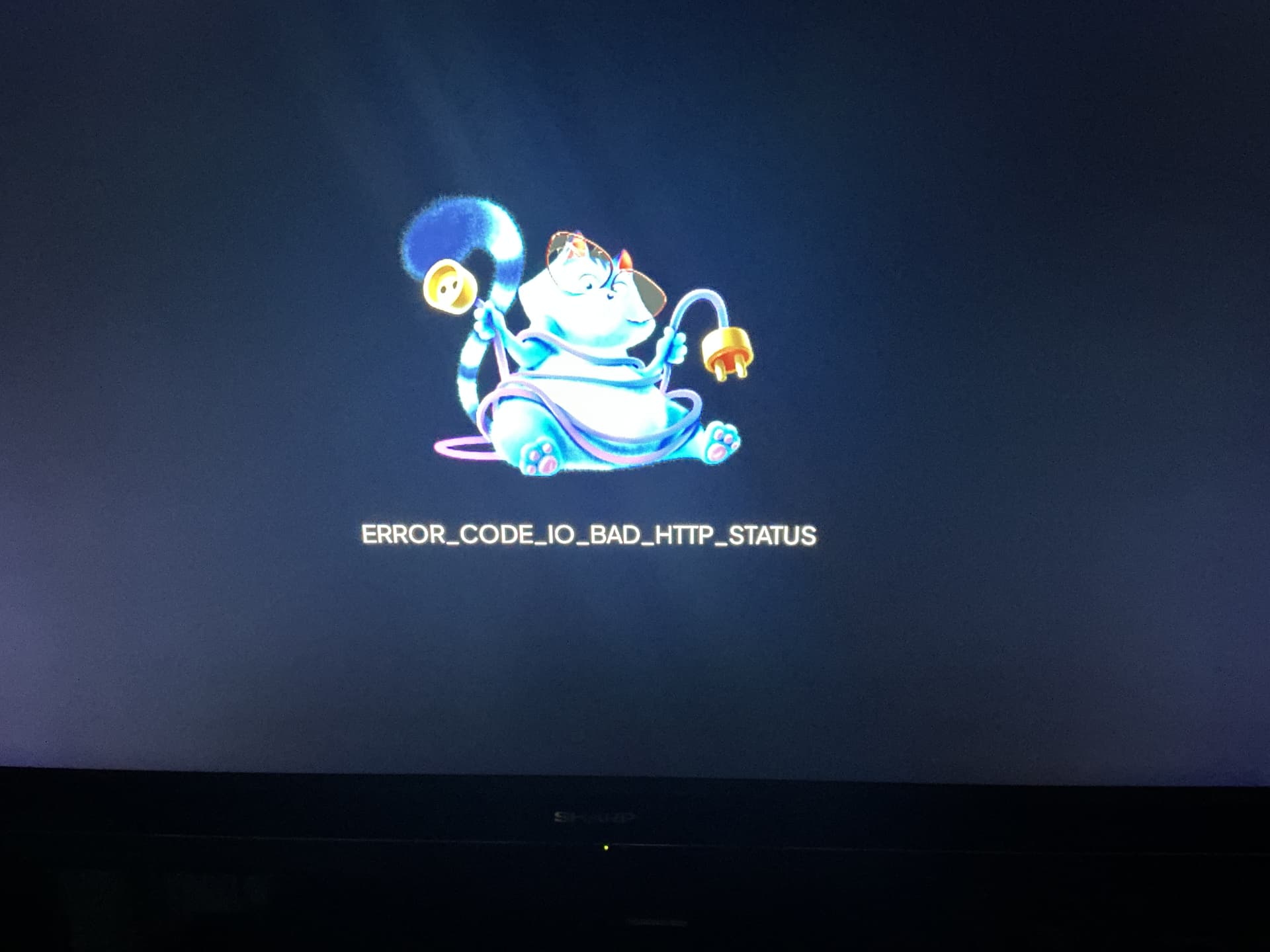
Hello everyone. I’ve had Stremio for a few years now. No problems, until recently. It got so bad not being able to find any streams, I uninstalled everything and started fresh. I should say that I have an active Real-Debrid account, along with Torrentio. For whatever reason, I’m now getting this error message and can’t stream ANYTHING. I watched Stremio last night, couple of movies, played flawlessly. Today nothing!
If you only have Torrentio installed, they’re blocking us somehow and unless you fiddle with your VPN ad nauseum to get Torrentio to work, you may be out of luck. Comet and Media Fusion have tons of sources if you add those. I’ve have great success with the Stremio BOOTSTRAPPER installation which has Torrentio, Comet, Media Fusion among other add ons. It only takes a few moments to install and overwrites your current installation w/o the need for uninstalling anything. I’ll find the BOOTSTRPPER instructions and come back and paste them. Hope this helps.
I tried bootstrapper and it’s ok but only allows one debrid service at a time and with my setup I have both RD and PM. I’m not having any issues with Torrentio at all. I have Torrentio RD, Torrentio PM and just plain Torrentio, Jacketio with both RD and PM, same goes for comet and Media Fusion as well as ThePirateBay+ . I am honestly never lost for a source. I tried TorBox as well and the free version didn’t add any advantage for me. Troy has a new vid out on adding it to the bootstrapper but it needs bitcoin which I don’t do.
I was having similar issues the other day. I had followed the bootstrapper build on a Stremio test account using TorBox. After lots of troubleshooting, I eventually removed the Elfhosted version of the AIOStreams add-on and replaced it with the AIOStreamsForTheWeak version (which doesn’t include any rate limits or issues w/ Torrentio support), and that seems to have fixed the issues I was having. Not sure if that’s possibly contributing to your issue or not, but it’s something to consider.
FYI: For anyone setting up multiple Stremio accounts with different API keys in AIOStreams, you will need to reset configuration first, then clear browser cache, then open new tab, otherwise first API key will be used for second account. I was unable to change API and use same settings. Had clear to cache and redo all the settings.
My experience is that Trakt is not ideal with Stremio. @Miki will tell you he uses the Library in Stremio and not Trakt. I would agree that is a better option. Your Trakt Collection and Watchlist will populate the shows/movies but it’s just not a user friendly as it is using Trakt on Kodi. JMHO.
I have installed the stremio app off the Troy point toolbox, but every time I go out of Streamio and back in, I have to reinstall it to get it to work. Any help you can give me I appreciate it.
Still says app not loaded. When I click done it shows file was successfully loaded to /sdcard/Download/Downloader with the app address. But my firestick 4K does not have a sd card.
I look at files on Downloader and it shows the install file. Try loading from there it also says app not installed.
I tried to install a kodi fork from your toolbox and that also will not install.
Yeah I can’t get the 1.7.4 release from Troy’s toolbox to update on my Nvidia shield pro. It just comes up app not installed. I have 1.73 release currently
You can always uninstall the old one and install the new one and just log back in. All your settings for Stremio are saved in the cloud and will be applied automatically after the reinstall. I also have a Stremio installed on my tablet and do most of my configuration there as it’s easier and as it’s the same account and any setting changes I make there, are automatically applied across all my other devices. Syncs seamlessly. I should also note that on my tab the version is 2.0.1 while on my BuzzP6L Unlimited it is 1.7.4 but the 64 Bit one. The settings sync across the different versions including my addon configurations.
This was a first time install, directly from the Troypoint Toolbox, so it was fresh, and I got the add-on links to enter from Troy’s posted list of 30 of the top community Stremio add-ons.
It would seem like a fairly simple thing for anyone under 75. Hit the + Add addon, enter URL, hit save. Doesn’t work, just tried again. Connected or not connected to VPN doesn’t matter either.
Just uninstalling. Things like this should just work
Not sure what you mean by enter URL. You never have to enter a URL in Stremio. Just find the addon you want to install, configure if necessary and hit install from the following site.
When trying to watch a show on my Amazon Firestick, I am not getting any downloads. I get the message that “Streams were found, but they were filtered due to your configuration, like languages, resolutions, quality, etc”.
When I check the Stremio app on my desktop computer, I am getting downloads.