Originally published at: How to Install SALTS Addon on Kodi (New Premium Addon)
The following tutorial shows how to install the SALTS Addon on the latest version of Kodi. SALTS is a new, premium Kodi add-on from the Red Repository that offers movies, TV shows, 24/7 channels, and other on-demand content. While there are some free sources available, this add-on works best when paired with premium debrid services…
When playing a movie, the app shows a blue buffer-type icon for quite a long time. Is this normal? How can it be cleared?
Hi all. Just installed Salts on Kodi successfully except it will not give me a premiumize me code to enter in my account. The message says “enter Premiumize API Key”. Suggestions?
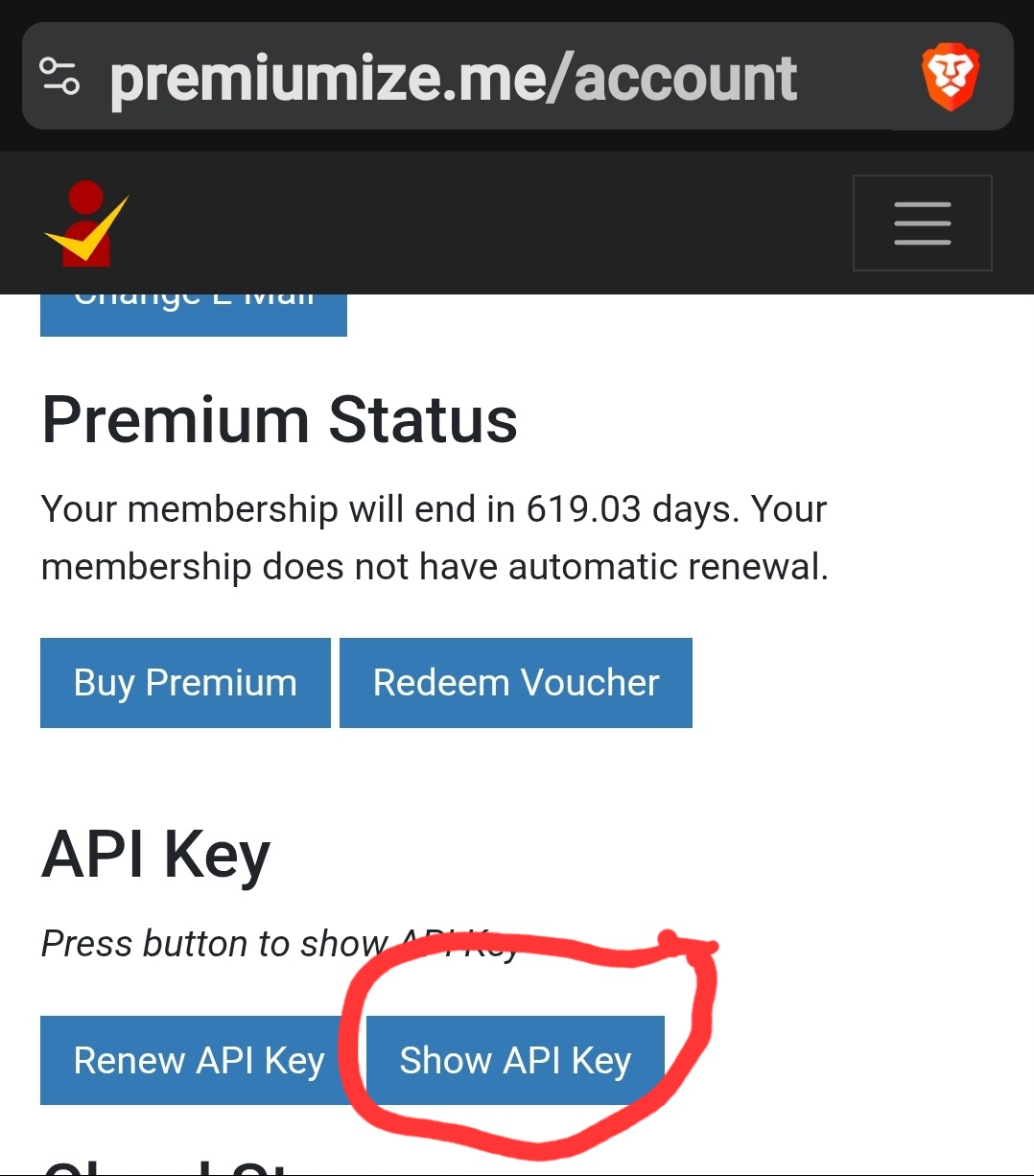
Bless your heart! That’s a first for me. Always got a code. Thanks so much 

Hello Troy. I followed all of the steps to install SALTS to Kodi on my nvidia shield. I’m using real-debrid and have followed the instructions to configure it several times. I very often get a message, “Torrent sources require a debrid service. Please configure Real-Debrid, etc, in settings”. No matter how many times I re-configure, I get the same message. What is the issue here?
I’m having same issue. Did you figure it out? If so, can you tell me? Thanks