Originally published at: How to Install Opus IPTV on Apple TV 4K (2026)
This tutorial shows how to install the Opus IPTV player on Apple TV and other devices. Opus IPTV is a popular live TV player that works on Apple TV, iPhone, iPad, and Android TV/Google TV devices. This app supports M3U playlists and Xtream Codes API, making it compatible with most IPTV services. This live TV…
1 Like
Without trying Opus I won’t downplay it, but just from your information here Smarters Pro and Sparkle Plus are doing me just fine…. always nice to have options, thanx Troy ….
1 Like
Yep those are great options! If you have a great setup that’s working I would keep using it. Just providing as many quality options as we can.
1 Like
Apple Tv is the best there is imho…We just need more apps. The remote itself sold me 
1 Like
i tried to install opus iptv on my iphone 14 but when i try and open it it just keeps buffering on the loading screen
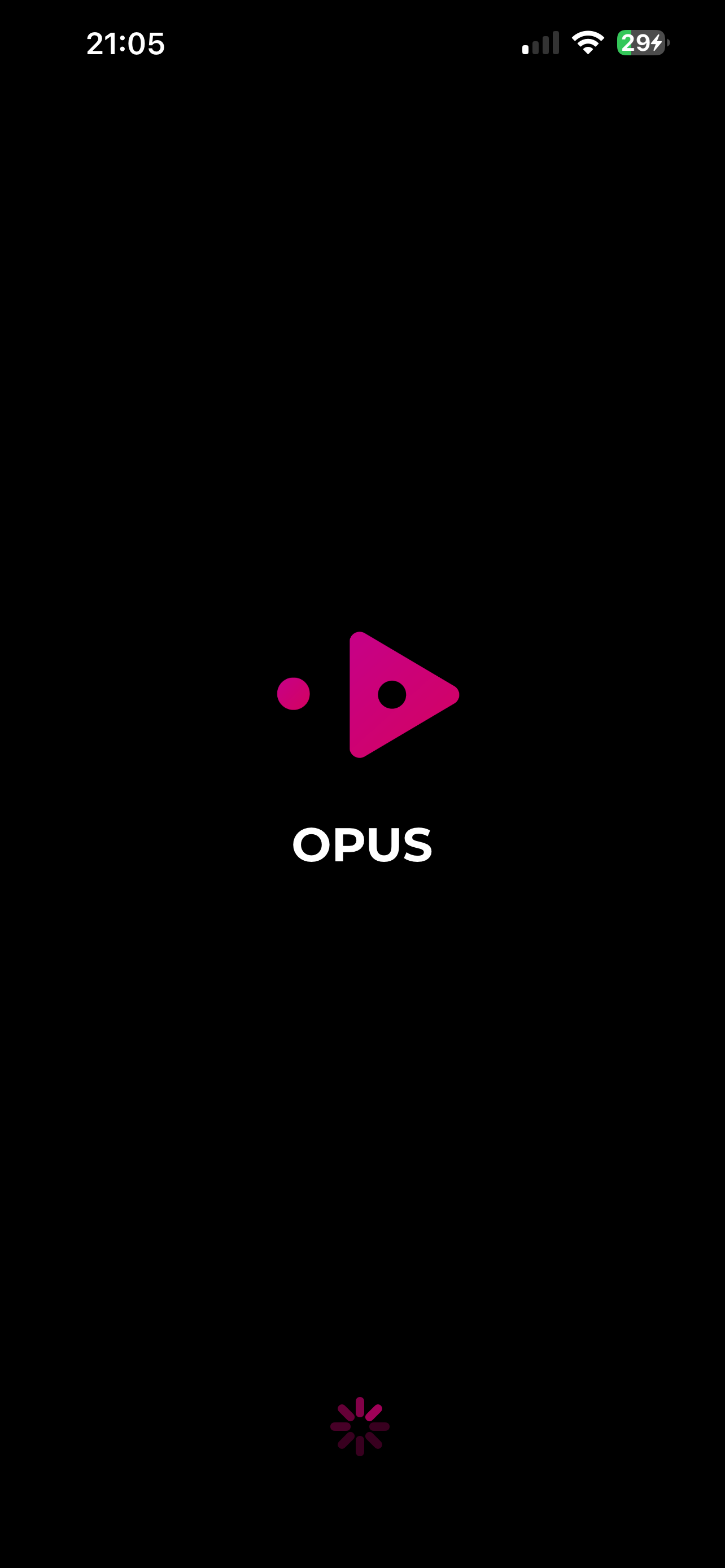
Are you saying that it did install but it won’t open, or you are trying to install and it’s taking forever….
i downloaded it from my app store but it won’t open i just get the buffering wheel under the logo
Gotcha, it’s just in the screenshot it shows only 1 bar of signal, I thought maybe that’s why it wouldn’t download, not sure if that would affect it opening….
no everything else opens ok it’s just the opus app
Try some of these other live TV players for Apple TV & iOS devices if Opus is giving you problems - How To Watch IPTV on Apple TV (Best Apps & Players)
2 Likes