Originally published at: How To Install Downloader On Android TV Box & Side-load Apps
This step-by-step tutorial will show you how to install Downloader on Android TV Box. The Downloader app is one of the most important tools that we use on jailbroken Firesticks and Fire TVs. This tutorial will show you how to use it on all of the other Android-based devices as well. You will also learn…
Bought an ONN 4K Plus to use with my office TV. I have one installed and loaded up on my living room TV already. I set the box up and then tried to load Downloader. I can’t get it on the TCL Roku TV! Searching only comes up with alternative apps. So I did what Troy suggests…I went to Google Play Store. That search brings up the same apps and I don’t want to use anything but the Downloader app. Any suggestions to getting the Downloader app on this ONN 4K+? I had no trouble with it on my living room TV running a 4K+ but I can’t find any way to find Downloader.
Nevermind…When I typed in “Downloader by aft” I found it, but when I spoke it into the search bar it would not show up. One of those little things that drive you nuts!
I think this post question is on the correct category. So I have been following TP for about 6 months now and was a little discouraged about the Fire Sick debacle. My question/theory is: If I can find downloadable apps on the Fire Stick using the silk browser from the play store and the IPTV service that I use uses this app, do you think I will still be able to use that IPTV service while my VPN is protected on said Fire Stick?
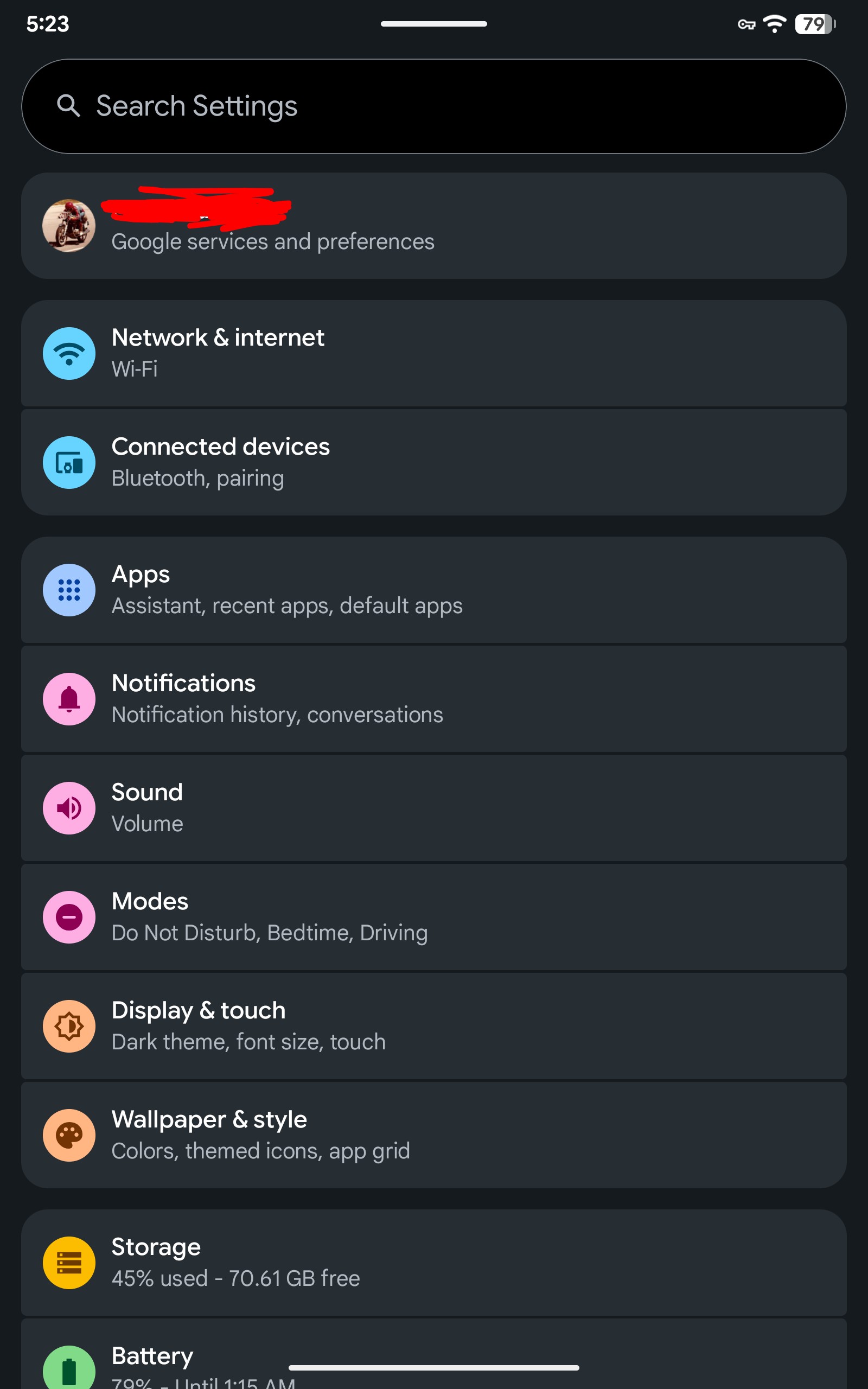
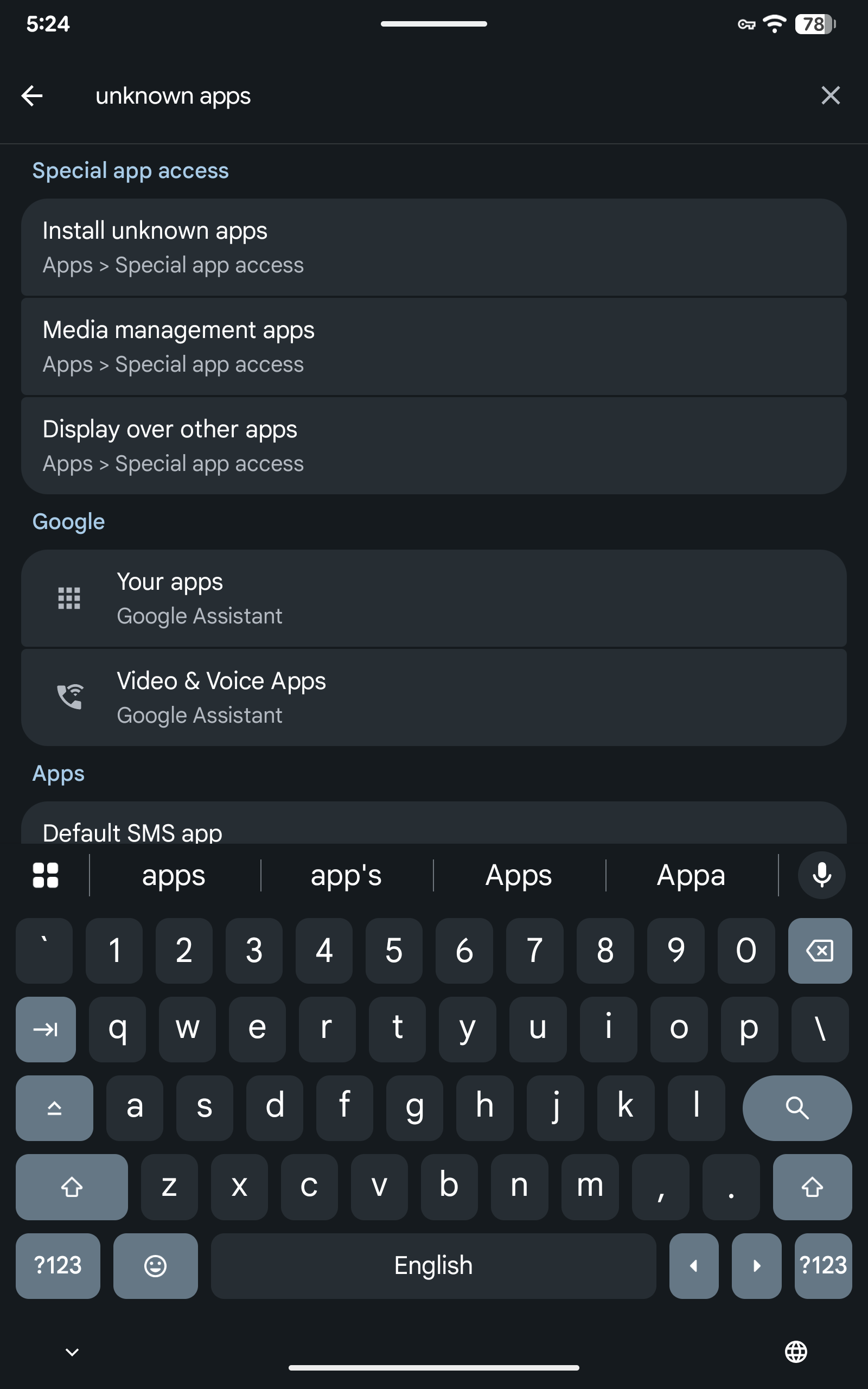
I have a walmart onn pro, have developer options installed, i have installed Downloader AFTV, it wants me to setup allow Unknown Apps, i can’t find it. HELP OLD & special LOL
Here is how to do it. To allow unknown sources on your Onn 4K Pro, first **unlock developer options by going to Settings > System > About, finding Android TV OS Build, and clicking it 7 times. Then go to Settings > Apps > Security & Restrictions > Install unknown apps, and toggle your preferred app (like Downloader) to *Allowed.
Nope it had Security, looked all over the place, this is a new thing that Downloader AFTV is doing, updated big mistake, now all my units lol want the unknown sources setup!
The downloader AFTV if you update it, it wants you to change the unknown apps setting I couldnt find in settings. You can bypass it by clicking on the # in the top right corner of the app.
I wasnt patient it just is an issue on the homescreen!