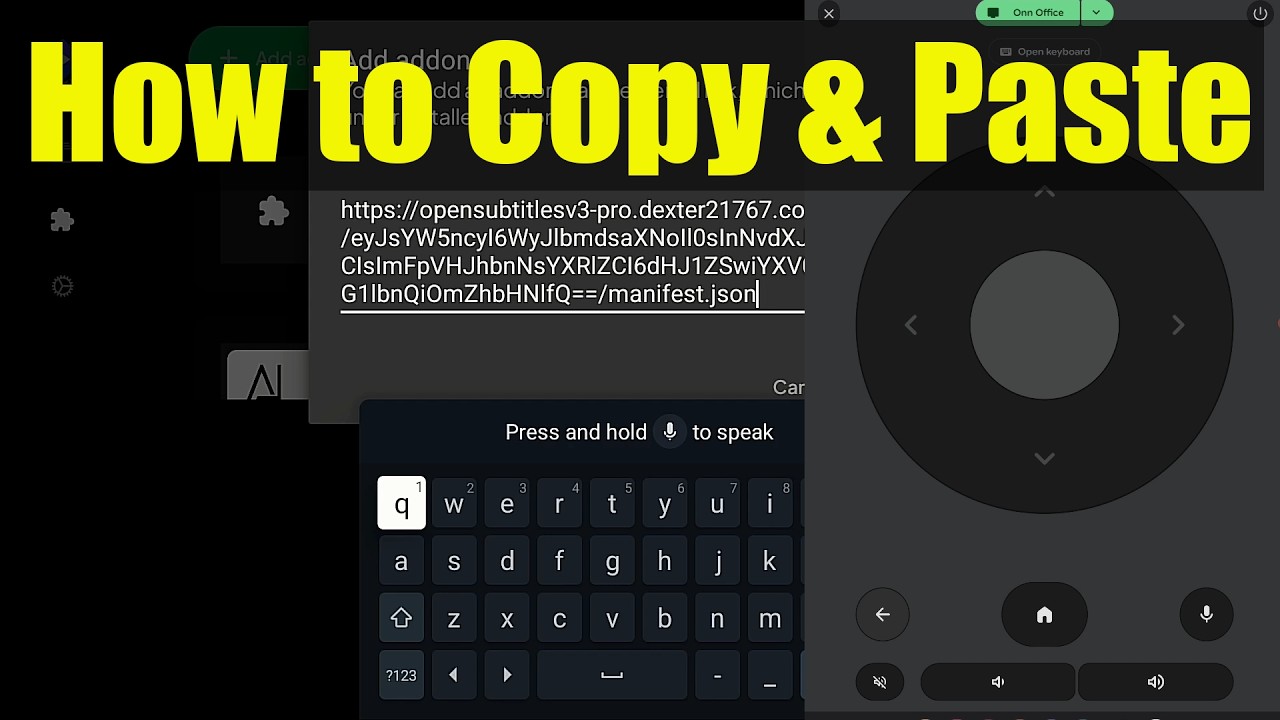
It sucks typing long URLs with a remote control when configuring Stremio, Nuvio, STRMR, and Kodi addons.
Here’s a new video that shows how to copy and paste on these streaming devices. This will save a lot of time when trying to configure various addons. It also works great when pasting API keys or ADB commands as well. There are many scenarios in which you can use this tip.
 Note: I still suggest installing addons directly through web interfaces (when available) like I show in my Nuvio video as it is still faster than this copy and paste trick.
Comments are closed for this Topic as we want all discussion directed to the same location on the YouTube video page. Thank you.
 Get Free Stremio Ultimate Setup Video
 Become Anonymous while streaming with Surfshark VPN - Huge Discount
 Nuvio Review & Tutorial