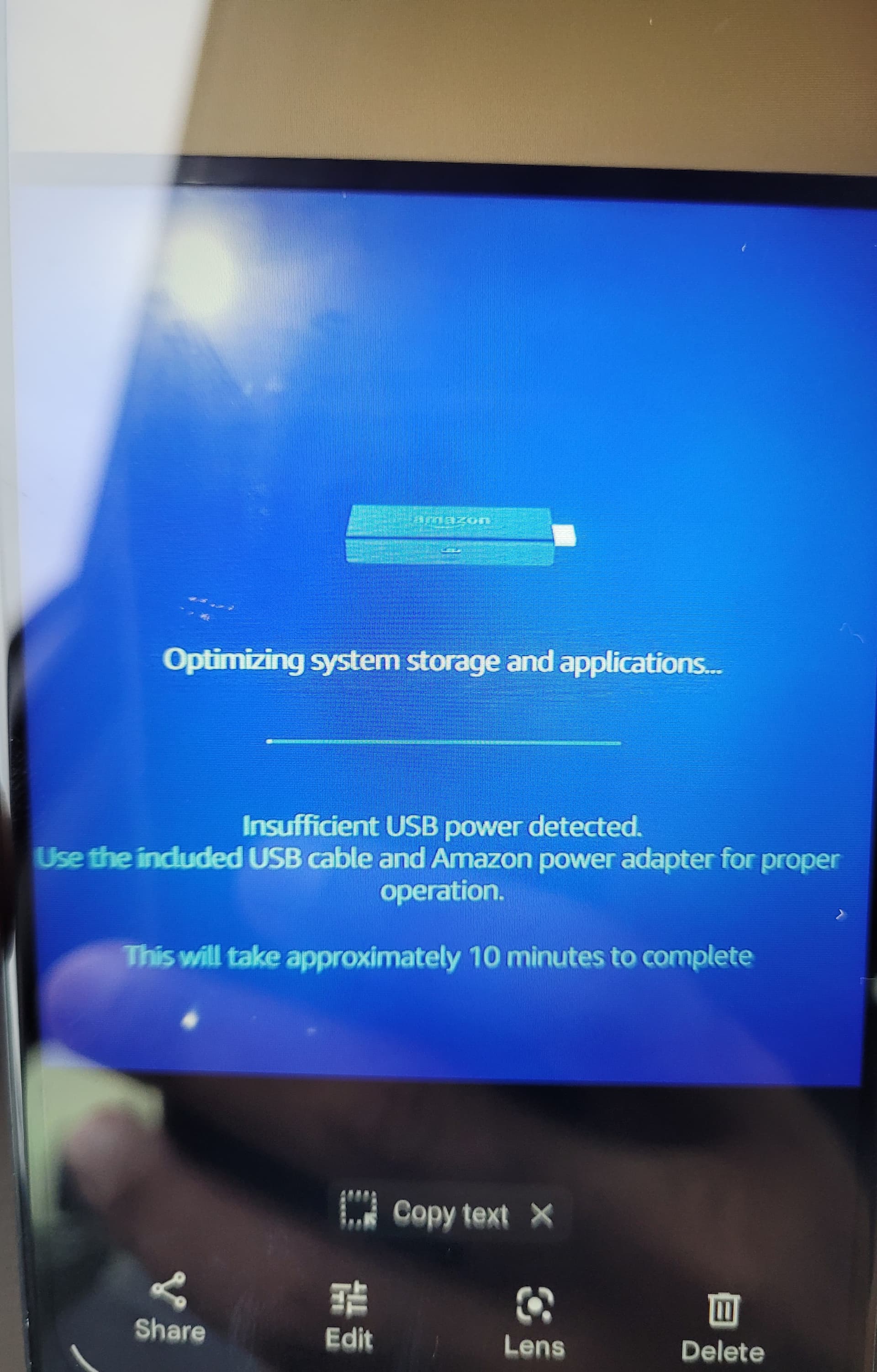
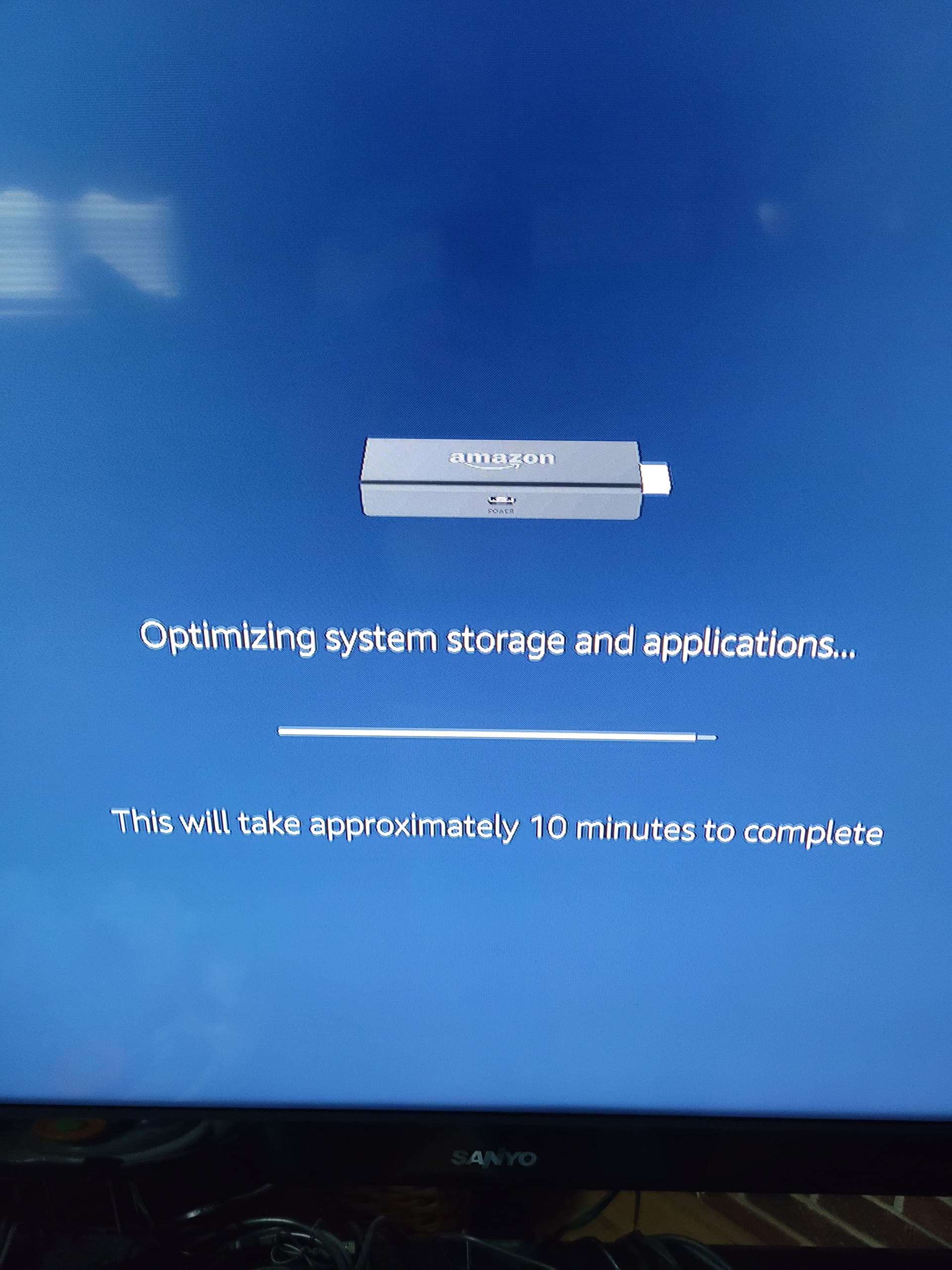
Aha. It would appear that you have the Stick plugged into a USB port on your TV. This leads to trouble as there is insufficient power to run all the processes on the stick. It is recommended that you always plug the Firestick in, using the “power brick” it comes with, directly into house power, or a power bar plugged into house current, to ensure the proper power requirements. What it’s trying to do, by the look of that picture, is complete either an update to the OS or an app install, or even a tool like Defsquid that is trying to rearrange stored files for optimal performance.
Read an article that said the power requirements can increase dramatically when updates are being downloaded…so, barring faulty equipment…I’d say your assessment is spot on
Copy…the whole idea is to swap out all the peripheral equipment on a working device & also try another hdmi port…that way you are eliminating everything but the stick itself. If none of the swapping out works then it will only be an amazon support option left. You’ve already done everything they would have you try…
So you have the stick plugged into the adapter it came with into the wall? and the stick into the tv? Are you sure? This tells me your stick is not getting the power it needs.
@TP-Dracoo i do have it plugged into the wall. I didn’t use the power cord that he sent with it since he was having issues with it. I don’t have the stick plugged directly to the tv. It’s plugged into a hdmi switch