Hi I am trying to use downloader to upgrade my kodi and getting a message cookies need to be enabled in browser in downloader app. I can’t see anywhere to do that?
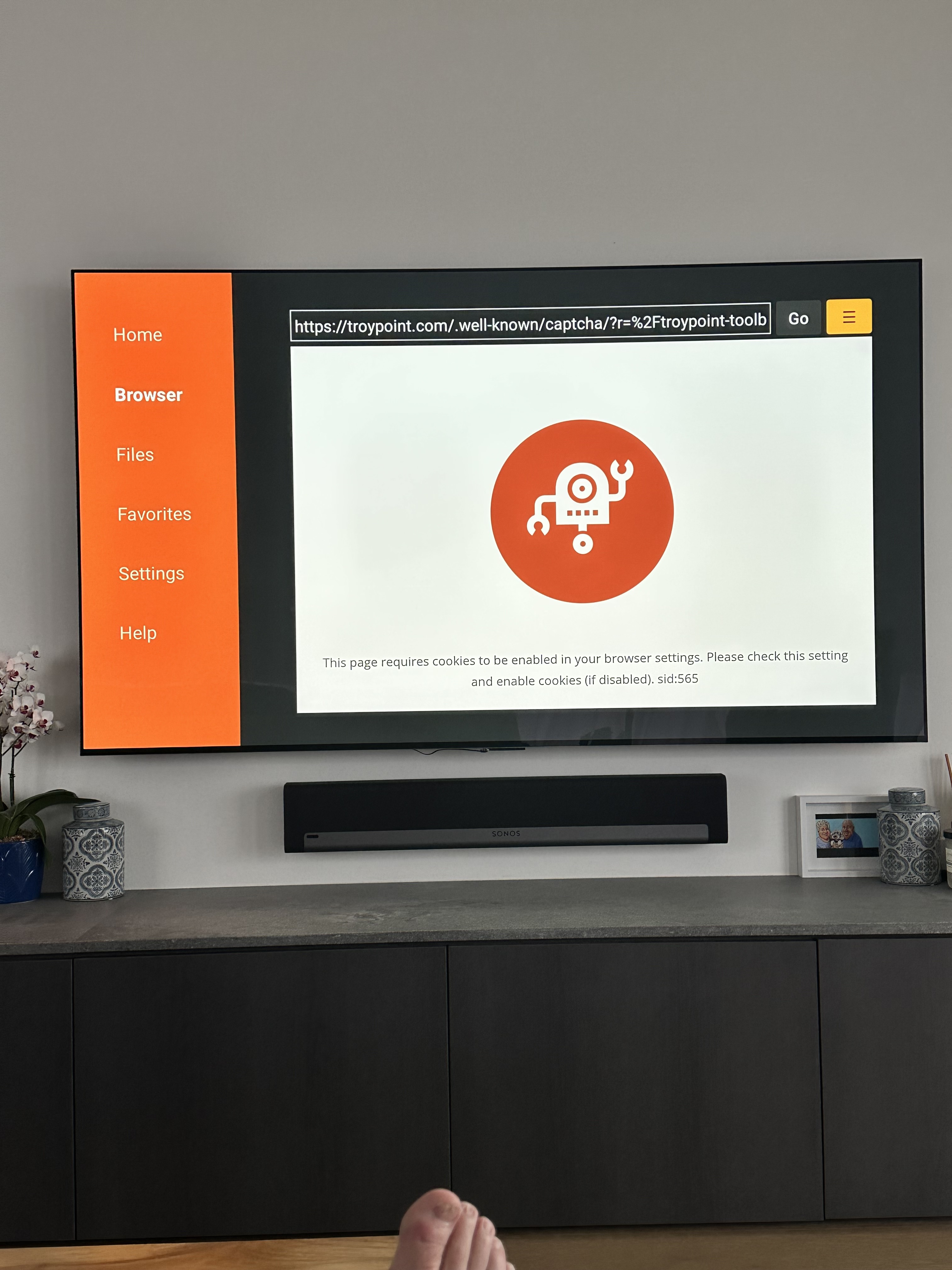
Nice clean looking setup you have. I see you have a Sonos soundbar. I was this close  to buying one vs the JBL 5.1 I ended up getting. Got the JBL because it was an open box and was discounted 50%. I am getting ready to start furnishing my workout room and a 4th bedroom/entertainment room and will be installing a couple more tv’s and another soundbar in the entertainment room.
As far as the cookie thing make sure ALL permissions are enabled on your device and within the Downloader app. Also, enable install from unknown sources.
If none of that works. Then uninstall Downloader and reinstall from TP Toolbox using another browser. I like and use TVBro.
Btw, There used to be a Downloader Extension (plugin) in the RAI but I don’t see that in the Toolbox.
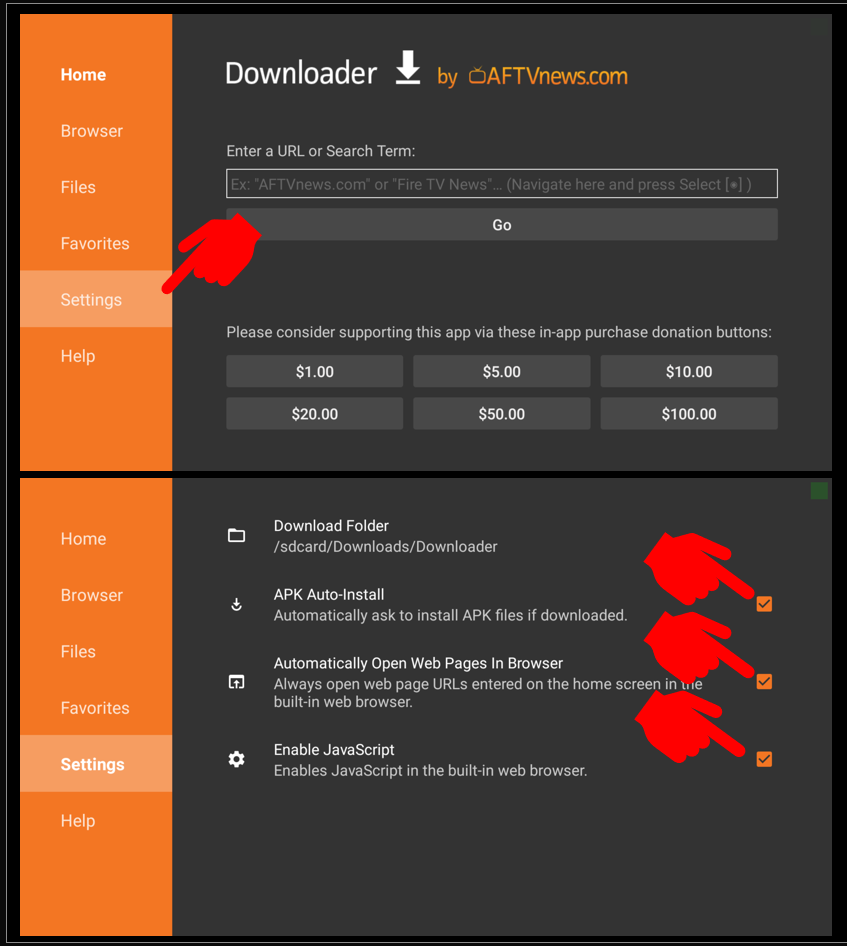
also make sure in downloader>>>>settings that everything is checked(enabled)
Real-Debrid is down, downloader is fine.
Oops just scanned the thread and didn’t really pay much attention. Sorry. lol 
 … coffee fixes that
Just finished my 2 cup a day limit 
Doctor told me to cut back to 2 cups a day limit, so I increased the size of my cup to 32 oz. 