Any suggestions to clean this box. Can’t get sdmaid to work, when I try to delete files using Xplore file manager it won’t delete anything. Is it even necessary? Fast task killer works fine but it doesn’t delete junk files. New at all this any suggestions would be greatly appreciated.
Seems like you’re doing everything right. I don’t have a Buzz box but I do regularly clear out uneeded files and APKs from my device. I use ES File Explorer found in Troy’s RAI. I have no idea whether this will work for you but I thought it maybe another option you could try. Good luck.
1 Like
Thanks @Miki gonna give it a shot right now. I’ll let you know. Thanks 
Oh and one more thing my friend. I’m studying the X5 and I see it has it’s own file explorer, and suggests that the “Download” folder may be where you can remove uneeded files. Have you tried the native file explorer?
Spent a few minutes in there and is definitely deleting some files that I couldn’t delete on the Xplore app. I used Xplore on my cube and with my lack of knowledge it was through trial and error I kind of figured out what was safe to delete or not. I’ll have to read up on this manager to figure better on how to use it, and yes I have briefly looked at the file manager on the box but didn’t know what to do with. @Miki I really do have my cart in front of my horse on this subject  I got some learning to do. Thanks again!
I used Defsquid on my Max and ONN to get rid of files not needed. I don’t know if it will work on the x5.
Thanks @rjwinkler l’ll give that a try also but I thought if you used the cleaner on that it could remove extra stuff that you didn’t want to remove (kodi)
It just cleans the files you don’t need. I thought the same thing when I start using it.
I thought they had something preinstalled for cache cleaning and general cleanup? If not fast track killer, sdmaid and defsquid are good. Anything that cleans up ram and storage really.
2 Likes
Yes @TP-Dracoo there is a file manager that comes on the box. I just have to figure out my way around in there. Thanks everybody for your help. I guess I’m going to have to do some more learning but with all the choices I’ve been given I guess I could call this solved. Who gets the checkmark will be up to you @TP-Dracoo cause there’s a few different solutions that will probably work. Thanks again
Play around with it and when you have a solution mark it when your ready. All good and enjoy. Learning a new device is rewarding.
1 Like
Thumbs up @TP-Dracoo 
1 Like
If any box comes with a “functional” file explorer its always best to use it and most of these good boxes do. I also am a fan of x-plore but I find often I can do more with my in-house explorer.
2 Likes
Thanks @TXRon you’re probably 100% correct and it does come with that so I just have to learn how to figure that one out. 
you will find its not much different from xplore but its made for that box and should function very well.
1 Like
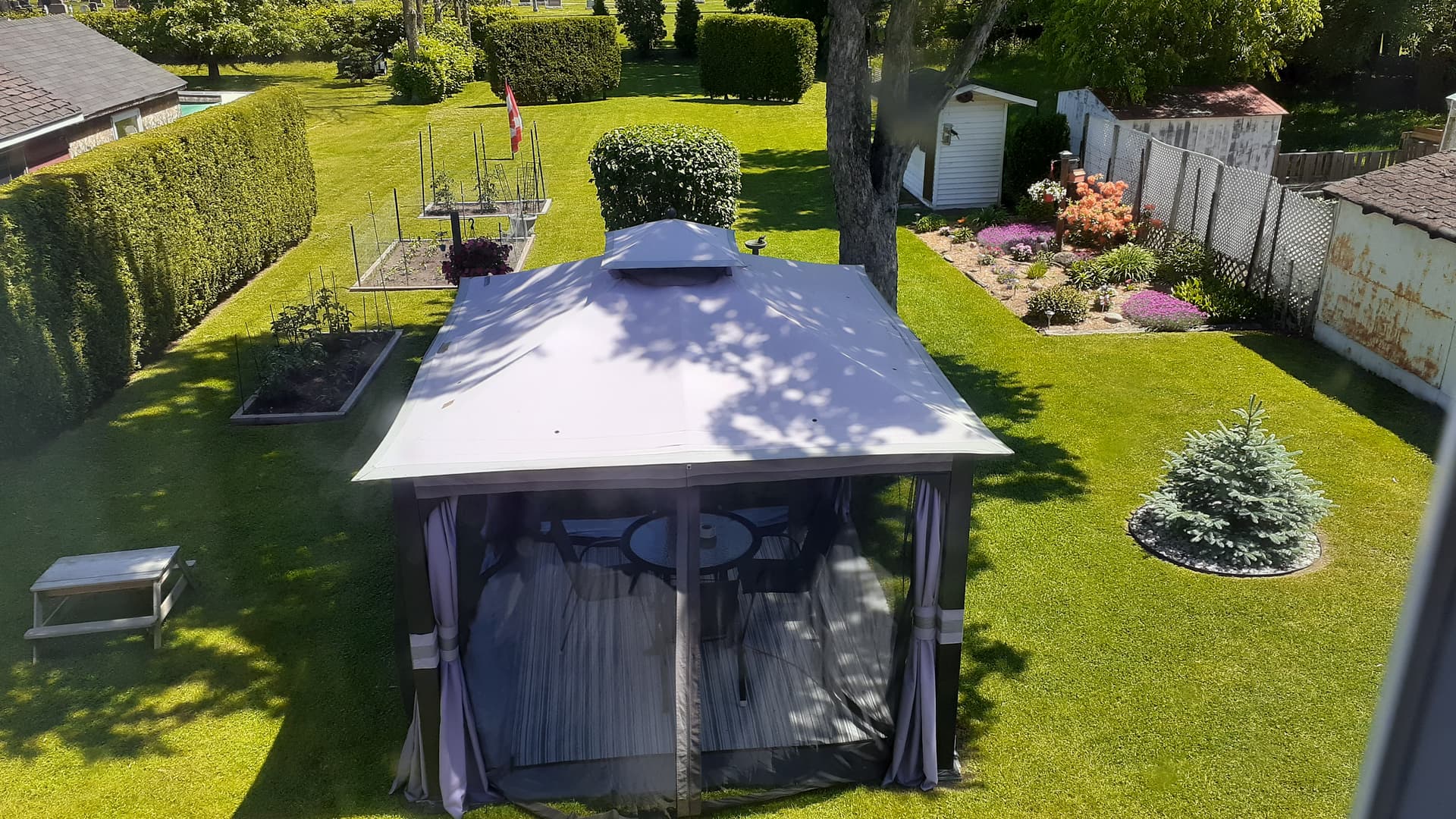
10-4 @TXRon thanks  . Wife just put me on yard duty and I thought It was already done. But I’ll be on that to-night.
2 Likes
hmmm, yard looks good unless she wants you to tear down the gazeebo and start over 
I’ve already done that, she now wants me to over crowd my veggies and flowers. Ohhhh boy, I’m off.
@TXRon thanks so much for pointing out the nose on my face. Put my big boy pants on, went back inside the pre-installed files app and started to explore around. With the little internet knowledge I have and the pile of wrongly pushed buttons in my repertoire I guess sometimes it’s just easier to back out of an app unharmed than to start experimenting and the very fact it looked different than the file manager I was using scared  me out of trying but now I’m slowly seeing it is the same animal with different stripes.
  Thanks to all who pointed me in the right direction.
2 Likes
Glad you got it sorted out. 
1 Like