If you have a comment regarding this post, please leave it on the YouTube video page. Thank you.
If you have a comment regarding this post, please leave it on the YouTube video page. Thank you.
This is apost from 3 years ago.
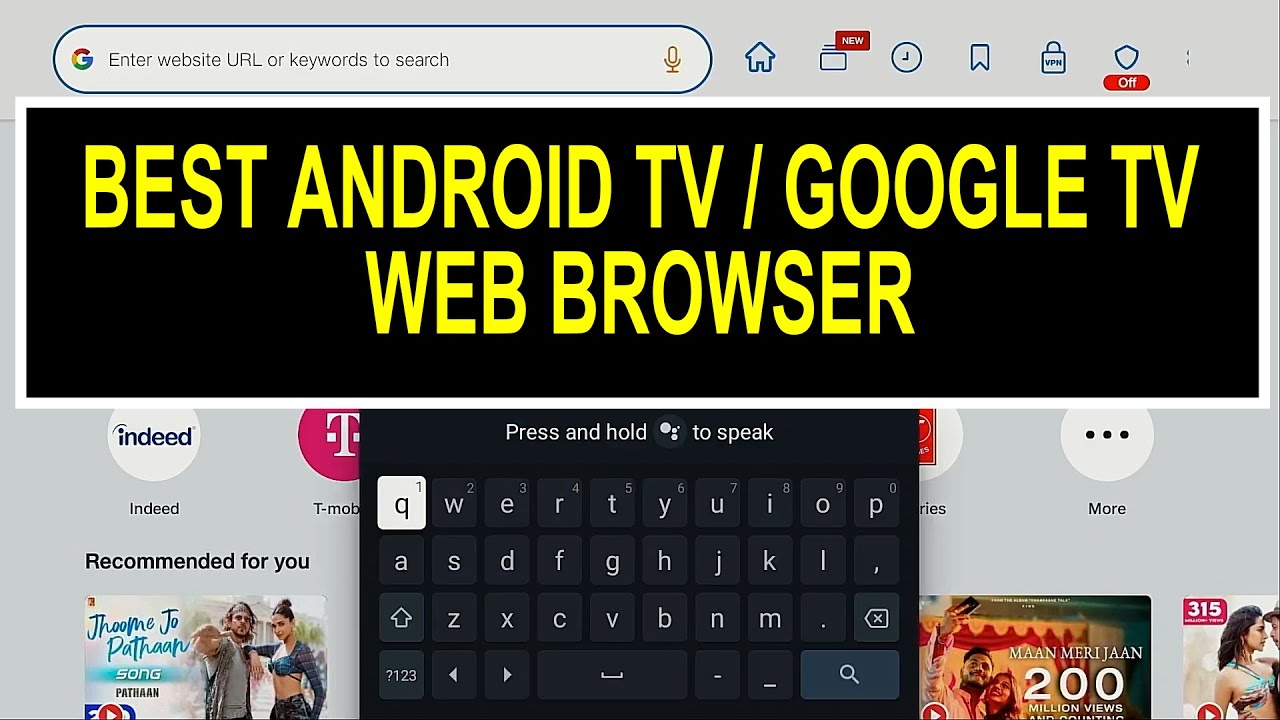
I recently had a very dear friend send my an address for an application. I figured that I would just use the Downloader as that was to only one I have on my three boxes. I typed the address but got an error. It turns out that there were issues with the link but I was concerned that maybe Downloader was the best browser to use in this instance. I ABSOLUTELY love Downloader and appreciate having it. But I started thinking that I’ve only use it with downloader codes. And thought in this instance I should be using a regular type browser. I did a YT search (oh no!!) to see what the options were for browsers. I found one that listed the top 3 browsers. Of course Downloader was one of the top 3. The other two were Browser App and BrowseHere. With *BrowseHere being the top rated in that video.
In the past, just fooling around I tried TV Bro but just couldn’t figure that out. And just didn’t really know what JioPages was. What are y’all using for a browser these days?
On my BuzzTV P6L I also use the Downloader as a browser when needed. Sites I visit often are easily saved and I even save the APKs for things like stremio so I have a perfect working copy of my present app in case I need to reinstall after an update that causes issues.
Hey Jerry I’m on the internet all day on my Windows 11 PC and have live IPTV playing off my ONN Boxes. I rarely use an internet Browser on my Streaming boxes. It’s clunky and I don’t have a Bluetooth mouse. Use Downloader only for accessing Troy Toolbox when i need to reinstall KODI and to enter various codes to test the Shi$$y APK’s  only. I use my Streaming boxes at night to watch shows/Movies that is why I have them. Been using Chrome Browser for at least 20 years on a PC and do all my searches with Google on Chrome
@SoloWarrior is absolutely right. I rarely ever surf or search on my P6L and Solo brings up a great point I had forgotten to mention My Buzz remote has a built in mouse, making it much easier to surf and use the Downloader browser. Tx for the assist @SoloWarrior and good morning. Have a buffer free day. I also have used the Chrome browser for years without issues. I tried the DuckDuck one and Bro browser and always end up back with Chrome, especially as you can access configuration modules to add functions in the URL line.
I installed tvbro on my shield at one point but never really used it. I’m like solowarrior except even older school, I’m still on my windows 10 desktop that I built in 2024 lol I ended up setting it up on the LR tv and basically giving my old desk and chair to my grandson. Got me one of those big logitech track ball mouse and wireless kb. It’s handy as I can switch back and forth between all my devices right from my recliner hehe.
Thank you for your replies!
Not long ago there was a post or maybe was a Troypoint article listing browsers that are doing some serious tracking In all searches,
I found this about Chrome while searching for that info on browser tracking.
just a note here. On my phone ive been using the Duck Duck go browser for quite some time and really like it.
I use the DuckDuck search, just not it’s browser.
Yeah I’m not worried about any tracking at all. Does it mean I might receive a few more SPAM emails that my Gmail SPAM Filter doesn’t catch? Sure but that is what the delete button is for
I have my daily use PC in my office which I use for normal searches. I typically use Firefox and Duck Duck Go for searches. But my streaming boxes are in another room. I typically don’t use the streamers any type of search due to a lack of a keyboard. But when an address needed to entered on one of the streamers, AM9, I used Downloader. I just wasn’t certain that that was the best way to access that address.
Just don’t ever mess around with Liam Neeson’s family, he won’t have to hunt hard to find you lol
@SoloWarrior I didn’t know that Google search would work on a streaming device.
@JerryJ well if you have the Google Chrome App on your streaming device it absolutely works. The point I was making is unless you have a bluetooth keyboard or mouse connected to your streaming device it’s a PITA typing out URL’s with your device’s crappy remote. I am on the internet on my windows PC all day but can’t stand when I have to type in URL’s on my Android device using the device remote
@SoloWarrior does make a good point. Just try typing out your RD API key on your streaming device. This is where apps you can put on your phone or tablet like the nVidia Pro remote app helps along with various other apps to transfer info to your device, but it takes more learning and effort. I don’t have any computers or laptops so I get what he’s saying and from personal experience agree. Have a buffer free day to all Insiders.
100% @Miki Many times I have found that after installing something new and go to pair my RD it makes me put in the API Key versus the old school device code. No, no, and NO! That right there is a deal killer for me
i have the chrome browser on all my boxes and also have a mini KB and mouse on all of them…makes typing url’s and searching on smart tube an awesome experience