Originally published at: Best Android TV/Google TV Launchers In 2026
This comprehensive list features the Best Android TV Launchers available today for upgrading your Android/Google Box. If you own a streaming device that runs an Android Operating System (OS), you may be interested in using a launcher to change your home screen and improve your experience. Many prefer to install a 3rd party launcher as…
I am new to all this a got a google smart tv will this work on a smart tv? Is it easy to do?
@Deedee23
Smart TVs are doable but often more difficult/cumbersome to work with.
Most of the instruction and help on this site is directed toward users of the additional purchase of an Android Box which range in price from the utilitarian ONN Walmart boxes ($30 - $45) up to $500 for the Buzz.
I use Projectivy on my ONN and all my others and can totally endorse it.
There is MUCH discussion here on insiders opinion of many different streaming boxes and manufacturers
I have only used Projectivy,I know there are others like Wolf, is there much difference in them from one to another?
Some YouTube guru said the same guy wrote both Projectivy and Wolf, and that Projectivy was just a smaller file and I’ve found both similar. I used Wolf but got rid of it for Projectivy. I think it’s better and it’s very user friendly IMHO
I also use Projectivy on my Onn 4K pro and 4K Plus boxes and also endorse it. It’s nice to have the box start up and not be greeted by Amazon or Google ads. I know that it won’t run on a fire stick which is why have 4 or 5 of them in mothballs after disabling updates.
Been using ONN 4k plus for about 2 months now and use projectivy with them. Very easy to set up and use, bought the premium so I could make some tweaks to the wallpaper. Firesticks are in the trash.
Using Projectivy on Gen 2 Fire Cube and ONN 4K Pro.
Easy to install and customize.
so is this like wolf launcher , I never could get that to work right ,which would you recommend as the easiest to install and use. Thanks in adavance.
If you decide to try one, Just be careful and follow instructions, there are certain ways to undo things if you don’t like it, and it can mess you up and it’s no fun trying to get things right again….
So is “ATV Launcher” still a viable option, i understand this post is dated Best for 2026, but when going thru the Launchers, if you pick ATV Launcher that link goes to a January 2023 step-by-step tutorial (How to Install FLauncher is the same**)**….has anything changed for the worse, or for the better ?? I have the ChillHub installed now, and like it, but not staying as the default is, well, you know….tried Wolf, Projectivy, not a big fan of either….
I’m trying to help my neighbor in a different state set up Projectivy on his Fire TV cube.
I successfully did it on my own last year but flat out can’t remember the step I’m stuck on. I’ve researched around and I’m at a loss.
I have downloaded the app. I have downloaded launcher manager.
When I hit the home button, it keeps going back to the Amazon Fire Home Screen versus the Projectivy Home Screen.
Here’s a photo, I don’t understand what it means.

@GraceWilson , Maybe this is your missing step…
Projectivy Launcher is a custom, ad-free interface for Fire TV Cube devices that replaces the cluttered Amazon home screen with a sleek, customizable layout. It is not available on the Amazon App Store and must be sideloaded using the Downloader app and the Launch on Boot app to automatically start upon device restart.
I did download Launch on Boot which works great after about 10 seconds, It does boot up Projectivy home screen.
Launch on boot does NOT solve the “home” button issue though. When I currently hit the home button, I go right back to the Amazon crap home screen.
Thank you though for your thoughtful response.
I saw an old thread @itzme where you were looking for a great launcher. What did you end up using?
I don’t need fancy wallpaper and eight gazillion customizable features, I just need a clean look to get away from the Amazon Fire Home screen.
Scratching my head..this might have something to do with turning on ADB debugging?
And something About turning on Accessibility in the main settings.
Wasn’t there something to do with enabling accessibility options? Oh duh. @JerryJ already mentioned it.

@GraceWilson , I went with LTLauncher, it’s based on FLauncher, no fancy frills an you know if I figured out how to use it…..well…an itz in the ToolBox 
I got a fire tv cube not too long ago and ran into the same issue. I know I watched a video that Troy made about this but I can’t find it now. The solution involved installation of an additional app called App Opener 2 and the purchase of a firetv remote with customizable buttons. So now on my remote button 1 launches projectivy, basically that’s my new “home” button. I know it didn’t used to be this complicated, and it’s still easy on my other Onn streamers. So thinking it’s just more of Amazon trying to drive everything back to their Home Screen.
EDIT: Found the video too and added a link to that.
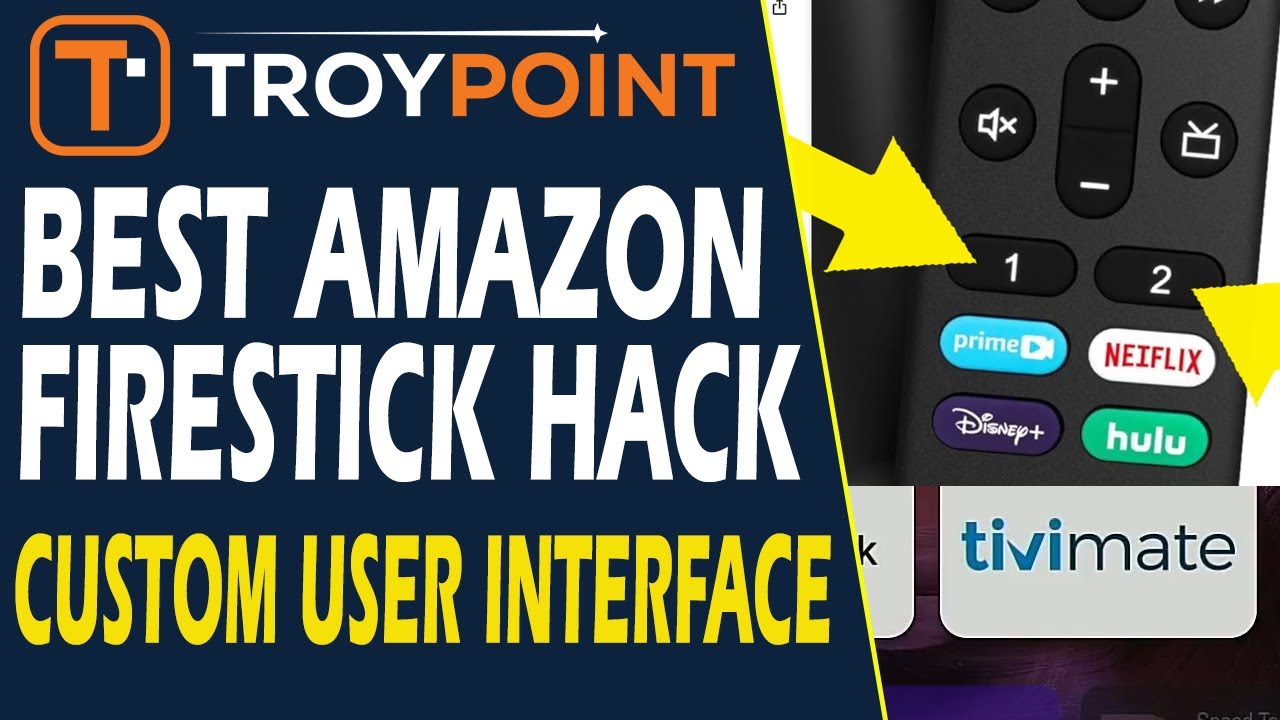
@itzme Is it this one? If YES, I got that one working. Is there a way to make it BOOT UP on start and to get there when you hit the HOME button?
