As another patron said, turn off playprotect before downloading ANY Google PlayStore apps. Make sure you have downloaded ALL updates from Ugoos on your device. Put your power setting on sleep mode and only unplug your device power cord when doing your periodic maintenance. Clear your caches on your viewing apps, especially non-official sideloaded ones at least weekly. I do that on my AM9 and have had zero issues. I’d get rid of Chrome and use another browser. Also, some of your free service apps might have bugs in them that are causing these problems.
Im looking at that same screen and I see the top 3 items you show, however I have 2 additional sections below and they are Popup on keypress and Voice input key. I have no idea why yours dont show, never seen that. When you back out of that page, do you see manage keyboards? If so when clicked you should see Virtual keyboards. I have 4…Android, google voice typing, ugoos and virtual(generic) .. I have google voice activated. If you have that option, try it…however I turned it off and I still have the extra choices. fyi my android keyboard and google voice are both activated.
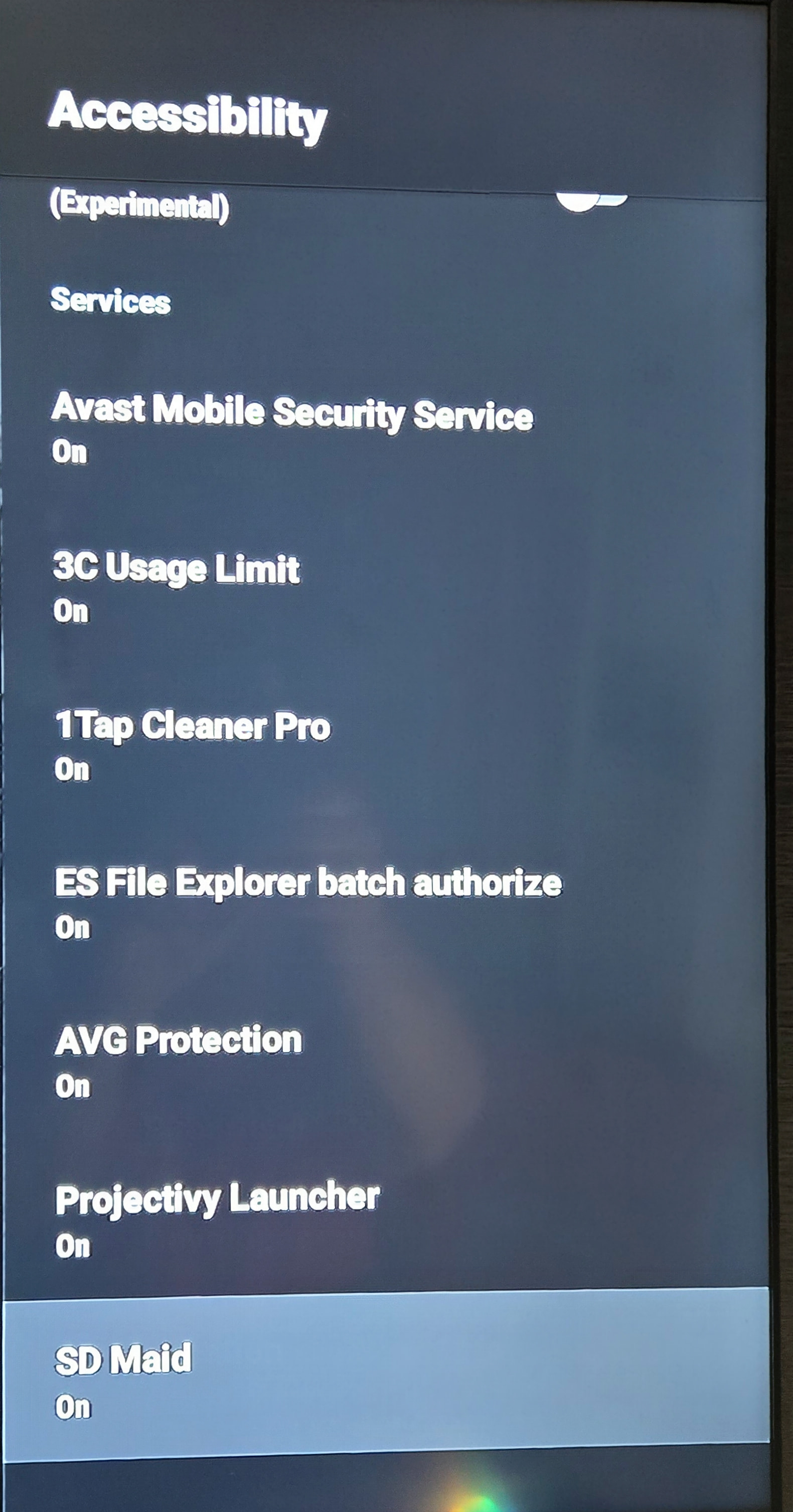
For all you AM9ers out there we got a new update this morning up to 2.0.8 & now I can enable accessibility on ALL that is available in my AM9! This is freaking cool! Also me among others have had some crashes, auto reboot issues in the middle of watching something that this search says helps address that. Now, on the Accessibility issues being now fixed I have my box rooted for root access so if this is a possible factor that has a hand in this, then it may not work unless the box is rooted so if you can’t get your AM9 to allow accessibility then this might be why. Some of you can chime in to let us know if this works if your box isn’t rooted. System crashes have been kind of problematic up until now, but maybe this update will cure this also.
The Ugoos 2.0.8 firmware includes features like a network monitor, an Ethernet switcher for USB adapters, and fixes for audio and HDMI issues. Additionally, it improves the stability of the system and adds a save button in static IP settings.
New Features in Ugoos 2.0.8 Firmware
The Ugoos 2.0.8 firmware introduces several enhancements and fixes aimed at improving user experience and system stability. Below are the key updates included in this version:
Key Features
-
Network Monitor: A new feature that allows users to view network activity directly from the settings menu.
-
Ethernet Switcher: Users can now switch between different Ethernet interfaces for USB adapters, providing more flexibility in network configurations.
-
Static IP Settings: A new save button has been added to the static IP settings, making it easier to manage network configurations.
Bug Fixes
-
Audio Issues: Resolved problems related to audio output, particularly with HDMI connections, ensuring better sound quality.
-
HDMI Fixes: Addressed bugs related to HDMI functionality, improving overall performance and compatibility.
-
System Stability: General improvements have been made to enhance the stability of the system, reducing crashes and performance issues.
These updates reflect Ugoos’s commitment to addressing user feedback and enhancing the functionality of their devices.