The remote ADB banner keeps showing up on my screen. Sometime I can click it off, and sometimes nothing happens, and I have to restart my Shield. When I am able to click it off, it shows up again 5 minutes later. it’s getting annoying. Anyone have any ideas on how I can stop it?
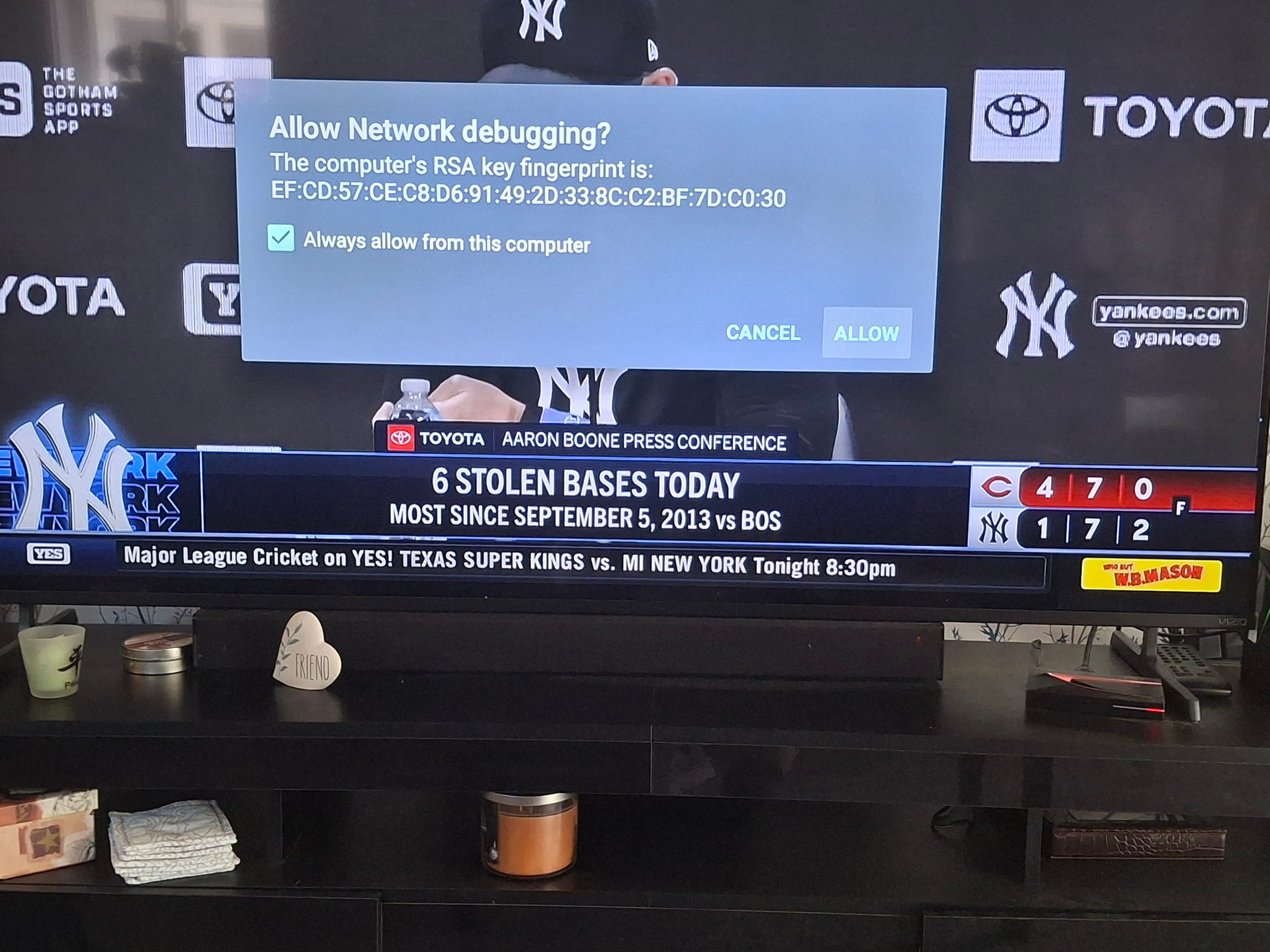
Asked and answered. Turn off USB debugging.
I’ve done what @sktn77a suggested and it works.
However I can then no longer use TDUK App Kiler. So it becomes counter productive.
Do you use that app as well? That’s the only one I tried to use after I changed the setting that I needed to allow again for it to work.
It is really annoying.
@TechDoctorUK is there a solution or work around for this?
that prompt is not coming from my app - check other apps on your device as it might be malware.
When you open my app for the first time, you will see the ADB connection prompt - as long as you select allow with “Always allow” selected, you will never see the prompt again.
Also, on the Nvidia shield, my app only needs “Network debugging” to be enabled, you dont need USB debugging for my app to connect
I believe that is the case as its appearance is pretty inconsistent.
Frankg429 & JPM69 - what apps do you have installed?
Greetings to all - I’ve had this exact prompt for a few weeks now. I seemed to get this prompt only when I use Streamfire (on both my Onn. 4k pro’s). I don’t have any other “crap app’s” or modded apk’s installed on either unit, just a Stremio install. The thing is, I’m getting the exact same RSA key fingerprint i.d. (see attached), and as stated, it comes up every few minutes (I would click cancel since I wasn’t doing anything that would require debugging, but prompt would keep returning even clicking cancel multiple times) after launching Streamfire - which I did use the Norofire setup apk (latest vers.) to install. To remedy this I turned off USB debugging - revoked all previously granted access as pointed out in other post follow ups and uninstalled Norofire (Streamfire/Sportsfire) haven’t seen that pop-up prompt since. Again, that was my own experience and troubleshooting, your own experience may vary. Thanks.
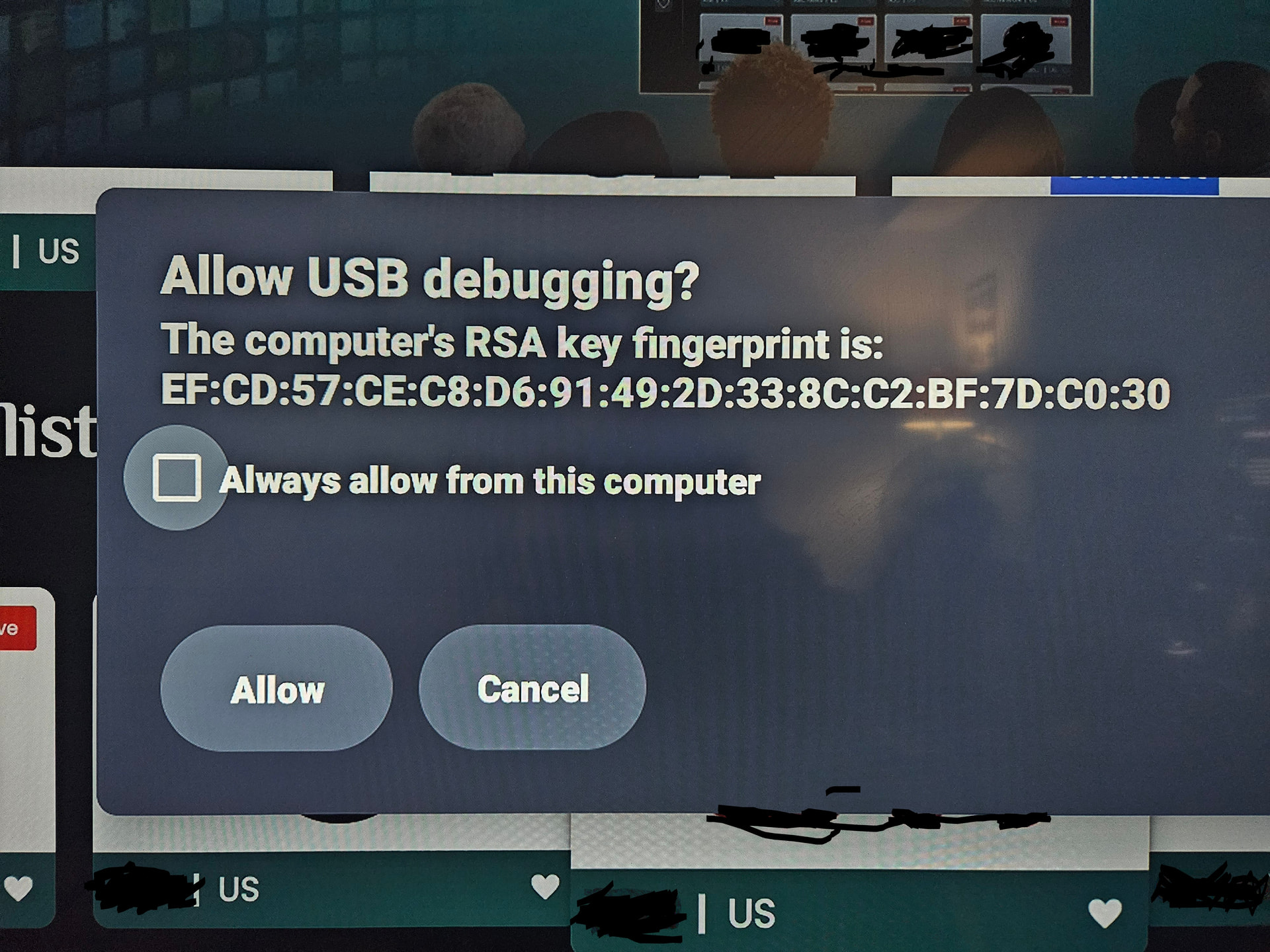
I uninstalled the app, then reinstalled it. I couldn’t find remote ADB shell on your new website TechDoctor, so I downloaded it from Troypoint Toolbox. seems to be working fine now.
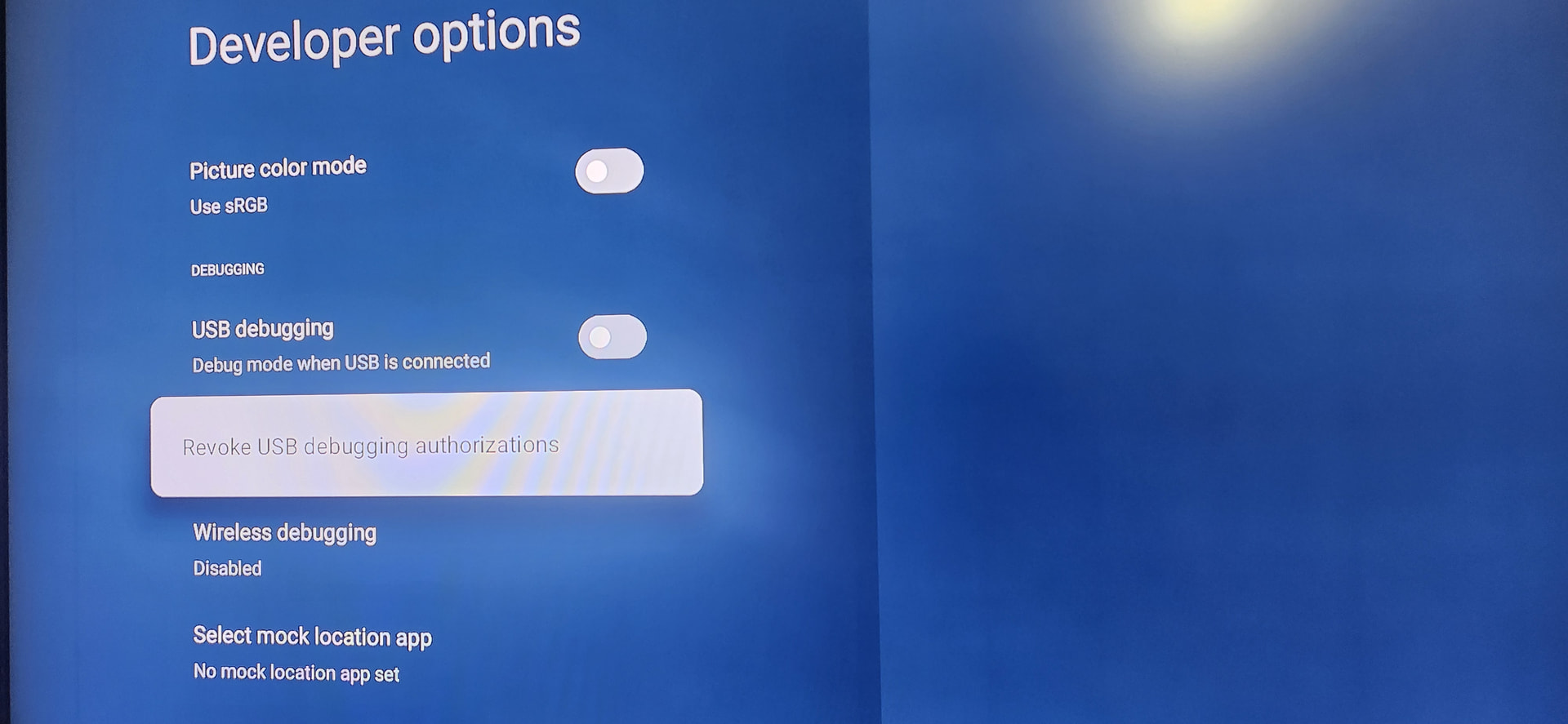
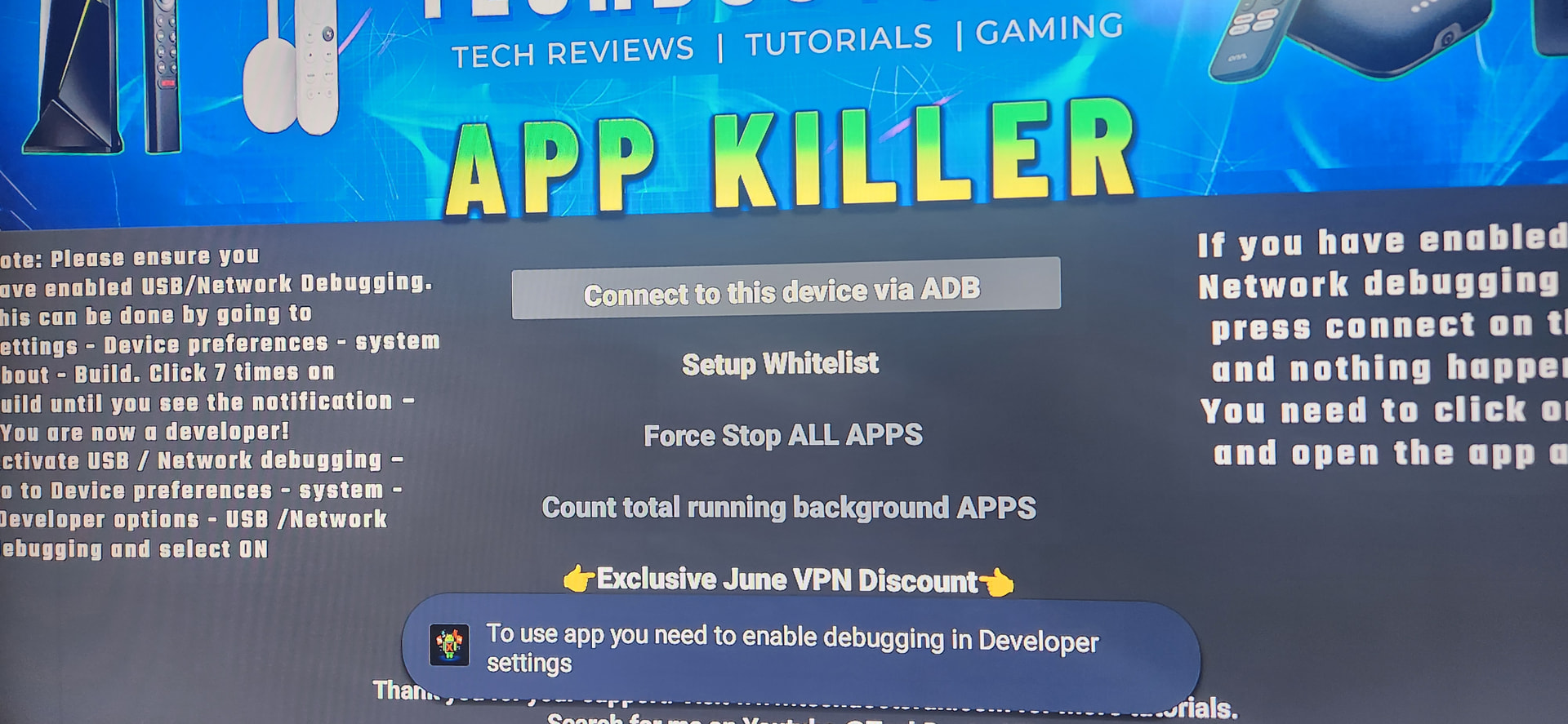
That’s the same exact RSA Key Fingerprint on my devices.
How do we find out what that belongs to? I use Streamfire ans Sportsfire so this may be the culprit but it isnt affected by the debugging turned off.
Edit…
Any chance our routers or vpn (mine is through my router) can cause the issue?
Or having the app on more than 1 device and active at the same time? Could they be fighting for the connection?
I obviously have no idea but just trying to make sense.
I just deleted the tduk apps to see if the message returns without them installed.
I’ll reinstall tomorrow if i dont get a pop up tonight.
Edit 6/24
Well i got the pop up once on each device after I deleted the tduk apps but never again.
I reinstalled the app killer on both devies and each generated different new key pairs.
I’ll see what happens but it looks to have stopped.
I did nothing to any any other apps.
I get the same for TDUK cache cleaner. I just turn debugging off. And when I need to clean cache, turn debugging on, clean cache, then turn debugging back of. Great APK by the way tech doctor.
Yes I’m getting the same problem but only on one of my nvidia boxes I have 3 and the other 2 are fine the one I use 99% of the time is the one I have the problem with I switch the debugging off until I need to clear the apps or every now and then I do the cache sorry I can’t help you fix the problem but that’s a quick workaround
Welcome to TroyPoint @homer4207!
I had the pop up come back after trying g a few things. The rsa key fingerprint was NOT from the TDUK app I just reinstalled so whatever it is its from is something else. It was still the exact same as before.
I just deleted my streamfire and sportsfire apps to see if the message comes without them installed.
@TROYPOINT is there anyway to find out where the rsa key fingerprint comes from?
It seems its a Sportsfire issue. As soon as I reinstalled it the popup came back. And now I am getting it for Steeamfire as well but a different rsa key.
Is anyone getting this popup that doesn’t have one of these apps?
Edit
I contacted the developer on telegram to see if they are aware and can fix.
I have had streamfire and sportsfire on my shield for over 6 months. I started getting these pop ups after I installed the paid TV Actions Pro app to change the netfix button. I was thinking it was that one?
I dont have the paid tv app but I wonder if SF or SPF is affected by other apps and causes the issue.
This is all well above my very limited knowledge so I dont know.
Edit…
After trial and error and error and error I have unscientifically determined that I believe its Streamfire causing the issue. As @TXWheels correctly determined well before me lol.
But I have no idea why or how to solve other than unselect usb debugging. The SF app will still work but it effects TDUK app killer.
Any solution is appreciated. I am still waiting for a response from the SF developers.