# Windows ONLY IPTV software
**URL:** https://troypointinsider.com/t/windows-only-iptv-software/114860
**Category:** Streaming Devices / Hardware
**Tags:** windows, software
**Created:** [May 14, 2024, 2:56am UTC](https://troypointinsider.com/t/windows-only-iptv-software/114860 "2024-05-14T02:56:25Z")
**Posts on this page:** 9
**Page:** 1
### Author:  [@Hawki](https://troypointinsider.com/u/Hawki)
#### Post date: [May 14, 2024, 2:56am UTC](https://troypointinsider.com/t/windows-only-iptv-software/114860/1 "2024-05-14T02:56:25Z")
So, asked this a few days back - but I guess I didn’t ask clearly?
Looking for WINDOWS IPTV software where I can input my services credentials (xtreme codes) so I can watch service in my PC. Don’t want emulate to run Android apps, nor websites, nor Kodi
I don’t understand how it’s so hard to find, considering it’s a PC and should be much more powerful and able to handle it more so then an android device! is that weird or is it just me?
---
### Author:  [@mcorrow1988](https://troypointinsider.com/u/mcorrow1988)
#### Post date: [May 14, 2024, 7:55am UTC](https://troypointinsider.com/t/windows-only-iptv-software/114860/2 "2024-05-14T07:55:11Z")
I use “tvmate iptv player” on my laptop(windows 11).
---
### Author:  [@AMD237](https://troypointinsider.com/u/AMD237)
#### Post date: [May 14, 2024, 10:53am UTC](https://troypointinsider.com/t/windows-only-iptv-software/114860/3 "2024-05-14T10:53:40Z")
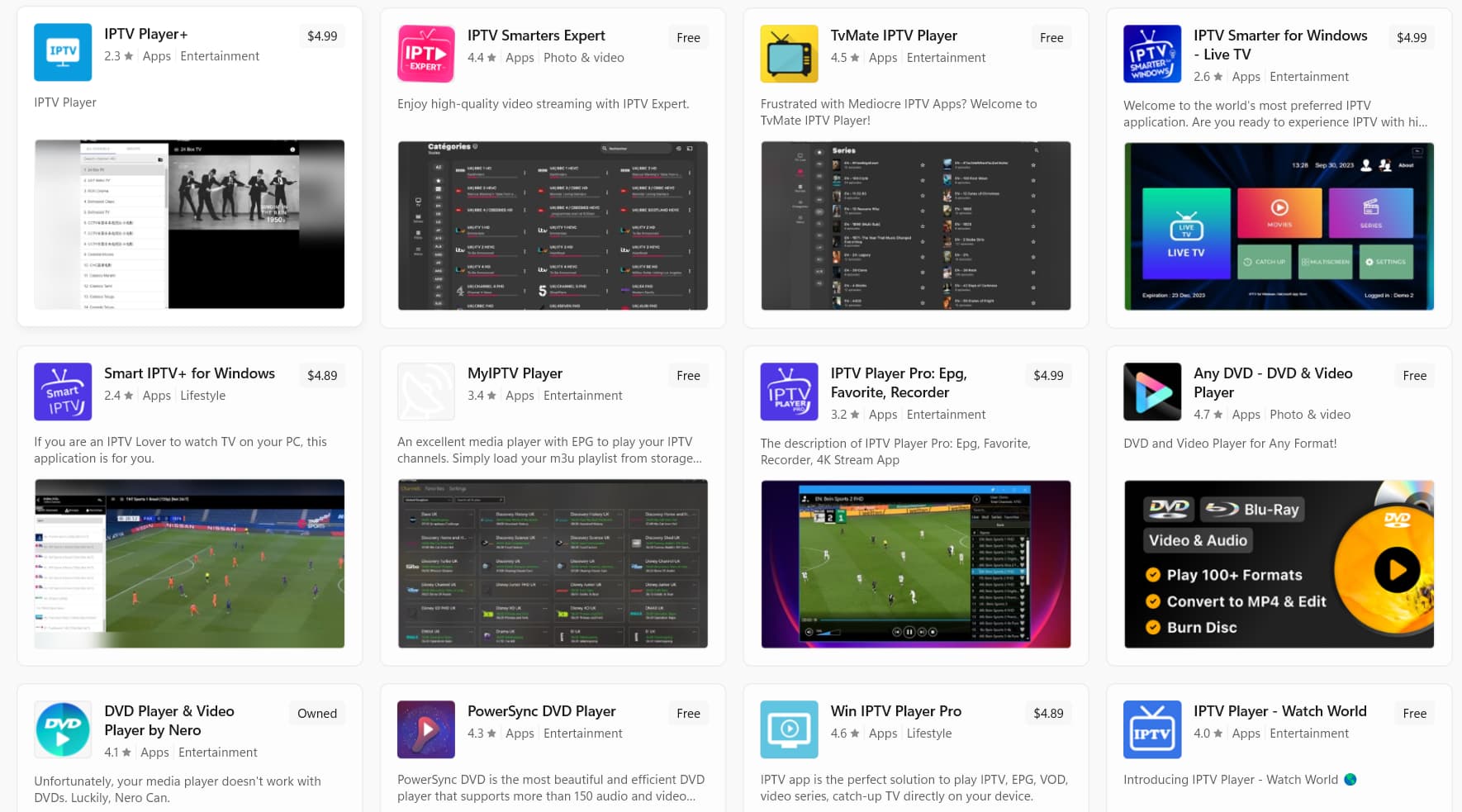
Your options are going to be limited trying to install and run these apps in a Windows environment without an emulator. I saw VLC mentioned as an option in several articles, but I’m not sure that is what you are looking for. I would think you would have to go to the Microsoft store and find a compatible app, but doubt any are nearly as good as Tivimate and the others we use in an Android environment. If you still want to do it on a Windows PC, using an emulator like Bluestacks or Android Studio to emulate them is likely the best option. Or try these:
---
### Author:  [@Powerfader](https://troypointinsider.com/u/Powerfader)
#### Post date: [May 14, 2024, 2:20pm UTC](https://troypointinsider.com/t/windows-only-iptv-software/114860/4 "2024-05-14T14:20:52Z")
Microsoft issued a statement awhile back stating it would no longer be servicing Android apps. So, you not wanting to use an emulator could be a bit of a challenge in the near future.
Anyway, you will have to go to the Microsoft store and download an iptv player from there. Some are free and some cost a few bucks.
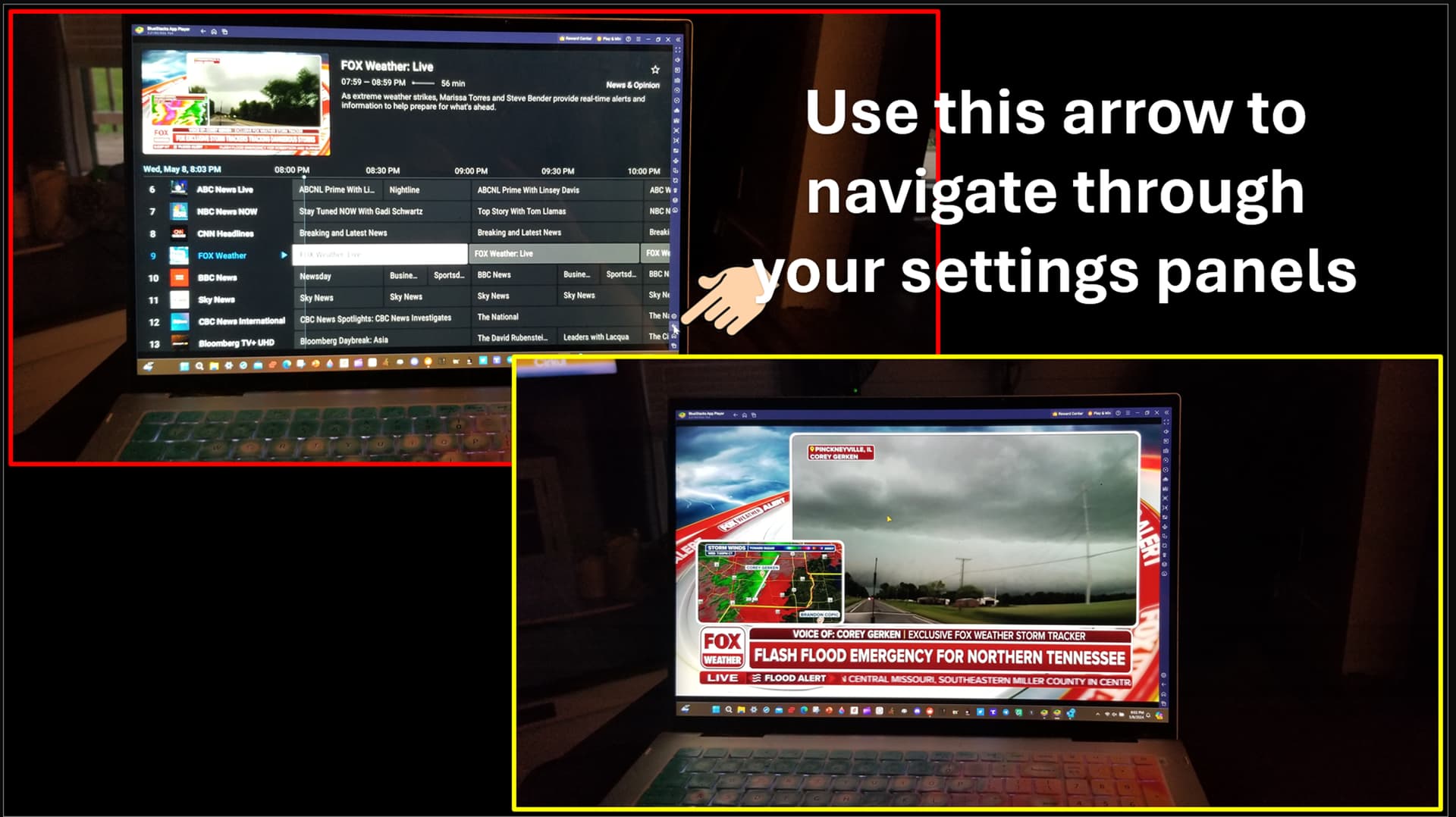
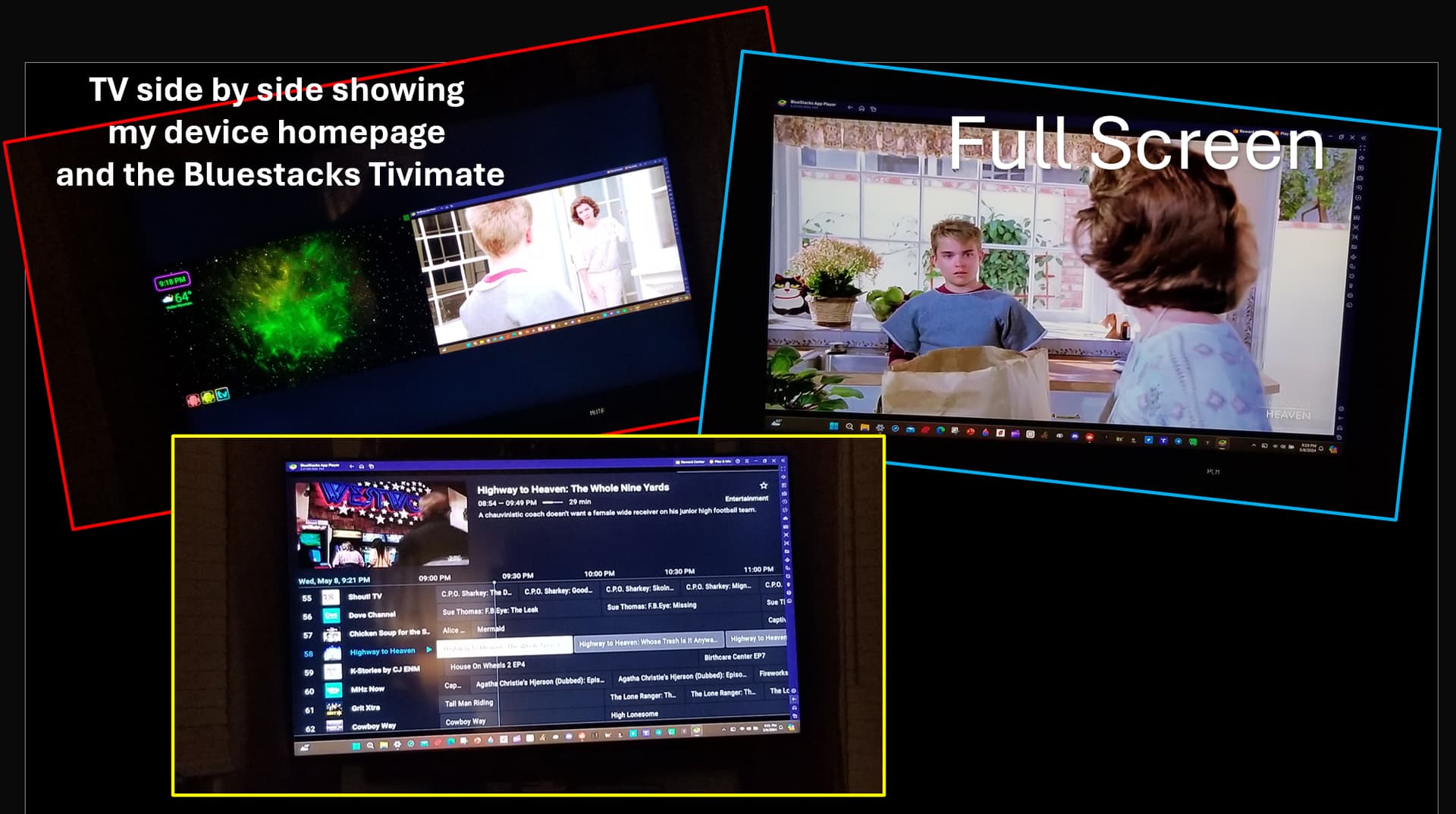
I have Tivimate on my laptop via BlueStacks X, and it works great! BlueStacks is free and Tivimate loads just fine and is super easy to navigate the Tivimate UI. I can even cast it to my TV.
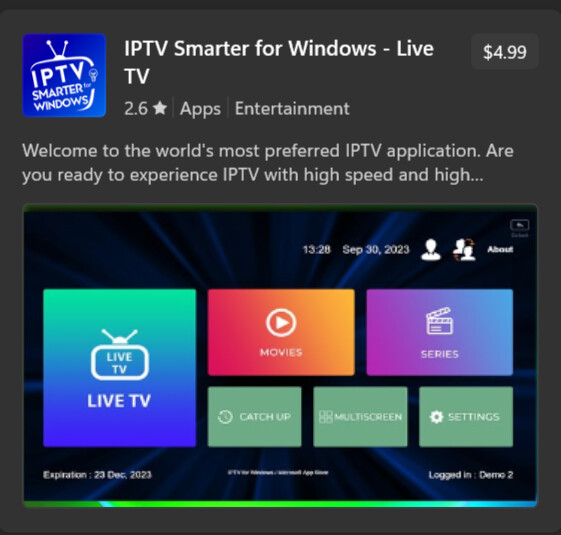
I found a Smarters Pro for Windows in the Microsoft Store.
---
### Author:  [@Mxyzptlk](https://troypointinsider.com/u/Mxyzptlk)
#### Post date: [May 14, 2024, 2:45pm UTC](https://troypointinsider.com/t/windows-only-iptv-software/114860/5 "2024-05-14T14:45:07Z")
The regular Smarters works fine for me.
---
### Author:  [@3825\_968](https://troypointinsider.com/u/3825_968)
#### Post date: [May 14, 2024, 2:54pm UTC](https://troypointinsider.com/t/windows-only-iptv-software/114860/6 "2024-05-14T14:54:51Z")
Your subscription doesn’t have a web interface for watching on PC ? My subs do but like everyone says watching on PC without emulator is not a pleasant experience even with the best of options and windows 11 has been best I’ve seen but end of year it’s gone.
---
### Author:  [@kprawl](https://troypointinsider.com/u/kprawl)
#### Post date: [May 14, 2024, 3:07pm UTC](https://troypointinsider.com/t/windows-only-iptv-software/114860/7 "2024-05-14T15:07:14Z")
I use the IPTV Stream Player. I like it better than the Smarters because I can have just the stream in a box that I can place anywhere on the monitor and use other programs in the background. Smarters has to be full screen. I also installed Microsoft PowerToys so that I can have my IPTV stream stay on top of the other windows that I have open.
---
### Author:  [@Powerfader](https://troypointinsider.com/u/Powerfader)
#### Post date: [May 14, 2024, 3:27pm UTC](https://troypointinsider.com/t/windows-only-iptv-software/114860/8 "2024-05-14T15:27:50Z")
I just tried 3-4 of the free ones and couldn’t get any of them to play a channel tried several different m3u8 urls to no avail, and I am not going to do a paid app just to find out. lol
Tivimate on BlueStacks works fantastic for me.
---
### Author:  [@Tech2](https://troypointinsider.com/u/Tech2)
#### Post date: [May 14, 2024, 3:29pm UTC](https://troypointinsider.com/t/windows-only-iptv-software/114860/9 "2024-05-14T15:29:18Z")
> [@Windows IPTV software](https://troypointinsider.com/t/windows-iptv-software/113968/28):
>
> I recently heard about and tried a very decent Windows IPTV Player. It’s been around for awhile, but earlier versions had not scanned clean. This new version does scan clean. If anyone wants to give it a try, it’s called SFVip Player. Below is the download link for the new x64 version 1.2.7.81 For Windows only. And you don’t even have to install anything, you can run it from the folder on your desktop or wherever you choose. [https://www.upload.ee/files/16589921/SFVIP-Player\_x64.7z.html](https://www.upload.ee/files/16589921/SFVIP-Player_x64.7z.html)