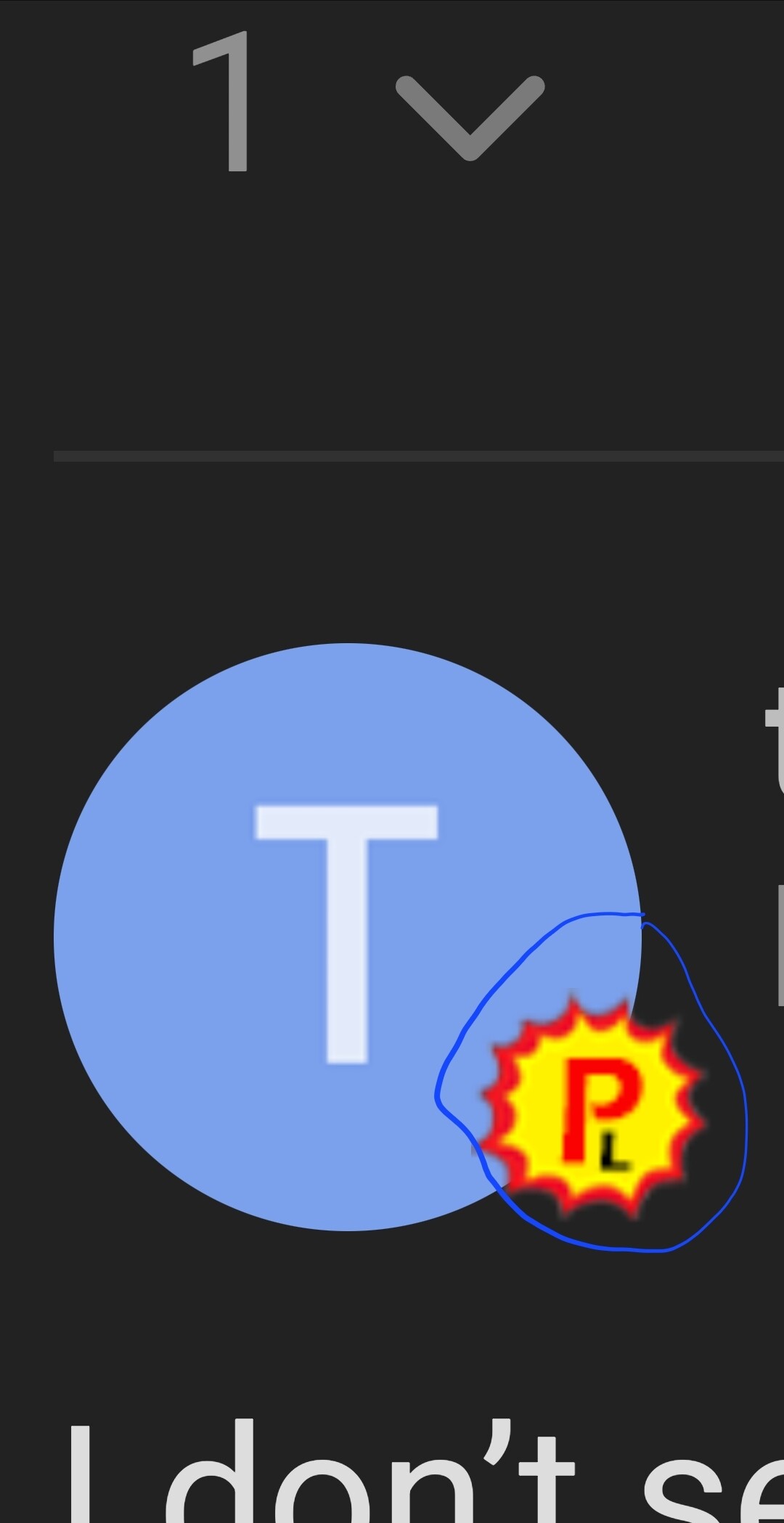
This is what we see when you post. You are a patron and a lifetime member.
Yes, it happened to me also. I never said anything to Troy, i just signed up again
I think i may have unsubsribed from emails and thats what did it.
You should not have had to sign up again. Troy said the payment system should not allow for double payments.
You are a “Lifetime Patron” so you should have only made 1 payment.
Make sure you used the same email/username and maybe @TROYPOINT can refund you the over payment.
1 Like
And me likewise. When trying to watch one of Troy’s vids, it’ll say only for patron members.
Hello, I just looked into this and you have a single payment in the system on November 13th, 2023 for $20. If you created a new account within the Insider and paid with a different email address it would be under that other account. Here is the main problem people are having. The #1 problem all Patrons are having is that they see my email regarding a new video, click the link for it and it says not available because they aren’t logged in. You must first log into the Insider to see these videos. If you are logged in and still aren’t seeing the videos, clear your browser cache, log in again and it should work. Thanks for being a Patron!
3 Likes
Hello @JHawk this is usually due to not being logged into your Insider account when trying to view the video which I pinned earlier this week. I just used our admin account to impersonate your account and it is working as it should.
Make sure you are logged in and try clicking the following link of our latest Patron video. The fact that you are posting in this protected Patron-only area tells me that everything is working the way it should.
If that doesn’t work, try clearing cache in your browser log-in again and try again.
Thanks for being a Patron!
2 Likes
Hello Everyone,
The fact that you are posting in this category shows that the system is working the way it should. You can’t post or even see this unless you are 1. Logged into your Insider account and 2. are a Patron.
The biggest problem people are currently having is that they receive an email from me telling them about a new video. They click the link and it goes to the page that says they aren’t a Patron. The reason for this is because you aren’t logged into the website yet.
Maybe you are seeing these emails on your phone where you aren’t logged in?
Step one on all devices is to first login This link is the login link and if you click it and it goes to the home page you are already logged in.
4 Likes
Hey @TROYPOINT. I decided to see if i can replicate the issue they are having and I see what they mean. This is using my phone with Chrome browser.
If i click the email link to see the videos I see this page. As you can see my avatar is there and i am logged into TP. But it is asking for me to sign up.

I still have access to TP Patron areas.
I have logged out and back and cleared the cache but i cant get past the request to Sign up.
I will test a few other ways but if I am doing everything you said correctly its not working the way it should. I could be making a mistake.
I clicked the link for Step One and it asks for me to sign in but my avatar is there already.
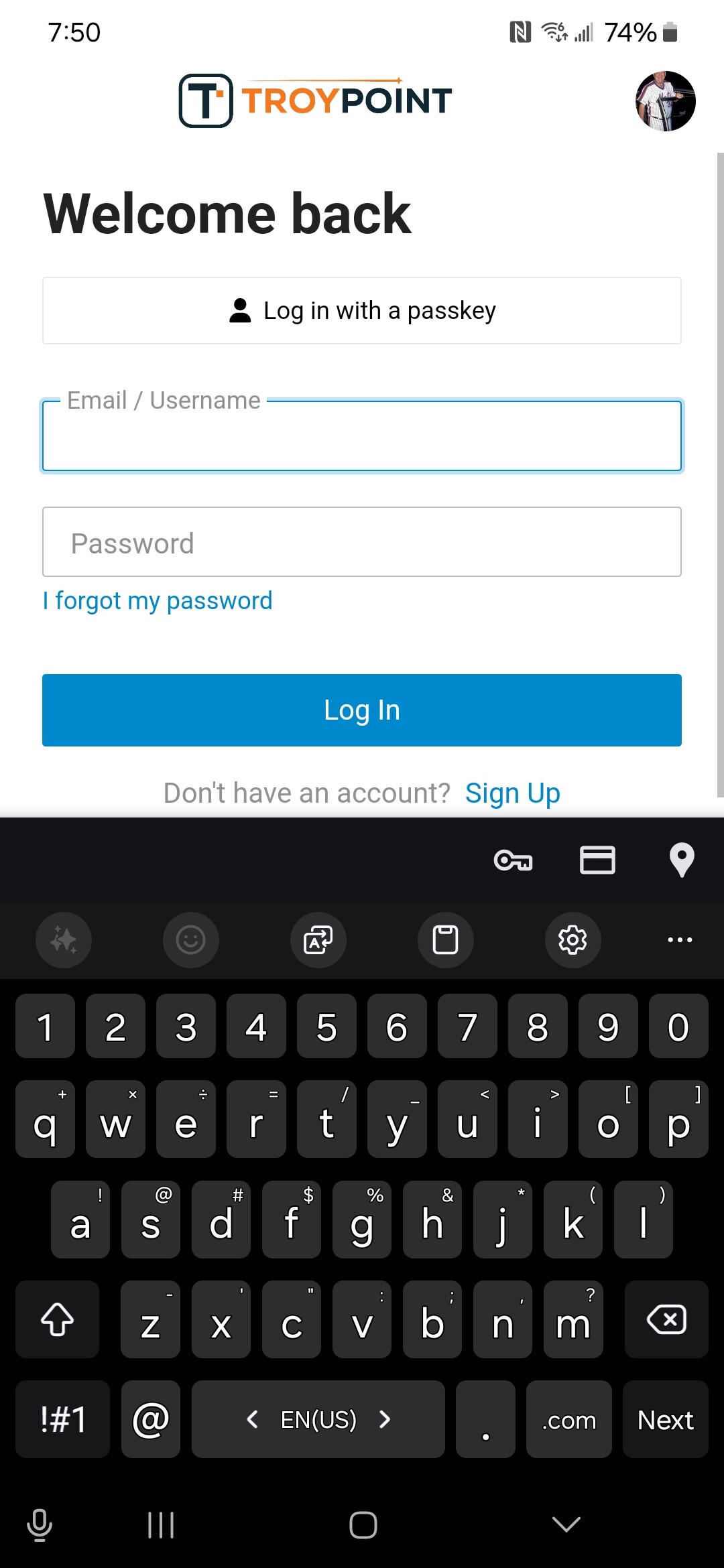
I signed in again but had to refresh to get the Welcome screen. I went back to the email video link and it sent me back to Become a Patron page.
1 Like
@JPM69 Thanks for your help. I’m still not understanding this problem.
Here is the email that was sent.
I think the problem is that people aren’t reading past the first sentence.
Yes, the first link is simply referring to the Patron sign up page for those who aren’t Patrons. This page always exists regardless of whether you are a Patron or not.
If you then read one sentence lower it reads,
If you’re a Patron, simply log into the TROYPOINT Insider and then click the video links below.
Here’s the email I sent.
So, the Patron should log in with the proper link in the email and then if they click the links further down the email, it should open properly.
Maybe these people aren’t going past the first sentence and they expect the link to take them to the videos but that is always pointing to the signup page. If they would go one sentence further they should see the proper instructions on how to get to the video.
Thanks again for your help!!
1 Like
Due to this confusion, moving forward I will not use that link until the end of the email where I provide enough explanation for what it is.
4 Likes
People just don’t read anymore and I would hate to be support for grills, toys, furniture, or anything else that requires instructions. Oh my god.
4 Likes
Yes you are correct.
I think the confusion is that the email has you click “TroyPoint Patrons” in the first sentence and people are expecting to be taken to the videos since they are Patrons.
You say “Hello TP Insiders” and then the opening sentence says Here are two videos… with a link.
If you read the second sentence and click the link it will take you to the Welcome page.
You have to scoll down to the video links to go directly to the videos (if you are signed in).
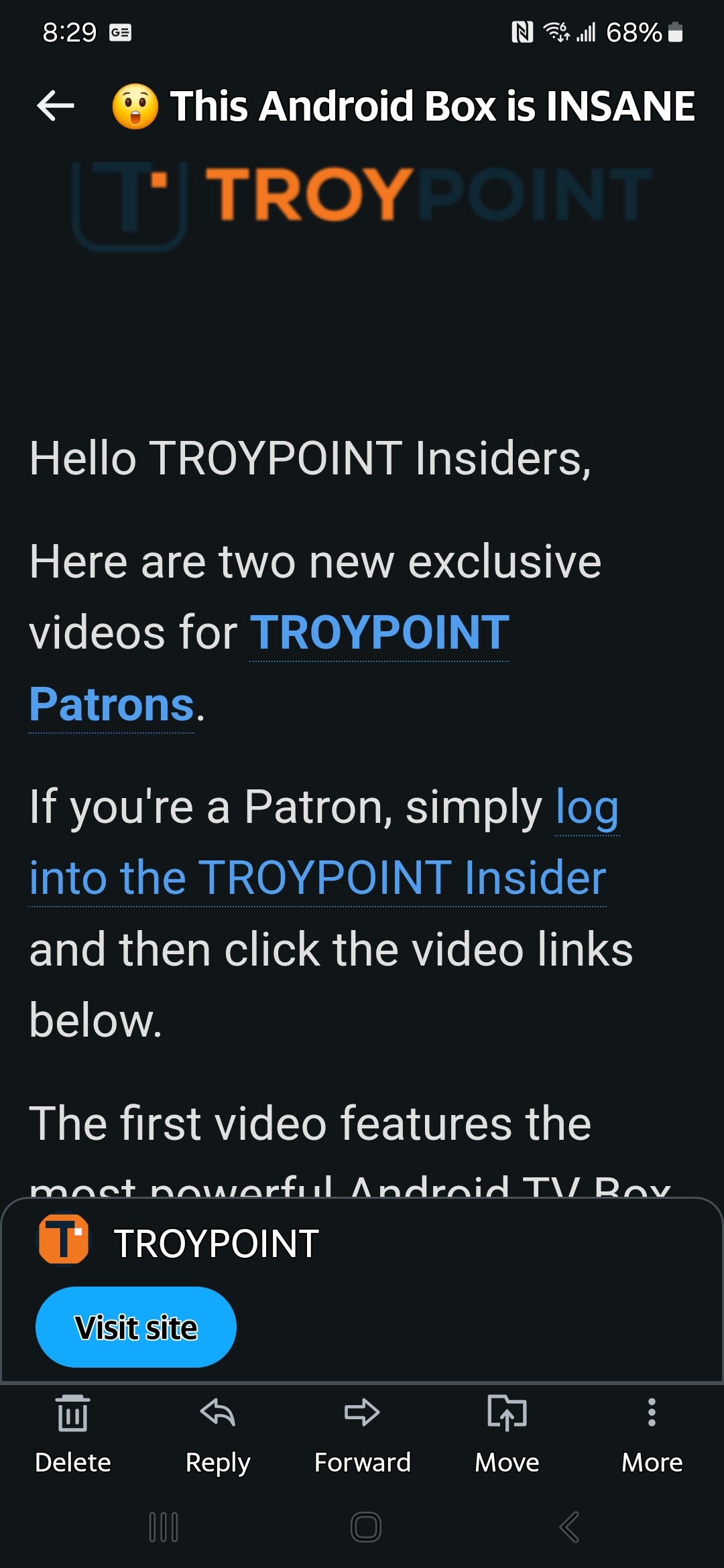
Edit: maybe instead of “Here is” you can say “Below are links”
1 Like
Thanks again. I wish there was more ability to customize this forum software as I would put a login button directly on that Patron sign-up page for those who are already Patrons. Either way, this has helped me understand what is going wrong and future emails will be better.
Thanks everyone!!
5 Likes
I paid for a lifetime also and have to trailer park it around to get in.
You guys are making this a lot harder than it has to be. Once you are a patron as long as you are logged in you can get into any category and see any content within the site. The login button is at the top of the page front and center.
1 Like
I am a troypoint insider patron but my app has disappeared from my phone. How can I restore?
Your app? Not sure what you mean. If you are referring to your Patron flare, the P on your Avatar, it’s there.
Hello @Rog usually the system prompts you to “create an app” if you don’t have one.
In your browser you should be able to go into the menu and there should be something like “Install App” or “Add to home screen” or something like that.
It isn’t an actual app but acts like one. It is just s shortcut that is placed on your phone launcher.
3 Likes