I got Debridio and working nice for me with Torbox. When comparing 4K links Debridio is bringing in many more than the free ones.
Have Debridio lifetime and it works great when I’ve used it. My problem is no weyd integration which is what I use most. On NuvioTV always seems to show alot of links and anything I’ve tried worked buffer free.
I don’t beleive Debridio has lifetime subscription.
 he was looking for testers when he first started with the offer of Lifetime if you volunteered.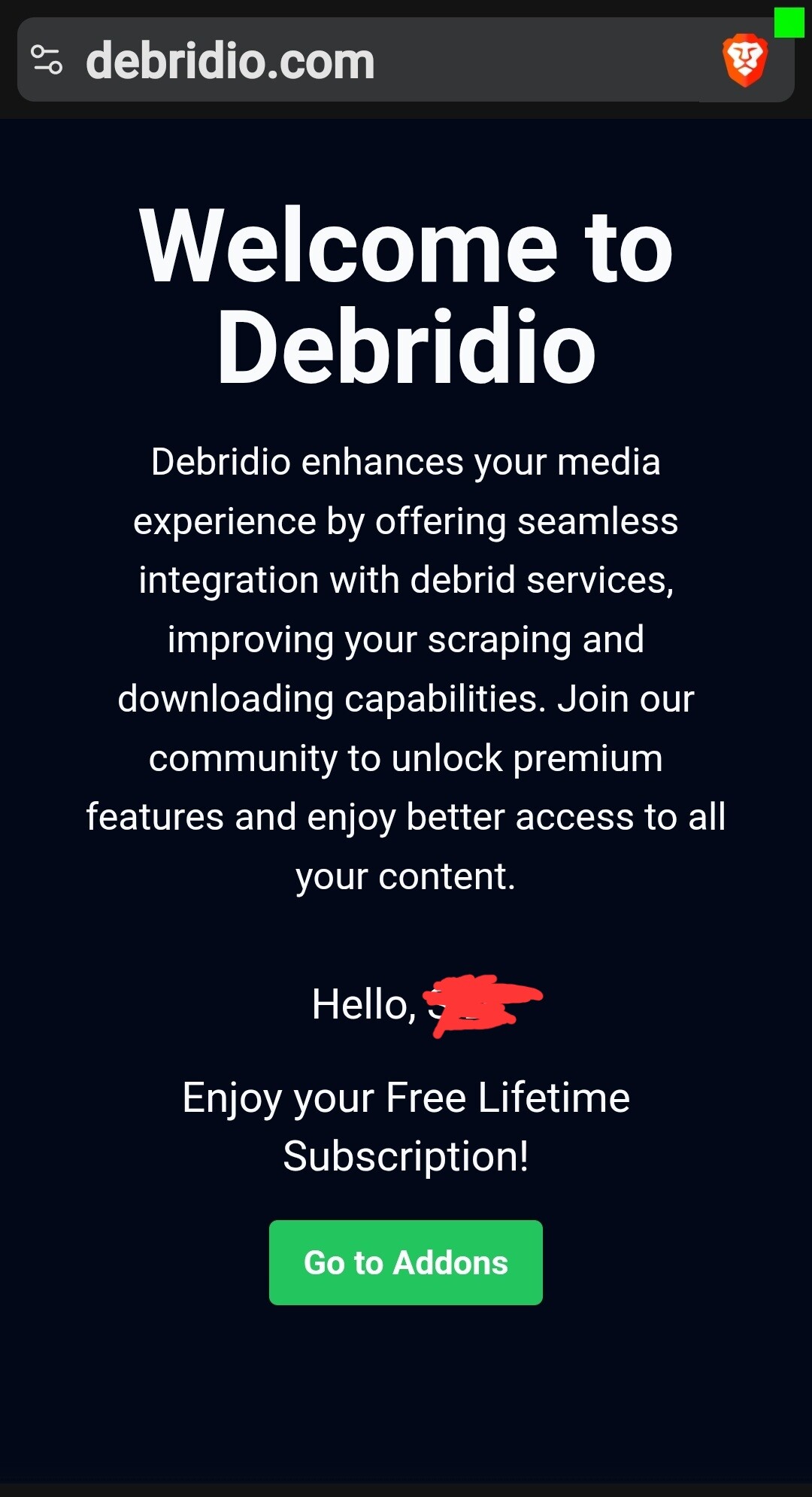
i just used a joker gift card no probs
I can get debridio to load on stremio on pc but not on
TV app
I have signed up for Debridio and installed on Stremio with no problems but can’t get it to load on Nuvio. I have followed all the steps in Troy’s video and tried installing several times, but despite clicking on the Refresh Add-ons link can’t get it to load. Can’t seem to find a link on Debridio’s site to find an answer. Anyone else struck this problem?
Is this only for Stremio? I use STRMR so it won’t work?
It works for both Stremio and Nuvio. I don’t think it works for STRMR
By the way I followed Troy’s advice and signed up for Debridio. It did cost a little more in Canadian, $14.47/yr but will be worth it if I get reliable sources.
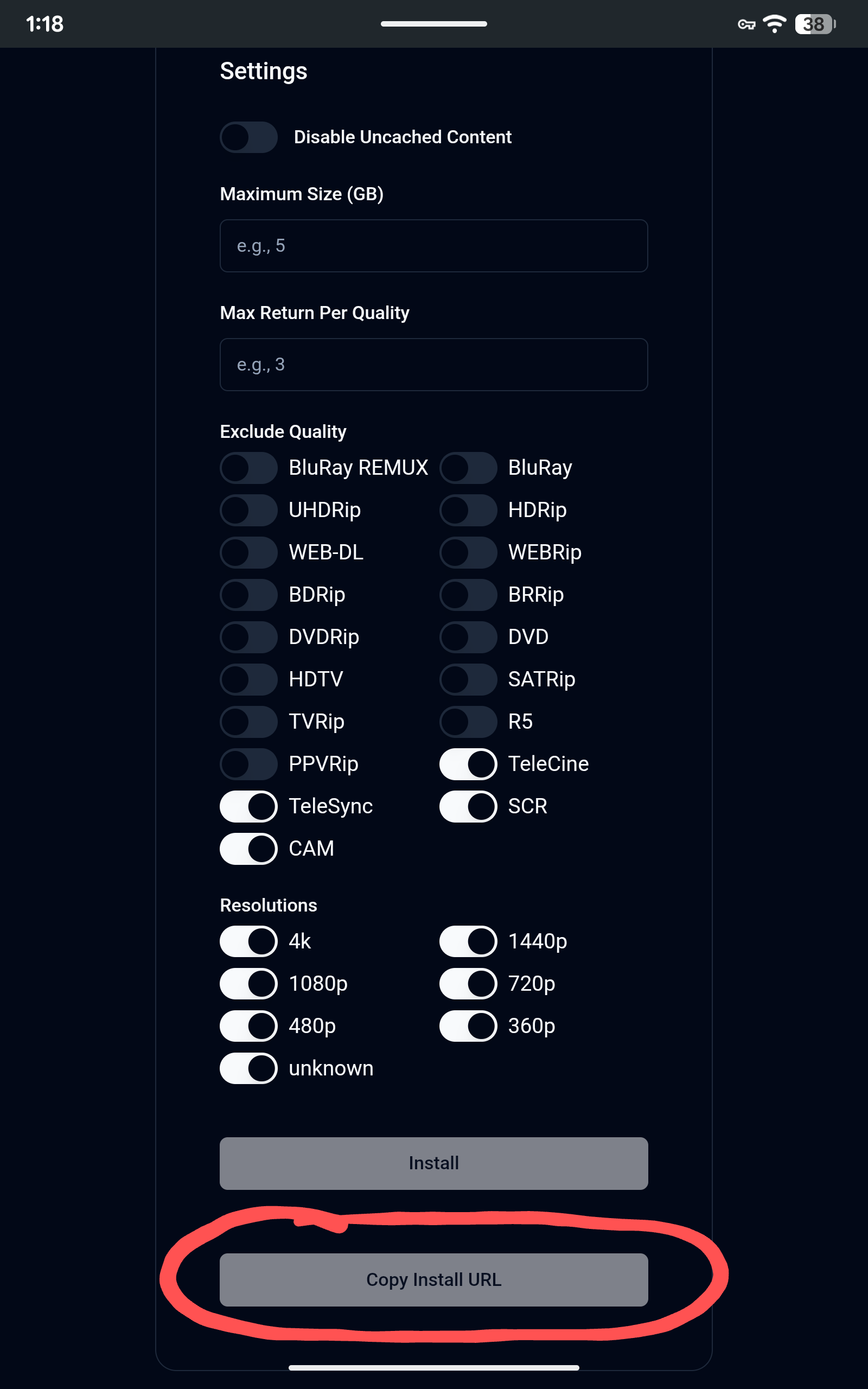
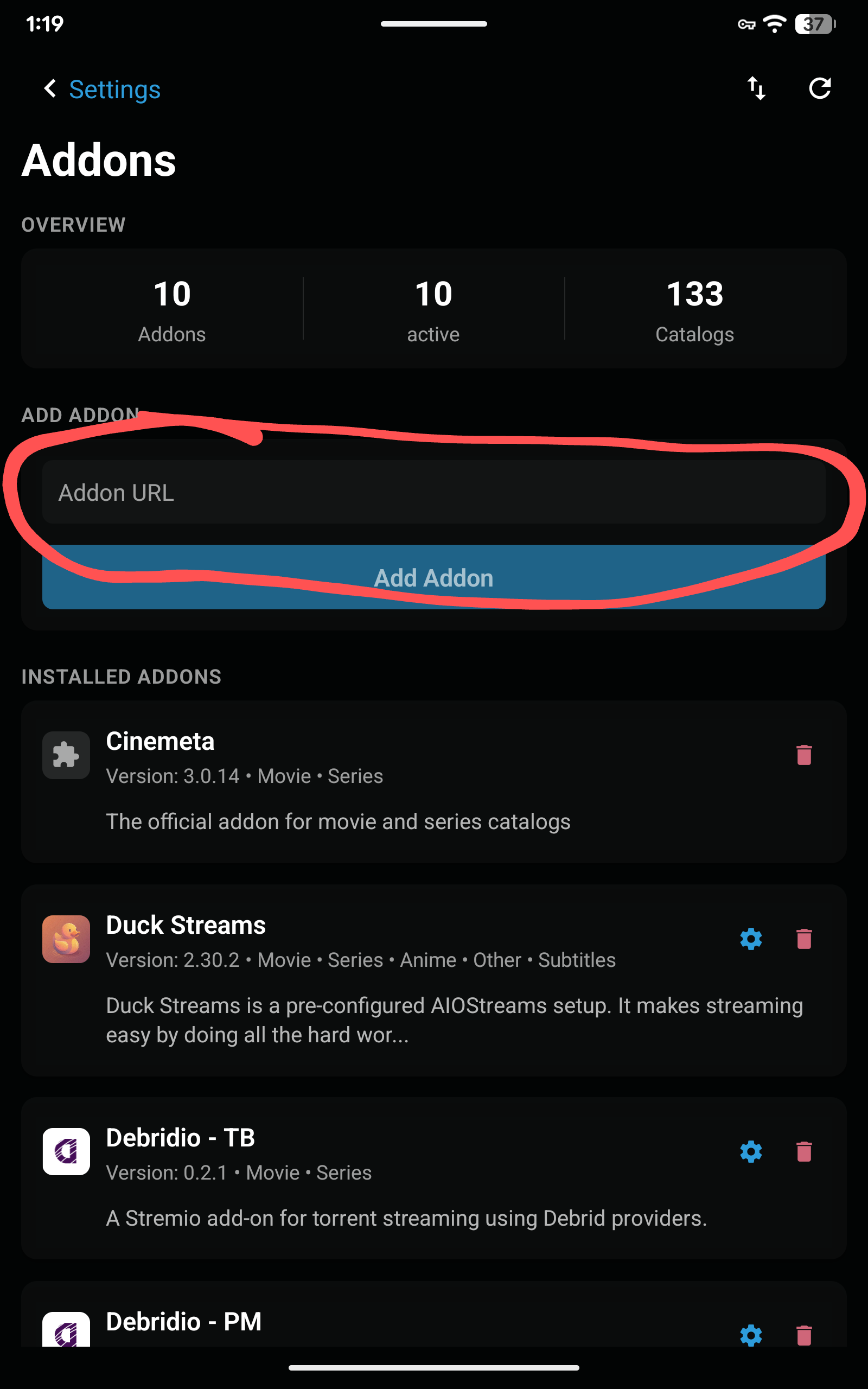
I’ve been using Debridio for 3 full days now with Stremio linked with both Torbox and Premiumize. I also kept Torrentio, Duck Strems, and Comet with both of these debrid services. I left most of the defaults alone on setting up Debridio except to disable “unknown” feeds.
While Debridio pulls in multiple feeds that all play decently, I am ONLY getting 1080p and 720p quality links while Torrentio, Duck Streams, and Comet still find numerous 4k links.
Are you getting 4k links with Debridio ? I am using a Ugoos AM9 Pro for streaming with Stremio and am getting 250 mps download with Nord VPN running. Strange that everything but Debridio gets 4k feeds. Any thoughts on what to check ?
I am using Debridio in Nuvio, unfortunately I’ve only been able to add either TB or PM in Debridio in DuckStreams not both and for aTB I am only getting download links. Adding a seperate Debridio addon for TB and one for PM I am getting some 2160 sources. I have the same setup in Stremio and will test that out tomorrow night for sources and compare the two.
Thanks for the reply and have done all of that but my problem is that although Debridio shows as being installed on Nuvio’s web page, it doesn’t come up on their app on my TV. I have tried several times to install it and refreshed the add-on list on the screen, can’t get it to come up. I notice that Nuvio is not listed under the compatible providers on Debidio’s website.
I’m assuming you are using Duck Streams to configure your Debridio? I would try and configure it on the Debridio site. Make sure you select ‘Disable Uncached Content’. I like my Maximum size set to 10gB. All the other settings should be fine assuming you want filter to out the CAM’s and Screeners.
I configured Debridio on the Debridio site. Setup one for Torbox and another for Premiumize. Not sure I disabled “Uncached Content”.
When I click the Configure “gear icon” in Stremio for the Debridio add-on, I get an error “Not_Found”. So, only way to be sure uncached content is disabled is to delete and re-install addon. Not a big deal. All other Stremio addons take me right to the addon setup page.
Deleted and re-installed both Debridio addons to disable uncached.
Still have not gotten my first 4k feed. Just been selecting 4k from other scrapers.
That happens to me as well. You will have to go back into your Debridio account and go through the process to check that you have enabled ignore uncached and any other changes as well. Then copy the url and reinstall it deleting the previous one. Even on just adding the Debridio directly into either Nuvio or Stremio by itself you can’t access the configuration and from my experience that may be because debridio has it’s own api key for the addon but not a seperate one for config access. Just guessing. I do hope that the Dev carries on with improvements as IMHO there are some things needed like specific options to stop Download links showing and providing better language management.
@carljh if you have synced the apps and also used the “push from device” then on your streamer make sure to force close Nuvio, clear cache and do a proper device restart. That usually updates everything on the streamer. If you actually have Nuvio installed on the TV then I can’t help much as I use a BuzzTV P6L and not the tv itself. In that case my only thought is to actually unplug the TV for a few minutes and let all the circuits discharge themselves and then say after 3 to 4 minutes plug it back in and then check to see if Nuvio synced.
Are you logged in on the Nuvio TV app? In the Nuvio TV app, go to “settings” and see if you are signed in under “account”.
I am using Stremio, not Nuvio which is logged in correctly. This lack of 4k links is on my Ugoos AM9 Pro, Onn 4k Plus, and my Windows 11 laptop. All have the latest versions of Stremio installed. Posted the issue on the Debridio Discord, but not holding my breath.