I just got my onn 4k pro and I like it so far!! Before that I had the firestick 4k. So that’s all I can speak onn at this time!!! Lol see howi did that !! (Onn)
Google TV apps mode - When you want a clean home page
What to expect after enabling Apps only mode
The home screen will only display your installed apps.
Personalized recommendations and suggestions will be removed.
The Google Assistant is disabled in this mode.
The ability to provide feedback or add titles to your watchlist will be disabled
Thanks @MikeN for getting back about my inquiry. I guess I’m just lazy sometimes and the first thing I try to install is “DownLoader” to be able to get in the ToolBox we all love so much!
Ive since found another code to use as a “sorta-kinda (if you squint and cross your toes)” decent backup if and when I cant access the ToolBox: Check out this video 5546232 is the Downloader Code but the actual content there Pales in comparison to TPTB.
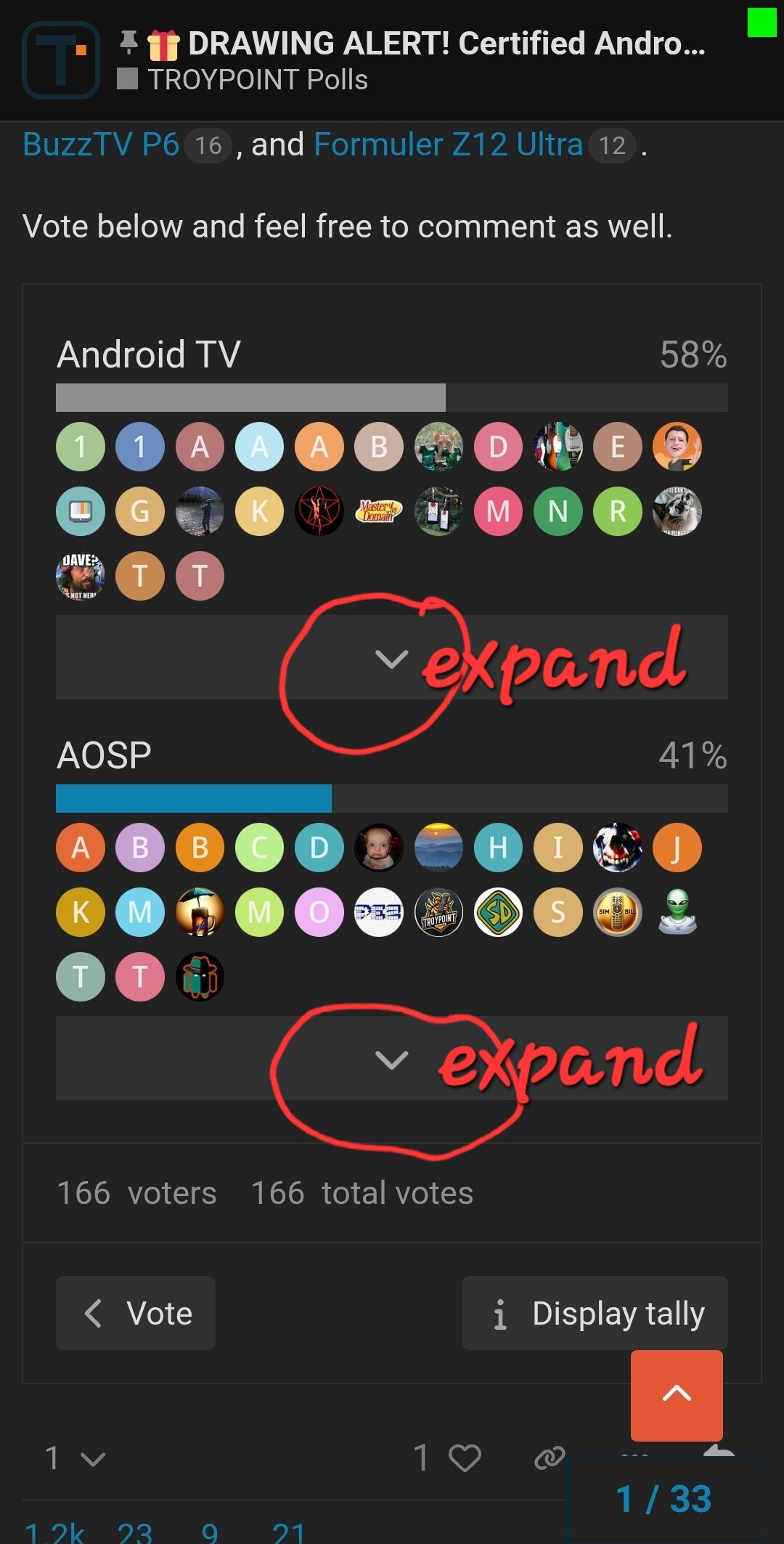
I have two Android 8.1 AOSP devices and last year I bought an Android TV 14 and I’m really not getting used to Android TV. It’s only with Troy’s videos that I’m starting to understand Android TV 14. With Android AOSP, the keyboard and flexibility make a huge difference.
i started out using firestick.. i have since moved on with buzztv, china box, nvidia shield (main box) and have since helped other with onn boxes.. for beginners or generic users onn is the best for them. I personally am split between my nvidia (tivimate) and buzz (porch tv) i do most of tv recording on my buzztv and i prefer to use nvidia for my 3rd party apps. My china box is used for emergancy back up and letting a friend try out to see if they wanna dump cable.. then help em set up a onn.
I’m with Mr. teehar on this. I’m having a bit of trouble with my AM9. But I’m certain that I’ll get it figured out soon enough. And I still really like my Shield Pro.