@Slash1951, you just want to put in just the code…i.e. 250931 and nothing else.
2 Likes
Troy with new Onn 4k stick I downloaded through Google Play store the downloader app and tried to download your code but it will not work. The old downloader has worked for years now I can’t side load with
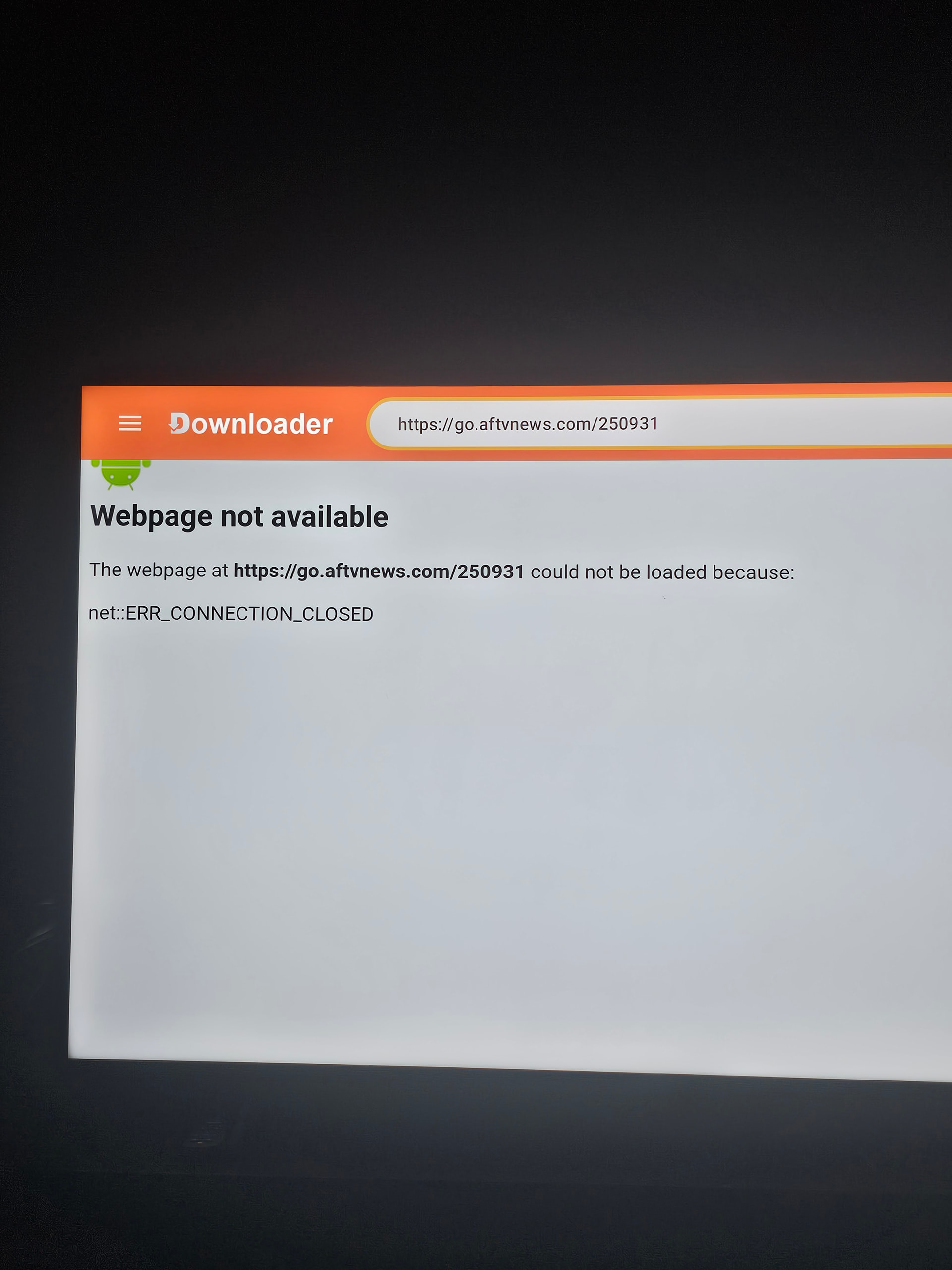
codes. Any suggestions because of you I’ve learned a lot the last three years. Thank you sir!
1 Like
I just tested it…if you type in “Troypoint Toolbox” in the header, the toolbox will open. This was on my ONN Pro.
Maybe turn off Google Play??
I tried it it didn’t work either 
I will try that and see if it works. Thank you but the way I get the side load apps is by codes. Thank you Jerry. I let you know.

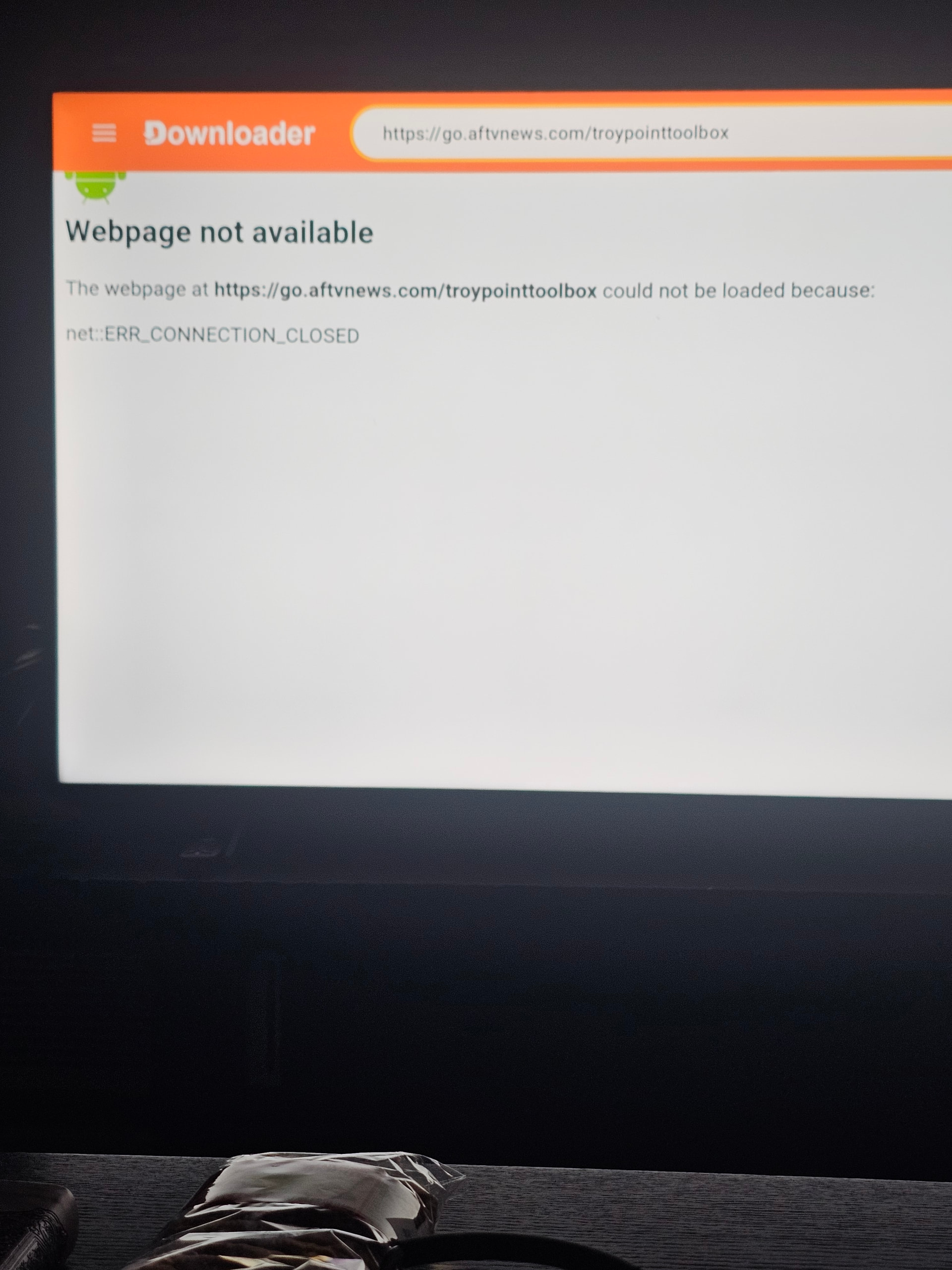
You should only be typing in “Troypoint Toolbox”. and nothing else in the header.
Is the photos that you provided it appears that you are typing in https://go.aftnews.com.
Don’t do that. Just Troypoint Toolbox with a space between the two words.
try disabling the vpn or changing dns settings.
And maybe do a complete shut down of every thing for a few minutes 

I did disabled Surfshark and it download the codes I had. It didn’t do that on the first version on downloader. I just worried by turning it off to download side apps that my Internet company will see it but Surfshark is back on. Thank you TxRon and God bless!!
1 Like
No I’ve tried all day but someone told me to turn Surfshark off and download codes and it worked. Thank you anyways for your concern!!
1 Like